Bring structure and collaboration to every project
Projects centralize your firm’s code research, notes, and documentation, making it easier to stay organized, aligned, and compliant across every team and jurisdiction.
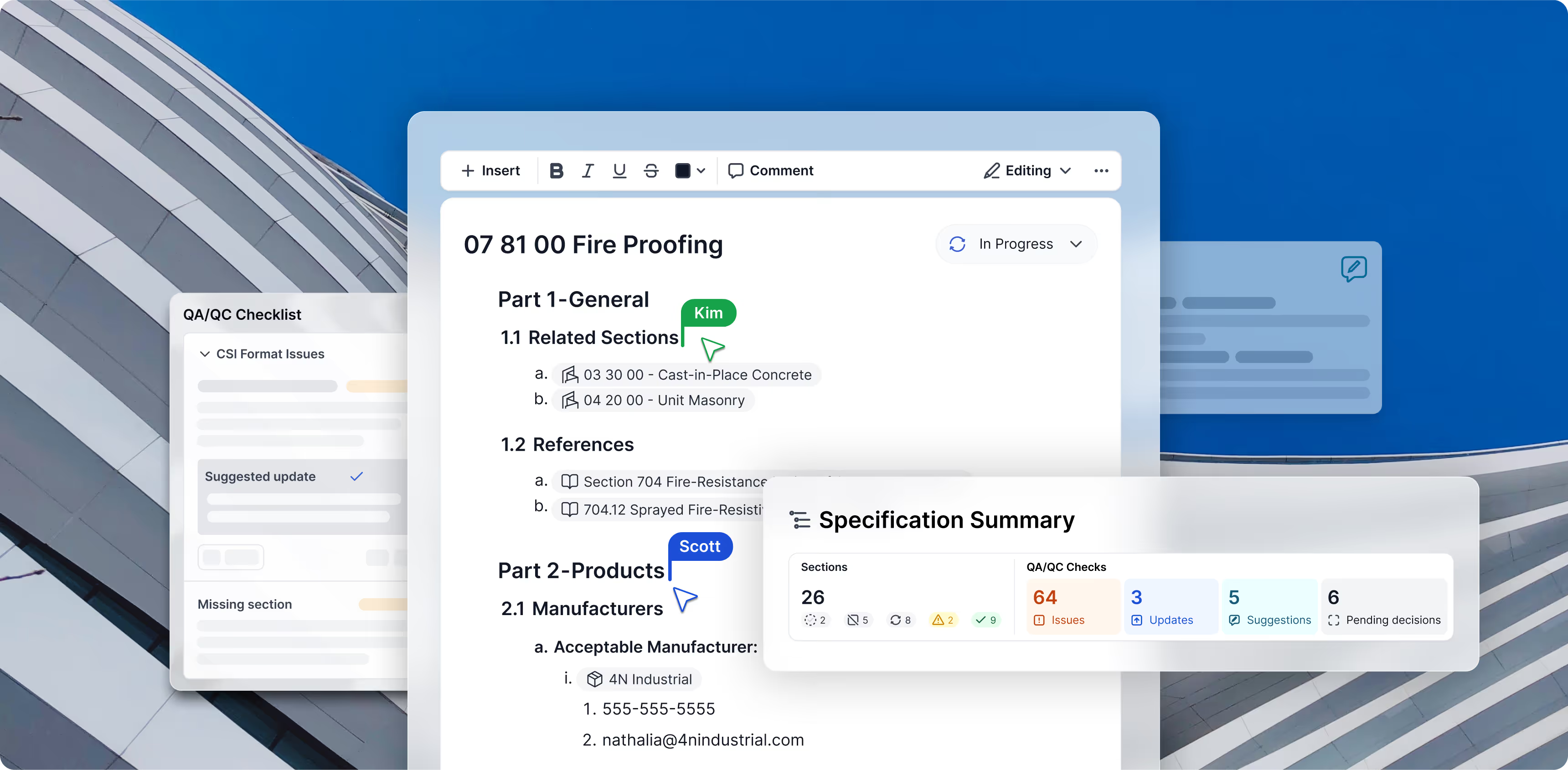
Bring specs online without losing control or context

Trusted answers. Faster decisions.
How specifications work inside UpCodes
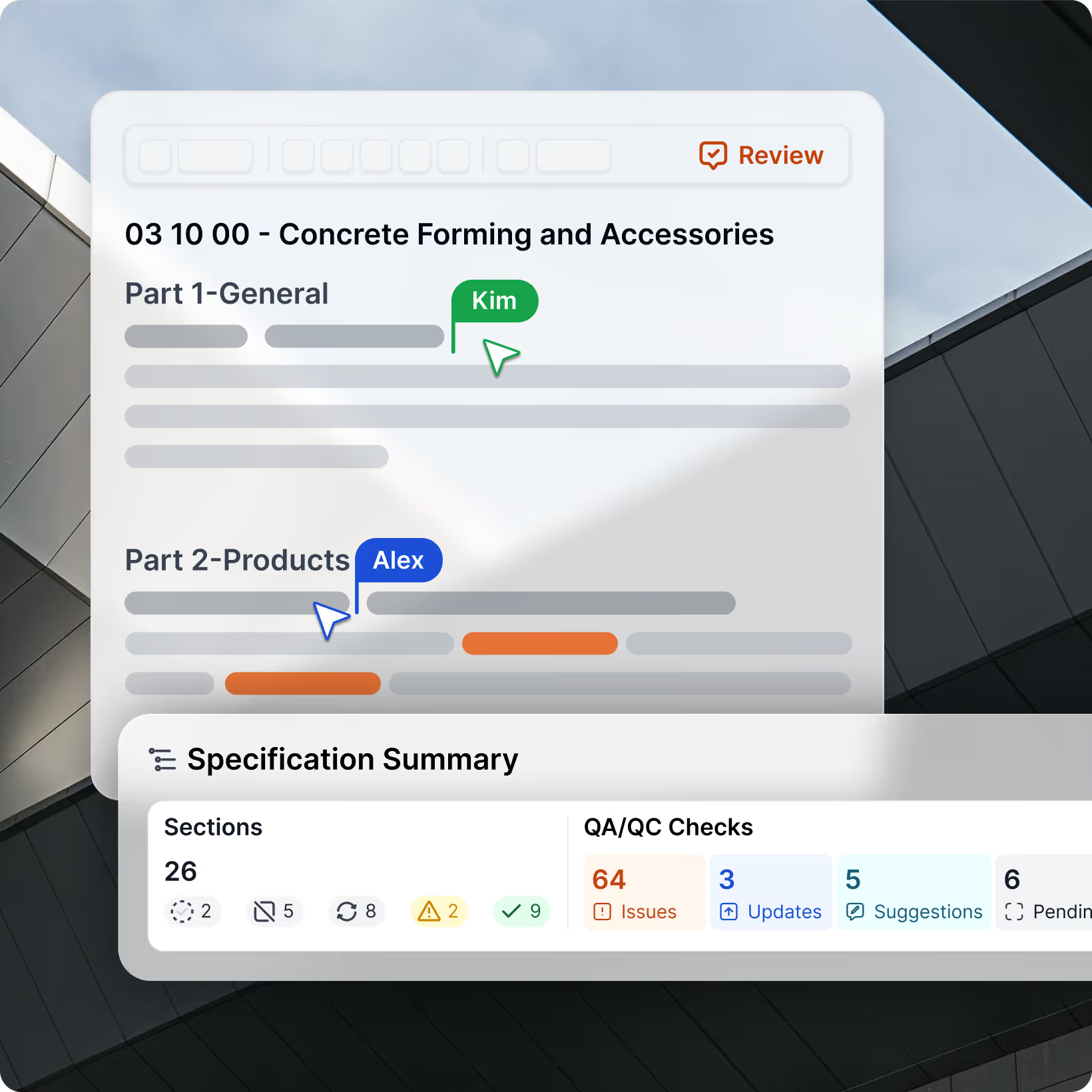
Specifications live inside projects, so every document is tied to a real jurisdiction, code year, and building context. Open a Specification within a Project, and manage all of that project’s spec work from a single place.
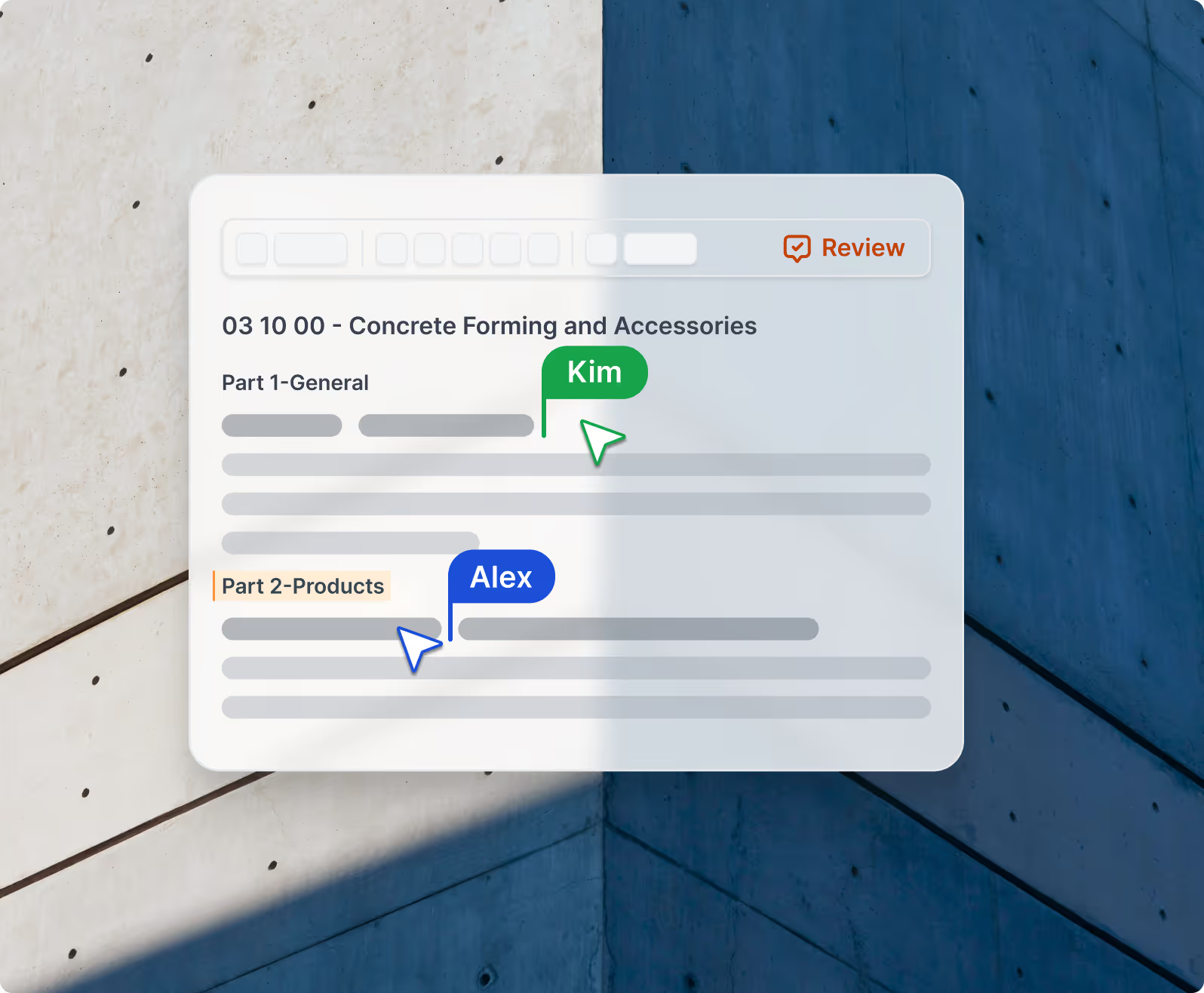
The editor is built for teams: you can draft and revise sections, comment and tag colleagues, and control who can view, edit, or suggest changes within each spec. Everything stays structured by division and section, so it’s easy to navigate, track changes over time with section-level version control, and keep projects aligned.
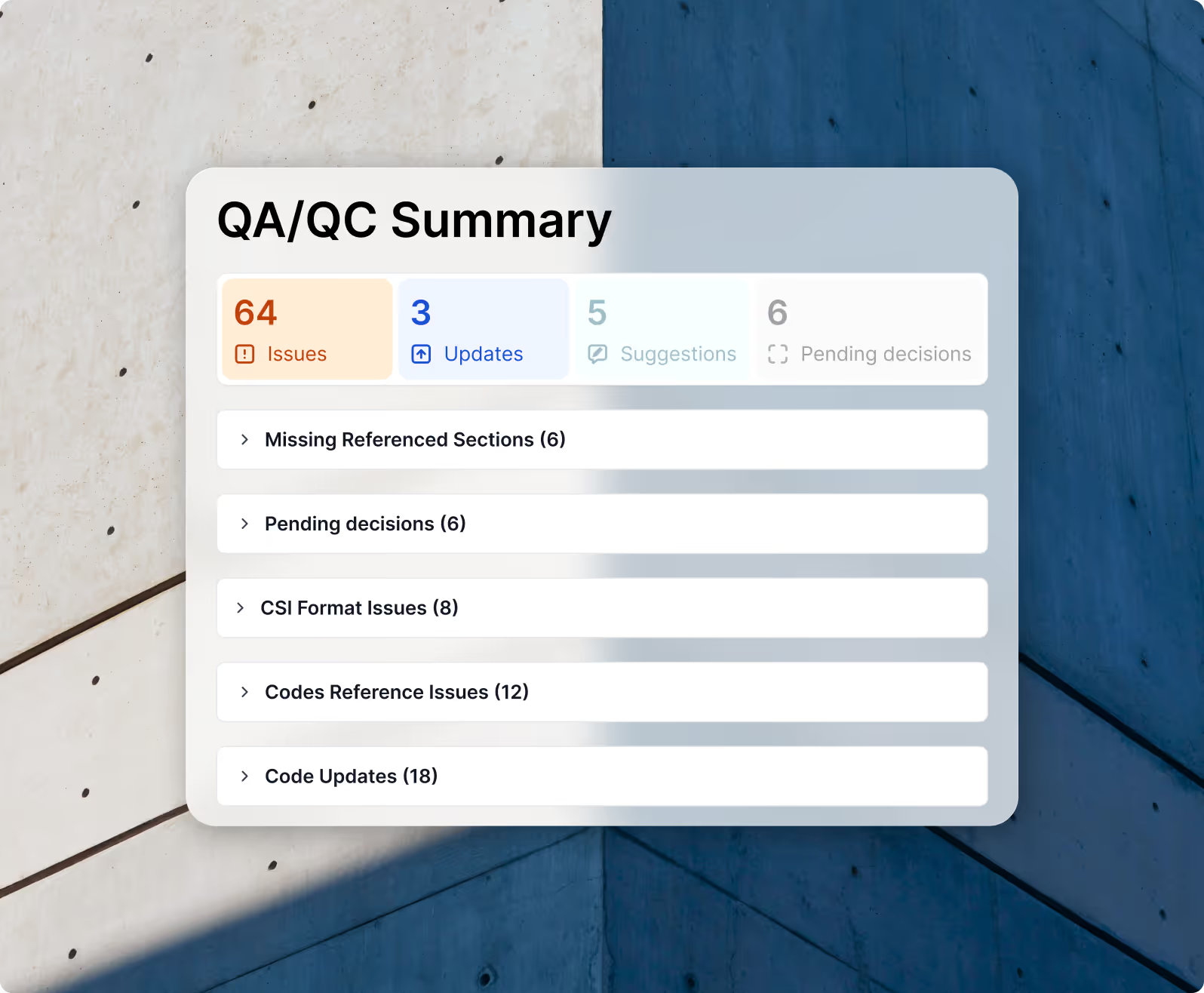
A built-in QA/QC view helps you spot broken references, empty sections, and unresolved decision points before a spec goes out the door. From there, you can resolve issues inline, then export polished Word or PDF packages for coordination, submittals, and record sets.
Specifications are part of the UpCodes platform, not a separate bolt-on. Professional plans will include full spec capabilities, and some view/comment functionality will be available to free and Essentials users.
Today, Specifications support CSI-format documents so firms can bring in and manage the structure they already use. Support for additional formats, including Uniformat, is planned as well.
You don’t lose the work. When you add that section back, you’ll have the option to restore the previous content or start from a clean, blank section.
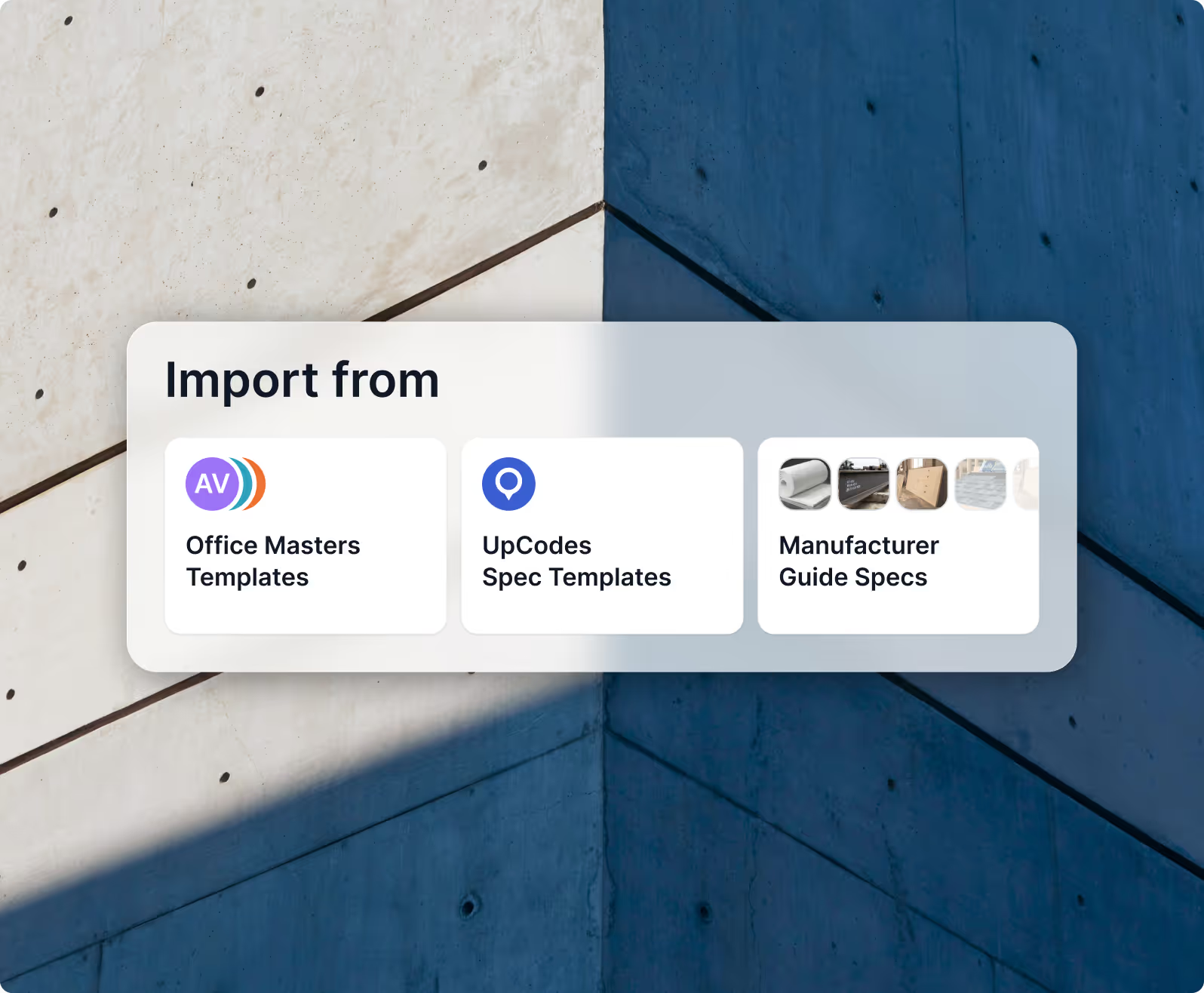
You can import existing office masters to get started quickly and export any spec to Word or PDF when you need to share, mark up, or archive outside of UpCodes. That makes it easier to adopt a modern editor without forcing the rest of the team to change tools overnight.
Specifications sit alongside your project’s adopted codes, assemblies, and product data, with inline references back to relevant sections. As your project’s jurisdiction or code year changes, those references can stay aligned with the underlying Code Library.
Suggesting mode allows team members to propose text changes, code and product reference changes, or style modifications without explicitly overwriting the source text until the spec owner approves the change. Simultaneously, version control automatically tracks a history of who modified what and when the change was made, letting you preview historical differences and roll back changes without losing subsequent work.
