Assemblies Library

Faster assembly research, fewer surprises

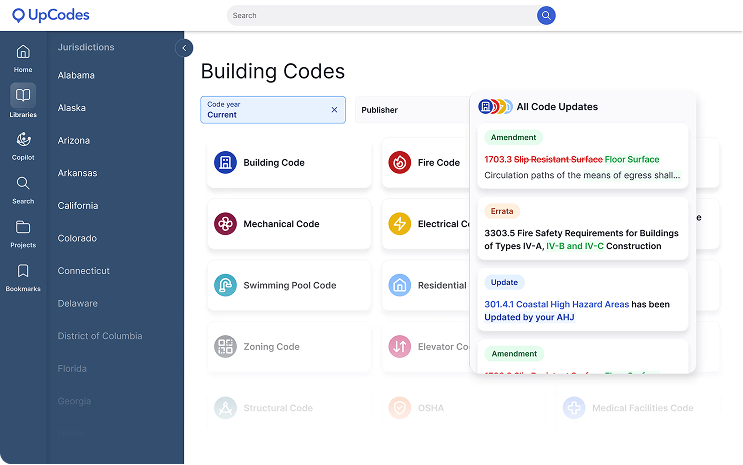
Thousands of wall, floor, roof, and partition systems - with linked requirements, diagrams, and product options

Try it for Free
Get a Demo
Faster assembly research, fewer surprisesFaster assembly research, fewer surprises
From requirement to system

Assemblies that connect code to buildable decisions

Assembly research sits at the intersection of compliance and constructability. UpCodes brings structure, context, and collaboration to assembly selection, so teams can move from requirement to system with fewer surprises. Every assembly stays connected to the code, diagrams, and products that support it.

Search
Review
Align
Find buildable solutions faster
Search

Find buildable solutions faster

Search across 13,000+ assemblies using structured performance data. Skimmable titles and focused filters help teams narrow options quickly-without starting from scratch.

- Fire ratings
- Acoustic performance
- Wall and floor types
- Material configurations
- Manufacturer-provided systems

1/4
Learn more
Assembly pages that give you full context
Review

Assembly pages that give you full context

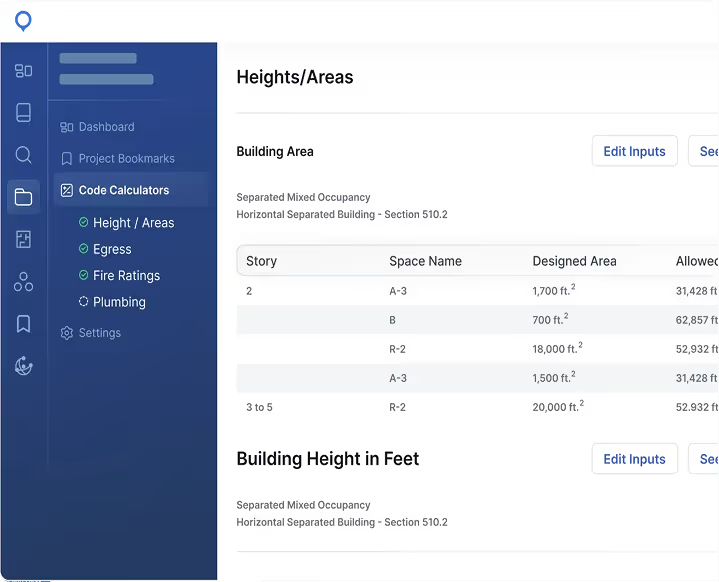
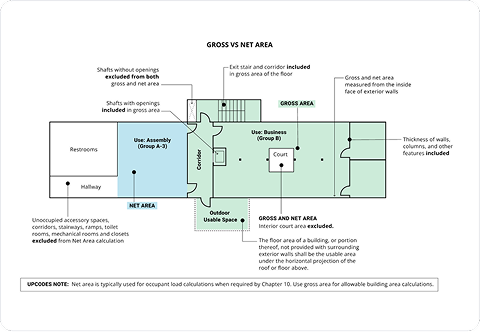
Transform assemblies into a decision tool - not just a reference. Each assembly shows: - Relevant diagrams explaining geometry, clearances, or continuity - Update tracking so you know when manufacturers publish revisions - Related products that meet performance specs (coming soon!)

1/4
Learn more
Stay aligned across teams
Align

Stay aligned across teams

Bookmark assemblies to your projects, add comments, tag collaborators, and attach details or markups. Teams stay aligned on the exact configurations they’re building toward.

1/4
Learn more
How It Works

When selecting an assembly for a project requirement:

Filter assemblies by rating + material (e.g., “1-hr gypsum stud”), then compare options side by side.

Open the applicable code sections to confirm the actual requirement, and view diagrams to check continuity at penetrations or intersections.

Export or reference them when drafting documentation or specs