



How leading architecture firms can manage codes and specs—end to end












Research, interpret, and apply codes with confidence
Building codes are complex and constantly evolving. UpCodes gives you the tools to find the right requirements, understand them clearly, and apply them to your projects with confidence.
See the code, don’t just read it
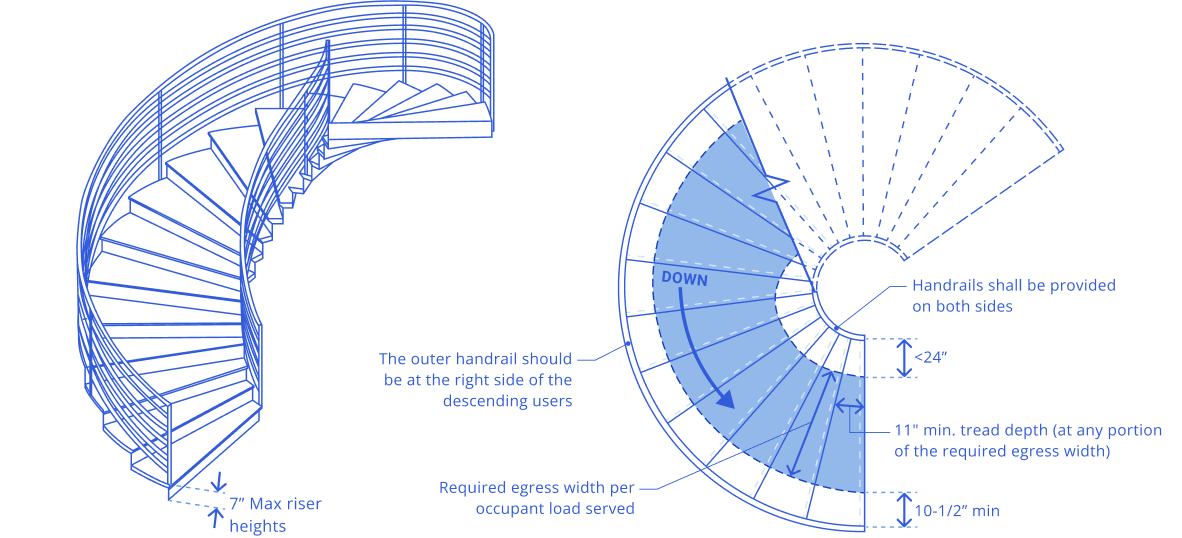
Visualize exactly what the code is saying with detailed illustrations. UpCodes Diagrams unpack complex concepts and help junior team members build code understanding.
Get instant code answers with AI
UpCodes Copilot delivers project-specific guidance based on your jurisdiction, code year, and design intent. Every answer includes code references and can be carried into early spec drafts.
Search codes in one place
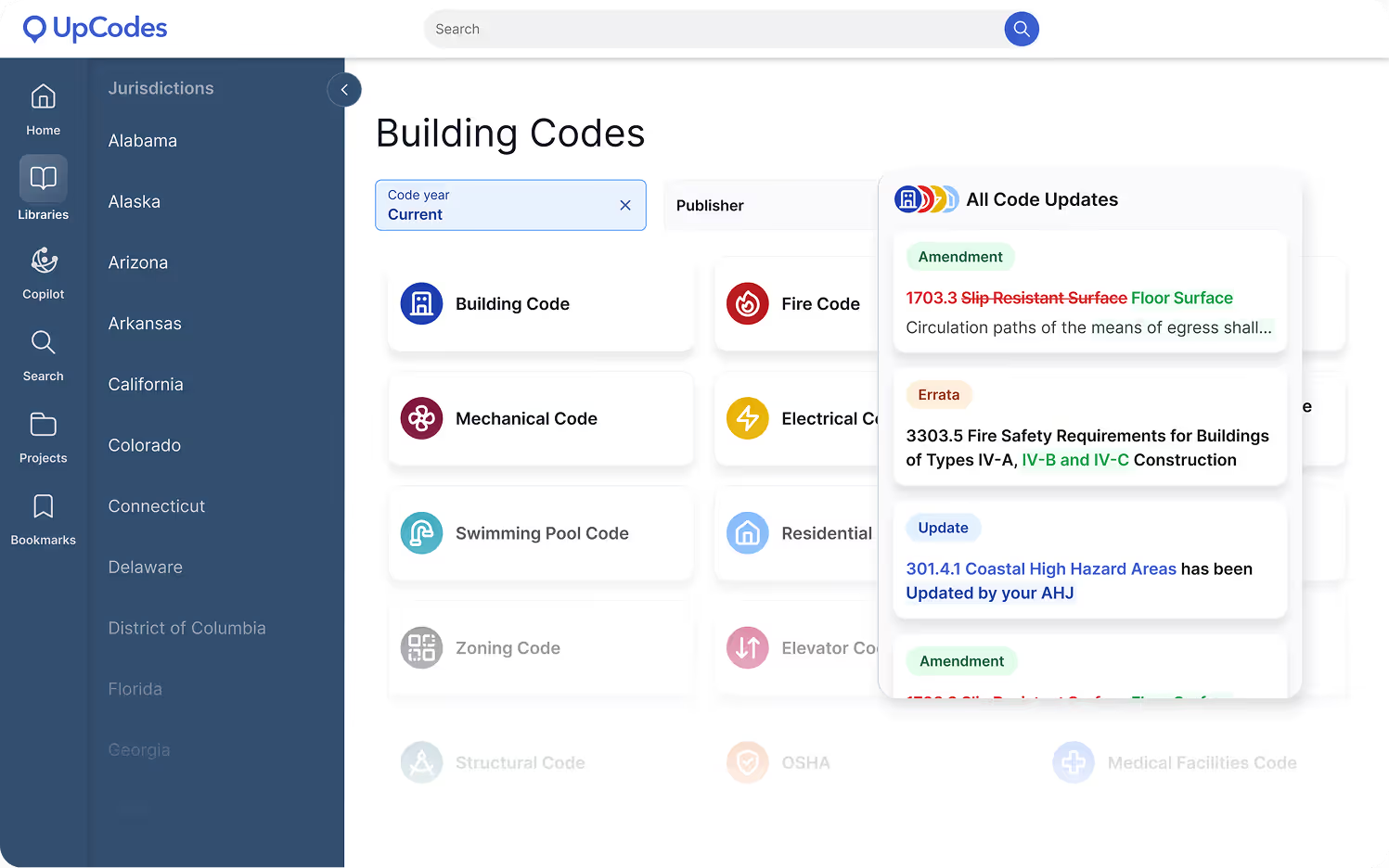
Find jurisdiction-specific codes, with integrated amendments and errata, in a single platform. No more piecing together PDFs or flipping through different books to spot variations. UpCodes puts it all at your fingertips.
Automate code calculations
Input basic project details, and let the Code Calculator generate a detailed list of compliance checks and code requirements. Flag potential issues during early-phase feasibility studies and save yourself costly rework down the line.
Real results. Measurable impact.
Book a demo to see how UpCodes streamlines compliance from research through documentation and QA/QC — with accurate codes, visual clarity, and AI tailored to your projects.

Trusted Answers. Faster Decisions.

Trusted Answers. Faster Decisions.

Trusted Answers. Faster Decisions.

Trusted Answers. Faster Decisions.
Our most frequently asked questions
Got more questions? Read our full FAQ or contact us with your enquiry.
Copilot is included in the UpCodes Professional plan. Essentials users can try Copilot with limited access, but full capabilities are reserved for Professional subscribers.
Generic AI tools are trained on broad internet data and aren’t designed to handle the complexity of AEC compliance. UpCodes Copilot is purpose-built on a continuously maintained library of locally adopted codes, amendments, assemblies, and products, with clear citations back to the exact sections used.
That difference shows up in practice: in a recent expert-reviewed study, Copilot was 57% more accurate than leading generic AI tools when answering real-world code questions.
Yes. Copilot remembers your jurisdiction, building type and size, and code year - so you don’t have to start over every time. You can also upload project documents like AHJ comments or spec drafts for more tailored, project-aware answers.
Accuracy is where purpose-built AI matters most. In an independent study of 43 real-world code questions, responses from Copilot and several generic AI tools were evaluated by industry subject matter experts.
UpCodes Copilot earned a 93% weighted accuracy score across major code families-more than 2× the accuracy of generic AI tested. Every answer is grounded in adopted codes, includes verifiable citations, and often surfaces diagrams to support interpretation.
Yes. Copilot doesn’t stop at Q&A. It can generate project-specific checklists, and soon, full specifications - all tied directly to your projects. This enables collaboration across teams, centralizes compliance tracking, and replaces hours of manual QA/QC with automated, reliable workflows.
Your data is your data. Copilot does not train on your conversations or documents, and we use secure, enterprise-grade infrastructure to protect sensitive information. Conversations are private by default and cannot be seen by teammates unless you explicitly share them.
