UpCodes Code Calculator

Verify quantitative requirements with confidence

Apply code calculations accurately-without spreadsheets, manual formulas, or second-guessing.
Try it for Free
Get a Demo
Verify quantitative requirements with confidenceVerify quantitative requirements with confidence
Built for real compliance checks

Code requirements often hinge on calculations-not just interpretation

Spreadsheets and hand calculations make it hard to keep pace with changing codes, projects, and jurisdictions. Code Calculators bring those numbers into a structured, code-aware workflow, so everyone is working from the same assumptions. Instead of rebuilding formulas for every project, teams plug in project data and see outcomes tied directly to adopted requirements.
Code Calculators
Tied to requirements
Made for decisions
Always-current codes at your fingertips
Code Calculators

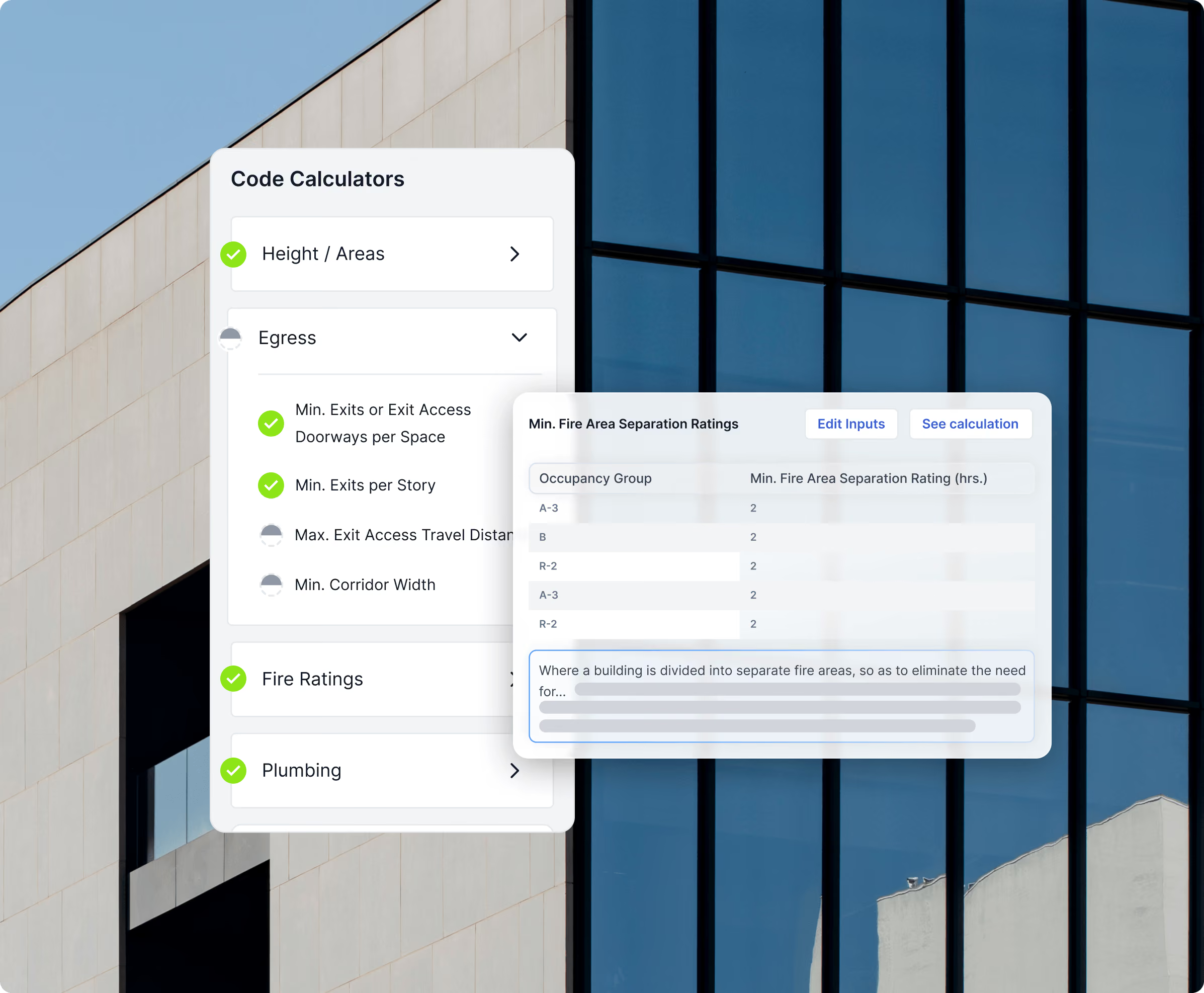
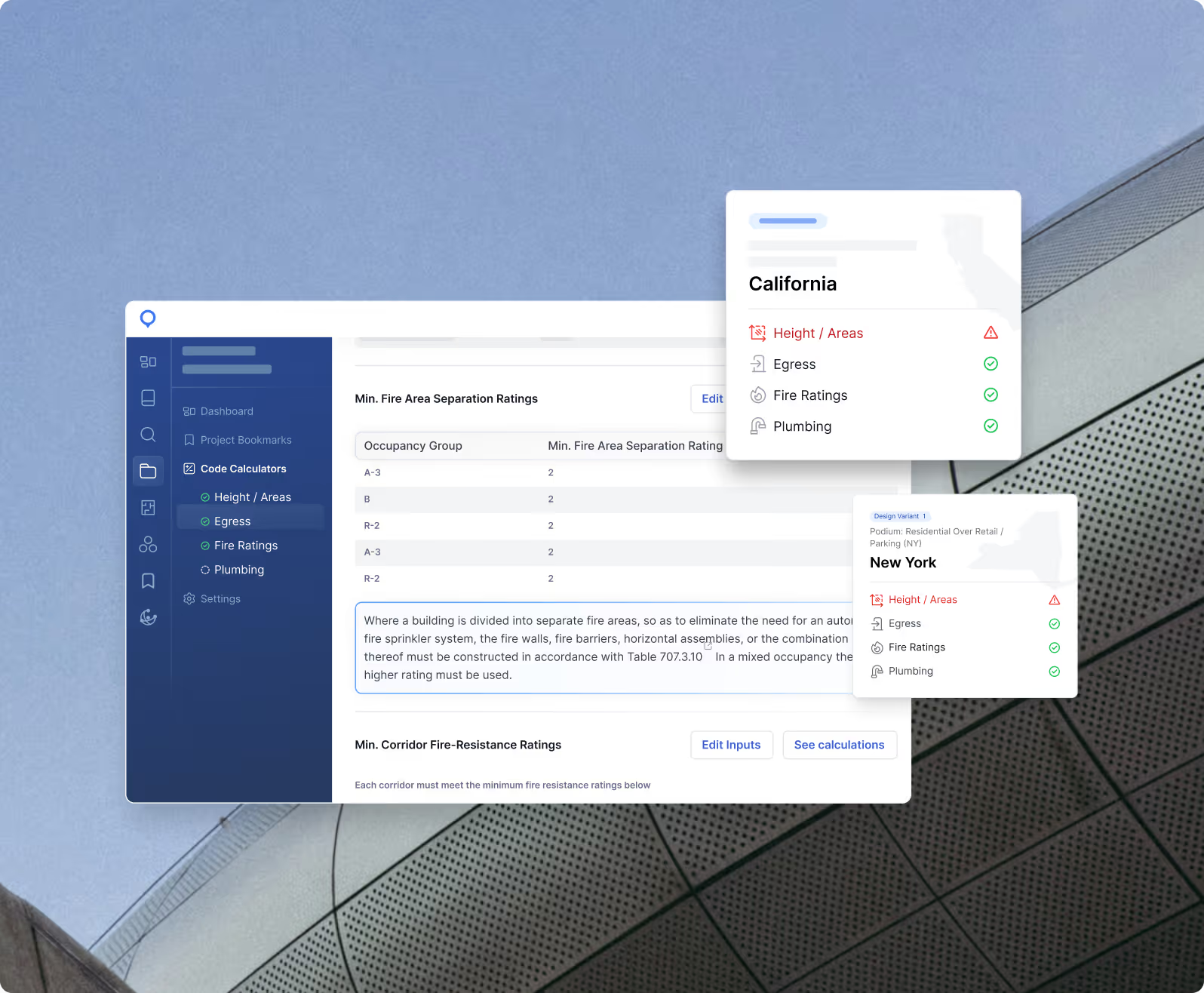
Code Calculators help teams validate requirements like:

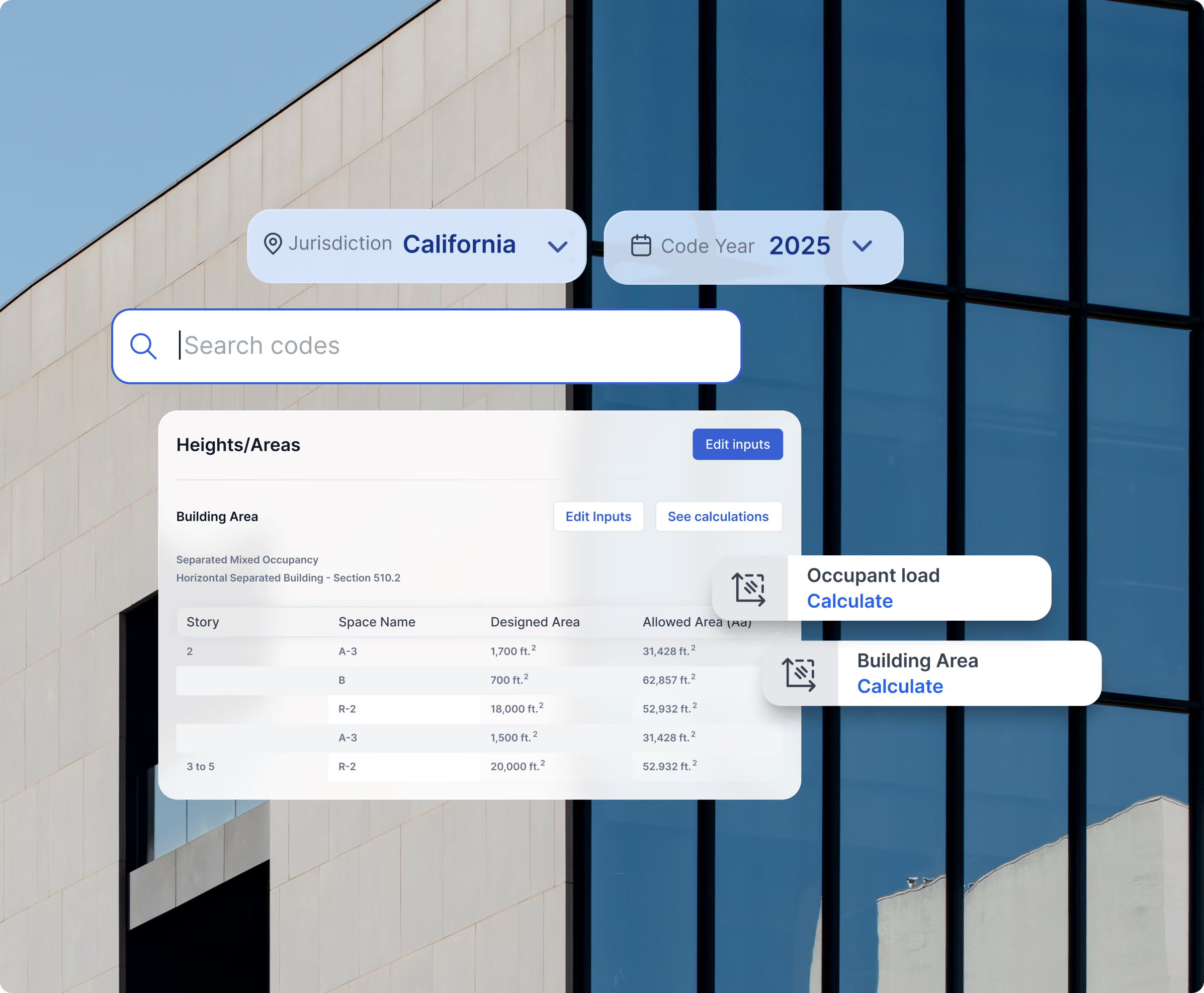
Height and area limits

Egress and occupant loads

Fire-resistance and separation ratings

Plumbing fixture counts

All calculations stay grounded in the adopted code and local amendments for your project.

1/4
Learn more
Always-current codes at your fingertips
Tied to requirements

Calculations tied to adopted requirements

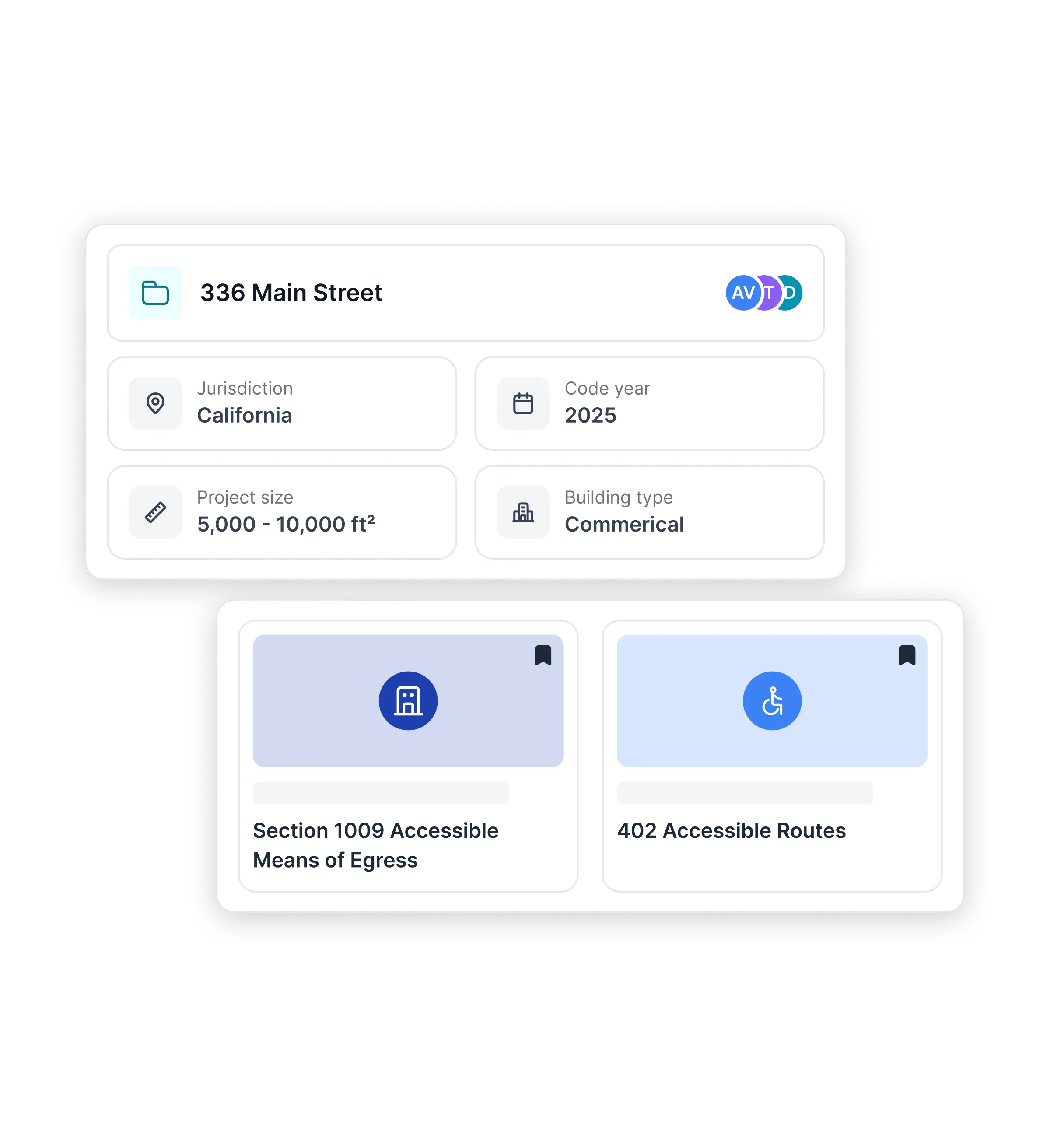
Each calculation is connected to:

The governing code section

The project’s jurisdiction and code year

Local amendments that affect outcomes

Calculations inherit the same accuracy standards as the Code Library-so quantitative checks stay consistent with the rest of the platform. This makes results easier to trust, and easier to explain during review.

1/4
Learn more
Always-current codes at your fingertips
Made for decisions

Use calculators where decisions happen

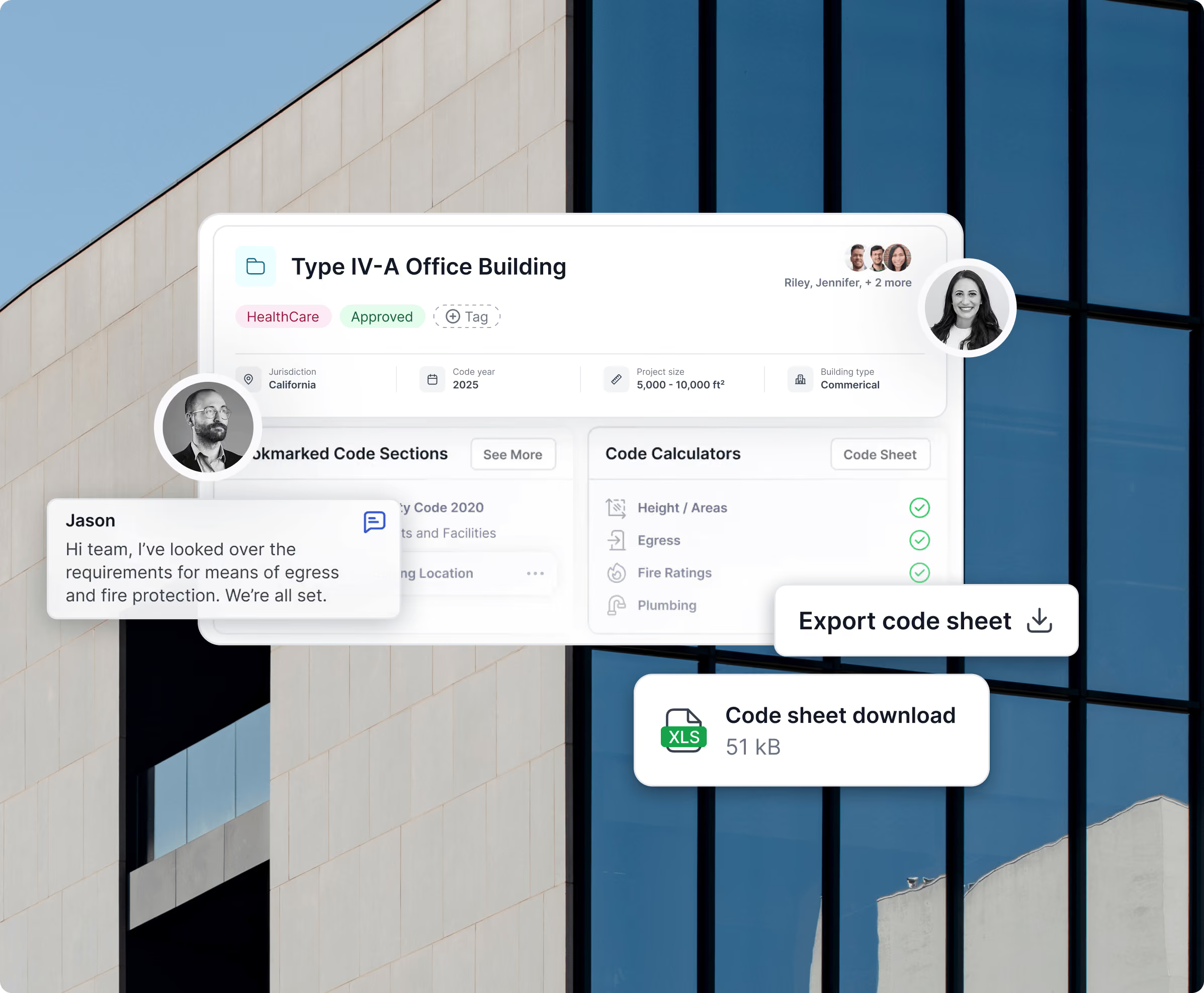
Code Calculators live inside Projects, so results stay tied to context.
Adjust inputs as designs change

Model variations across code years or jurisdictions

Export results for coordination or documentation


1/4
Learn more
Supported calculation categories

Key code calculations, covered in one place

Code Calculators span the core categories that drive feasibility, life safety, and documentation. From height and area to egress, fire-resistance, and plumbing fixtures, teams can check the numbers that matter most without leaving UpCodes-and the library grows as codes and requirements evolve.

Faster, smarter workflows

Height & Area

Building area

Height (feet and stories)
Faster, smarter workflows

Egress

Occupant load by space

Required exits

Travel distance and corridor widths
Faster, smarter workflows

Fire & Life Safety

Fire-resistance ratings

Separation requirements
Faster, smarter workflows

Plumbing

Required fixture counts

Additional calculators continue to expand alongside code updates.
How It Works

How teams use Code Calculators

Code Calculators live inside UpCodes Projects, so they inherit its jurisdiction and code year automatically. Once that context is set in Project settings, every calculation runs against the same adopted codes and local amendments you’re already using elsewhere in UpCodes.

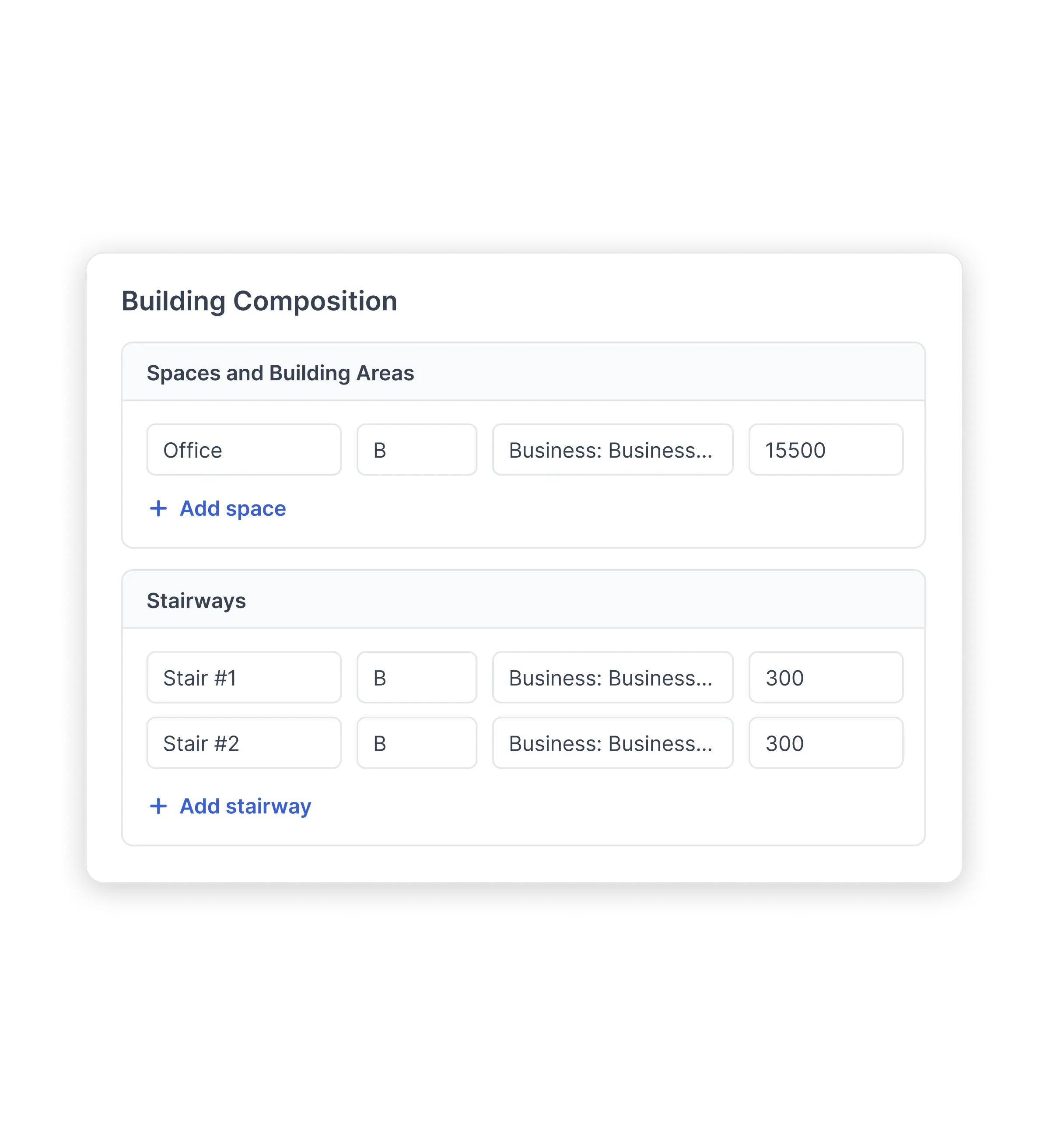
You can add design inputs manually or via CSV import, and the same data is shared across all calculator modules. As you describe stories, uses, areas, occupants, and egress components, those inputs become the basis for heights, egress, fire, and plumbing checks.

Heights & Areas, Egress, Fire Ratings, and Plumbing each build on the information you’ve already entered. You can run a single module or the full set, and the calculator will highlight missing inputs, flag non-compliant conditions, and show how results were derived.

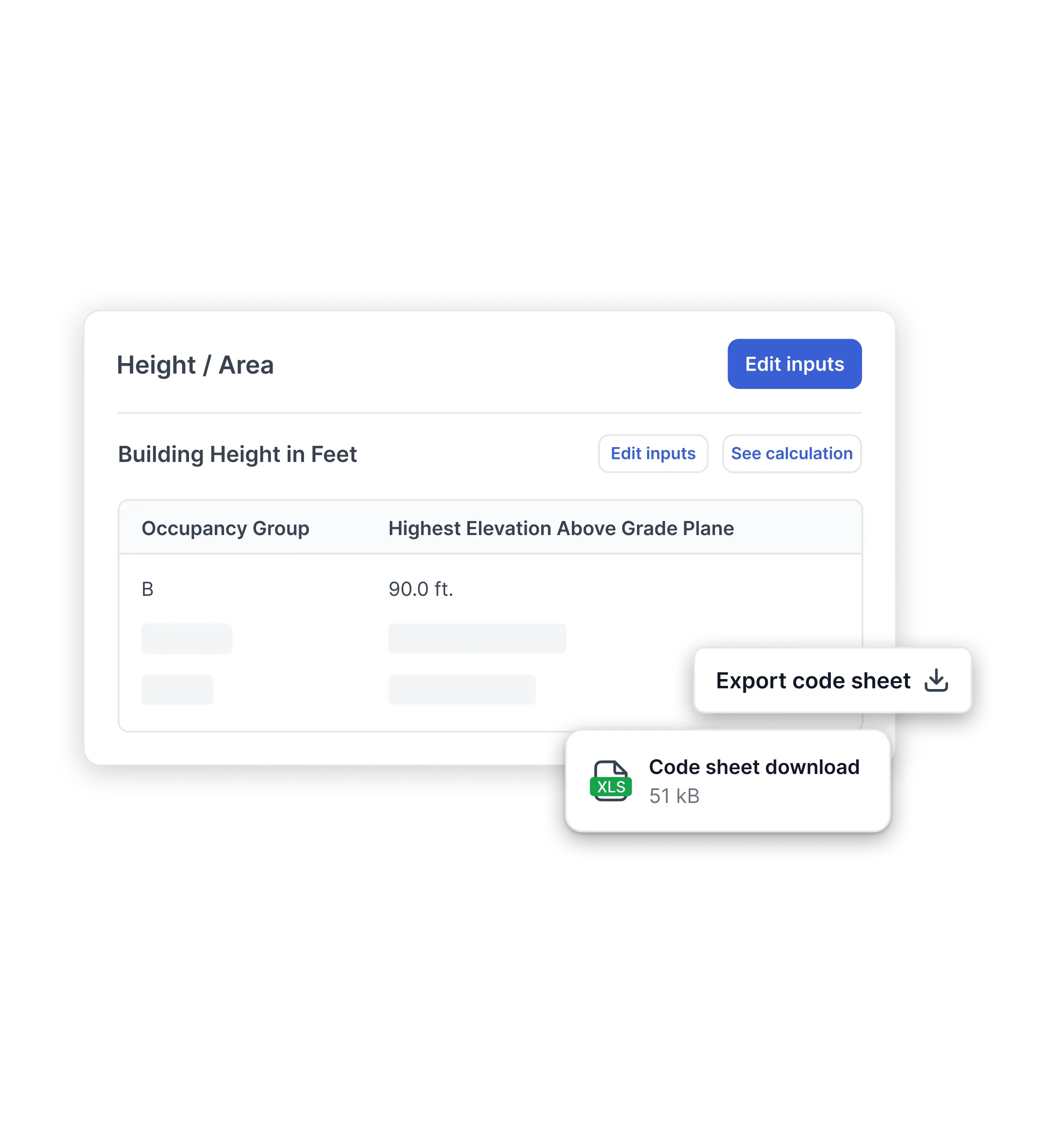
Calculated requirements are organized by module with references back to the governing code sections. As designs change, you can adjust inputs, re-run checks, and export detailed results to PDF or Excel for coordination, documentation, or plan review.