UpCodes Projects

Keep compliance work aligned as projects evolve

Organize code research, assemblies, products, and decisions in one place - and keep everything aligned as you move across jurisdictions and code years.
Try it for Free
Get a Demo
Keep compliance work aligned as projects evolveKeep compliance work aligned as projects evolve
One place for project-specific context

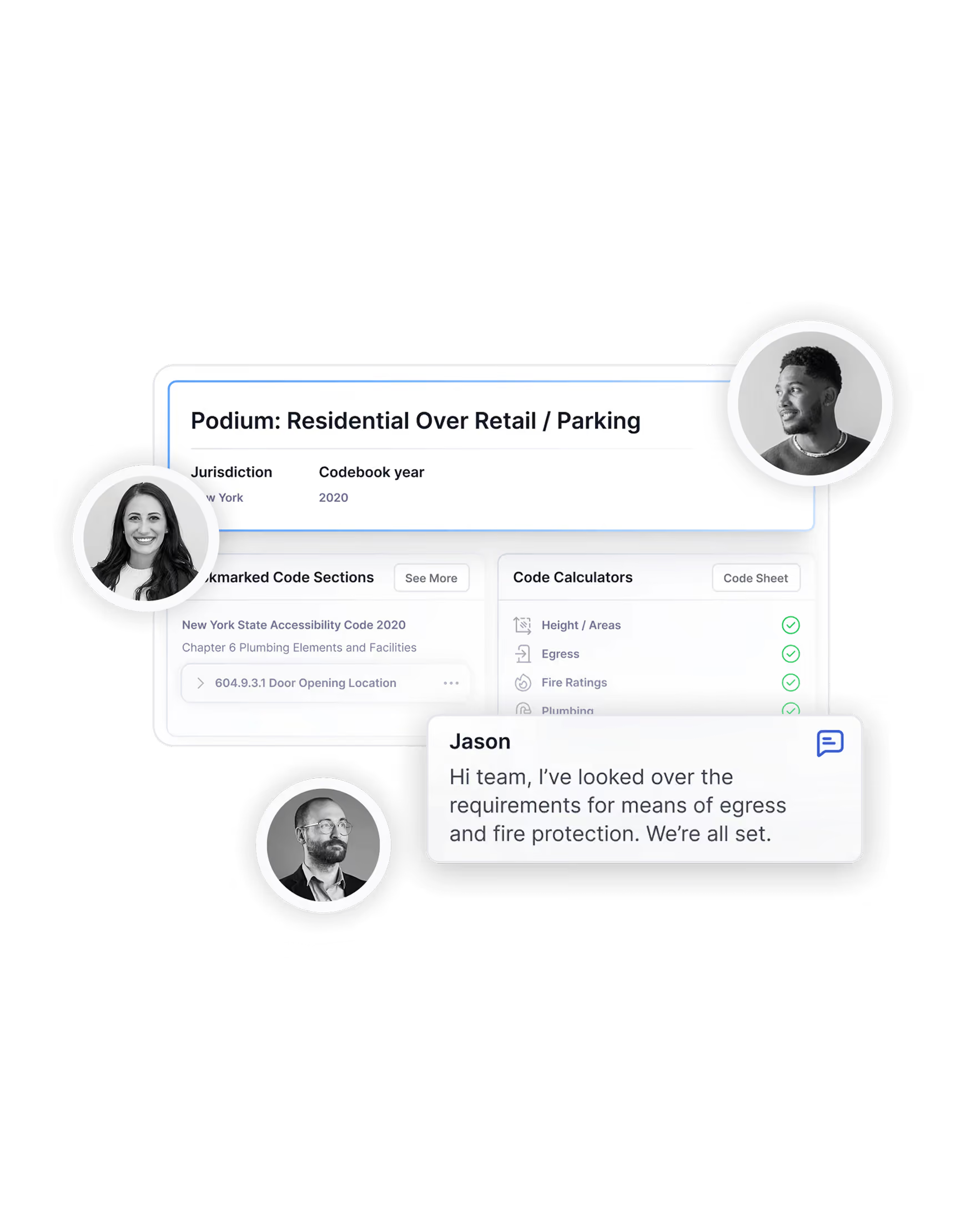
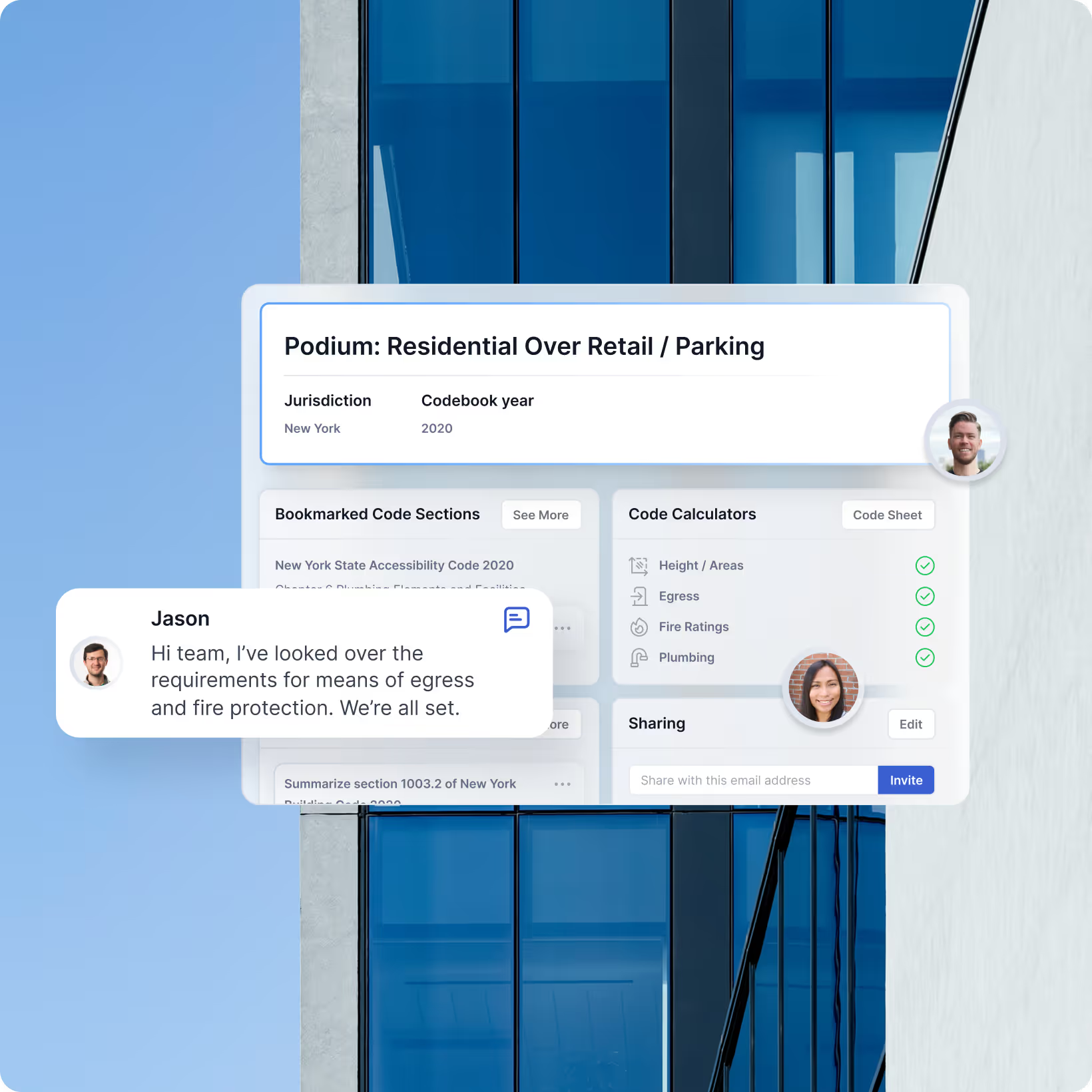
UpCodes Projects give structure to everything you do in UpCodes.

Each project ties together:


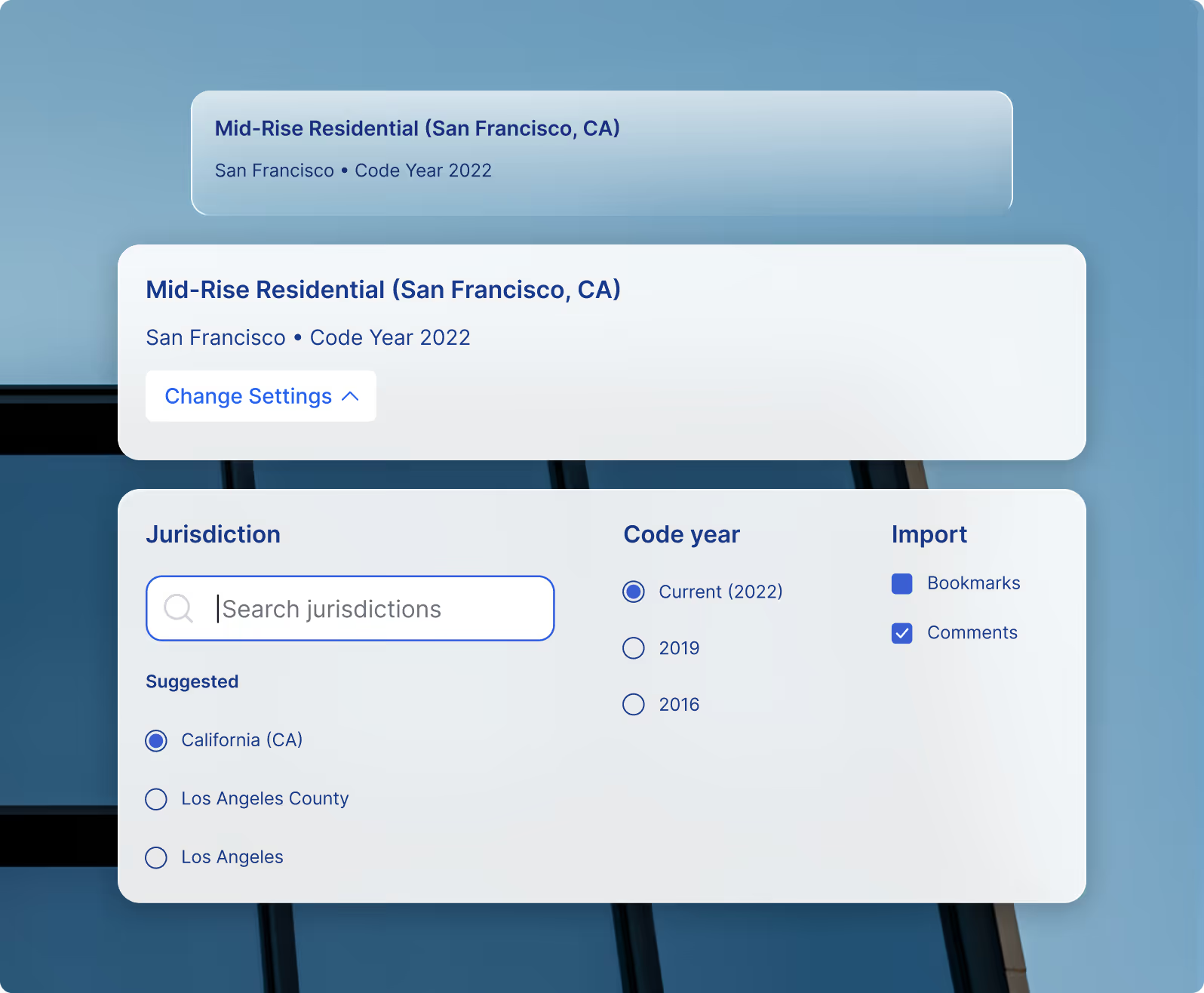
- Jurisdiction and adopted code years


- Copilot conversations and notes

- Checklists and specifications as work progresses

This keeps decisions consistent-even as teams, scopes, or timelines change.

Where project work happens

From quick bookmarks to full compliance checks
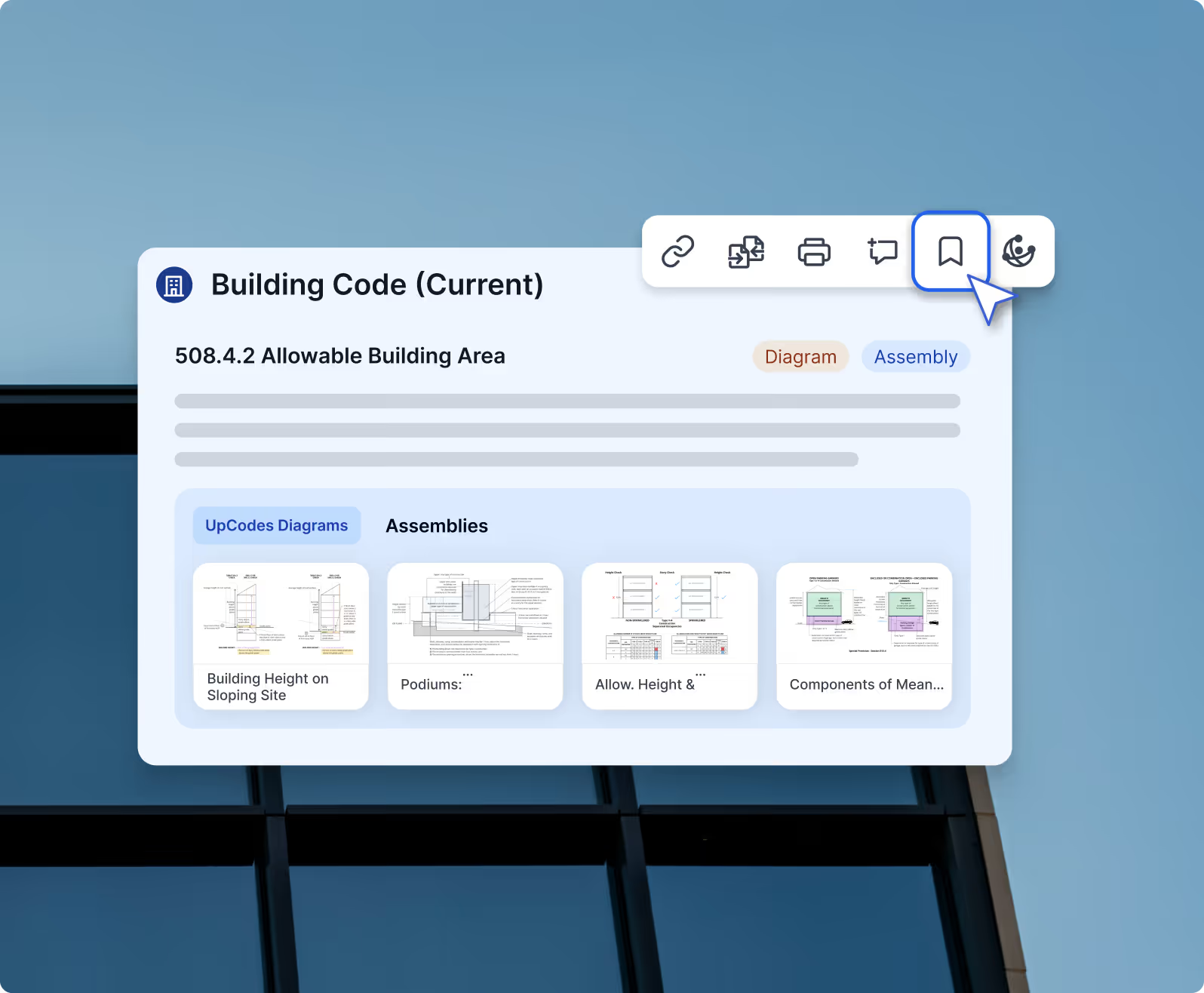
Projects mirror the way work actually happens-capturing what you bookmark, how you discuss it, what you reuse, and how you verify it before submission. From early research to collaboration, reuse across jurisdictions, and final checklists and calculations, Projects turn day-to-day effort into a workflow the whole team can build on.
Save context
Align teams
Reuse work
Validate decisions
Capture research as you go
Save context

Capture research as you go

As you research anywhere in UpCodes, Projects act as your anchor.

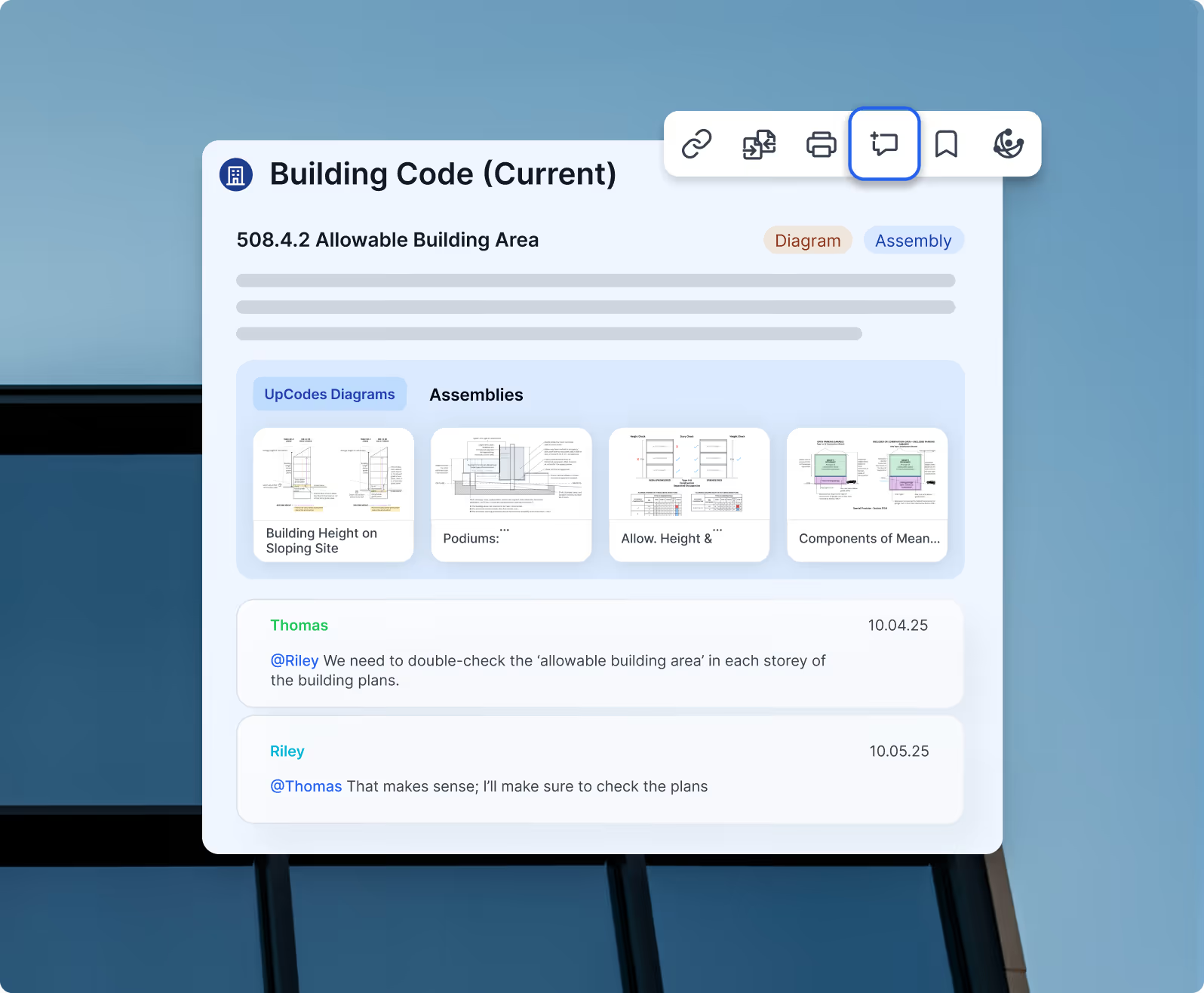
- Bookmark code sections, diagrams, assemblies, and products
- Add comments and context while decisions are fresh
- Tag teammates to loop them in early

Research doesn’t live in isolation — it stays tied to the project that needs it.

1/4
Learn more
Collaborate without losing context
Align teams

Collaborate without losing context

Projects make collaboration clearer and more traceable. - See why something was saved-not just what was saved - Track discussion alongside the actual requirement or selection - Keep internal alignment across disciplines and offices

1/4
Learn more
Reuse what already works
Reuse work

Reuse what already works

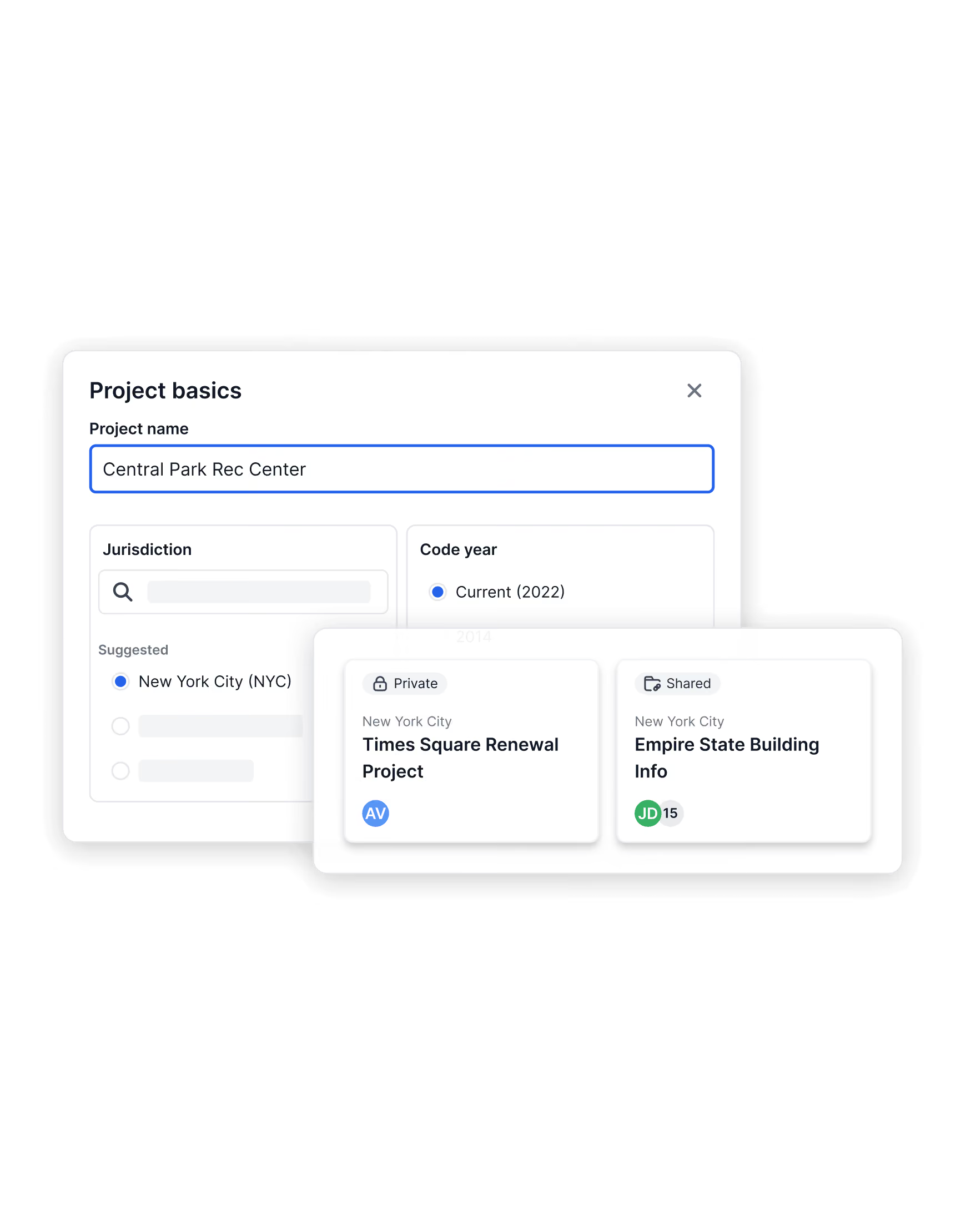
Projects don’t reset to zero every time. - Copy prior projects across jurisdictions or code years - Start from internal templates for common building types - Templates retain structure while updating code references to match the active jurisdiction and code year - Lock, archive, or share projects based on team needs  Past work stays relevant-even when jurisdictions or code cycles change.

1/4
Learn more
From research to validation
Validate decisions

From research to validation

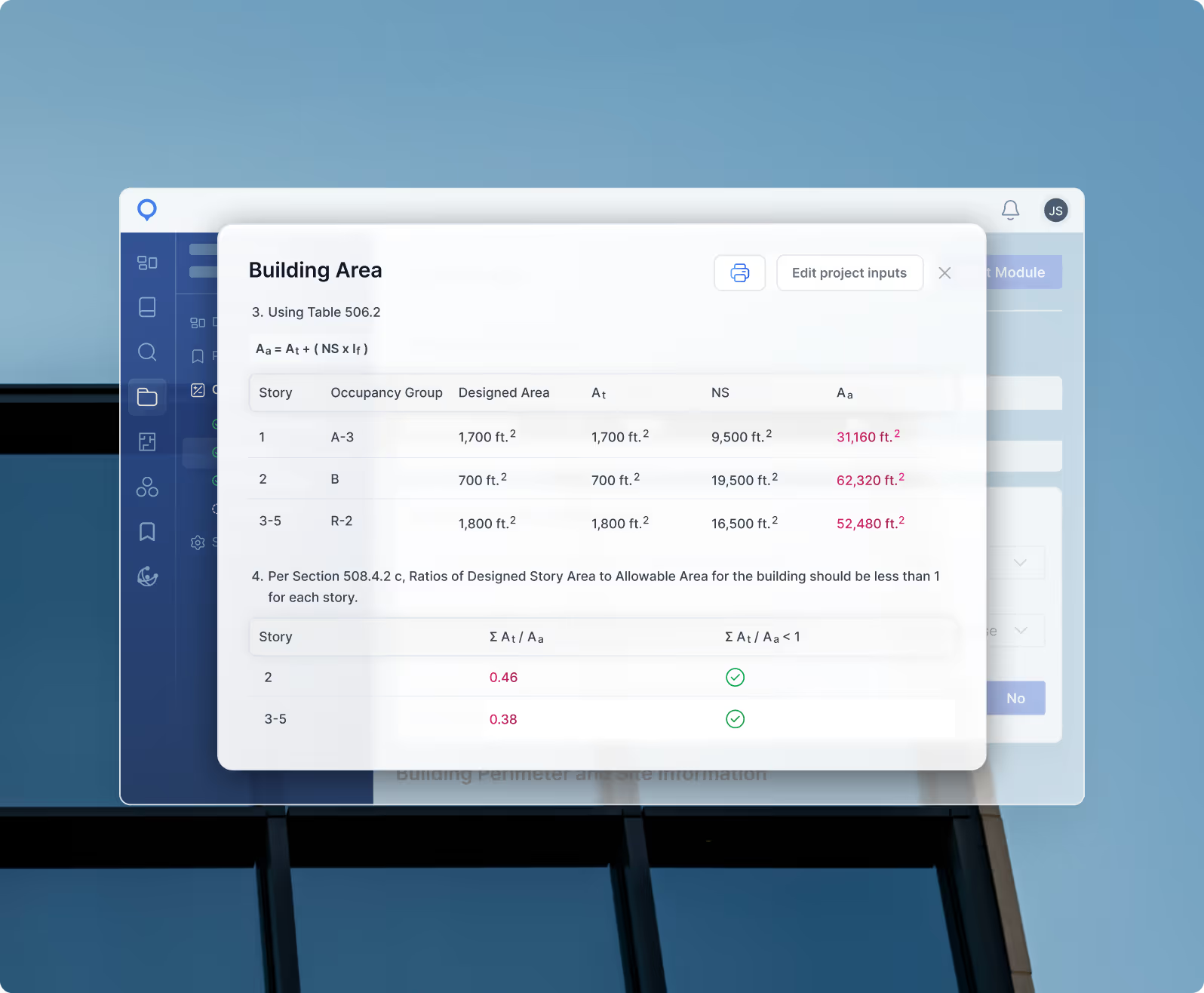
Projects are where requirements turn into confirmation. - Apply adopted requirements with local amendments considered - Generate Checklists to validate compliance - Use Code Calculators to verify quantitative requirements  Reference everything directly when drafting documentation or specs

1/4
Learn more
Work smarter, faster

Reuse, refine, and manage your 
firm’s research with ease.

Projects don’t just store information — they make it reusable. Quickly migrate insights, standardize documentation, and control project settings to save hours across teams and jurisdictions.

Repurpose prior research for new projects
AI Assistance

Repurpose prior research for new projects

Reuse the work you’ve already done. Instantly migrate existing research, bookmarks, and notes from one jurisdiction or code year to another — so your team can build on past insights instead of starting from scratch.
See the code in diagram form
Codes & Diagrams

See the code in diagram form

Create firm-specific templates that standardize how projects are organized, named, and reviewed. Consistent workflows help new team members onboard faster and keep documentation aligned across all projects.
Seamless task transitions
Design-to-Spec Tools

Seamless task transitions

Fine-tune settings for each project, including jurisdictions, code years, permissions, and visibility. With detailed controls, every team member sees exactly what’s relevant — and nothing more.
Streamline Compliance

Real results. Measurable impact.

Projects don’t just store information — they make it reusable. Quickly migrate insights, standardize documentation, and control project settings to save hours across teams and jurisdictions.

View Pricing
Testimonials

Trusted Answers. Faster Decisions.

“UpCodes saves us a ton of time on the front end of the project — literally days of labor. The time we save in code research can be spent diving into other details of the project. This not only helps our team but helps our clients.”
Jon Rumohr
Principal and Senior Mechanical Engineer for IGNYTE Design, PLLC

1/4
Testimonials

Trusted Answers. Faster Decisions.

"Copilot gave me the correct answer and showed me right where to look. I work with development teams all around the country and read TONS of code all day. This is a game changer for me."
Andy Wise, Design Phase Manager II
Mortenson

1/4
Testimonials

Trusted Answers. Faster Decisions.

“UpCodes saves us a lot of time. And that's not just time upfront, but time saved because we're more accurate throughout the project lifecycle.”
Kevin Edwards
Senior Project Manager

1/4
Testimonials

Trusted Answers. Faster Decisions.

“UpCodes changed how I interact with the public. It’s so much easier to email a link to a code section or image of a diagram, which reduces confusion and saves me so much time.”
Ray Shipman
Building Official

1/4
How It Works

How Projects are structured in UpCodes

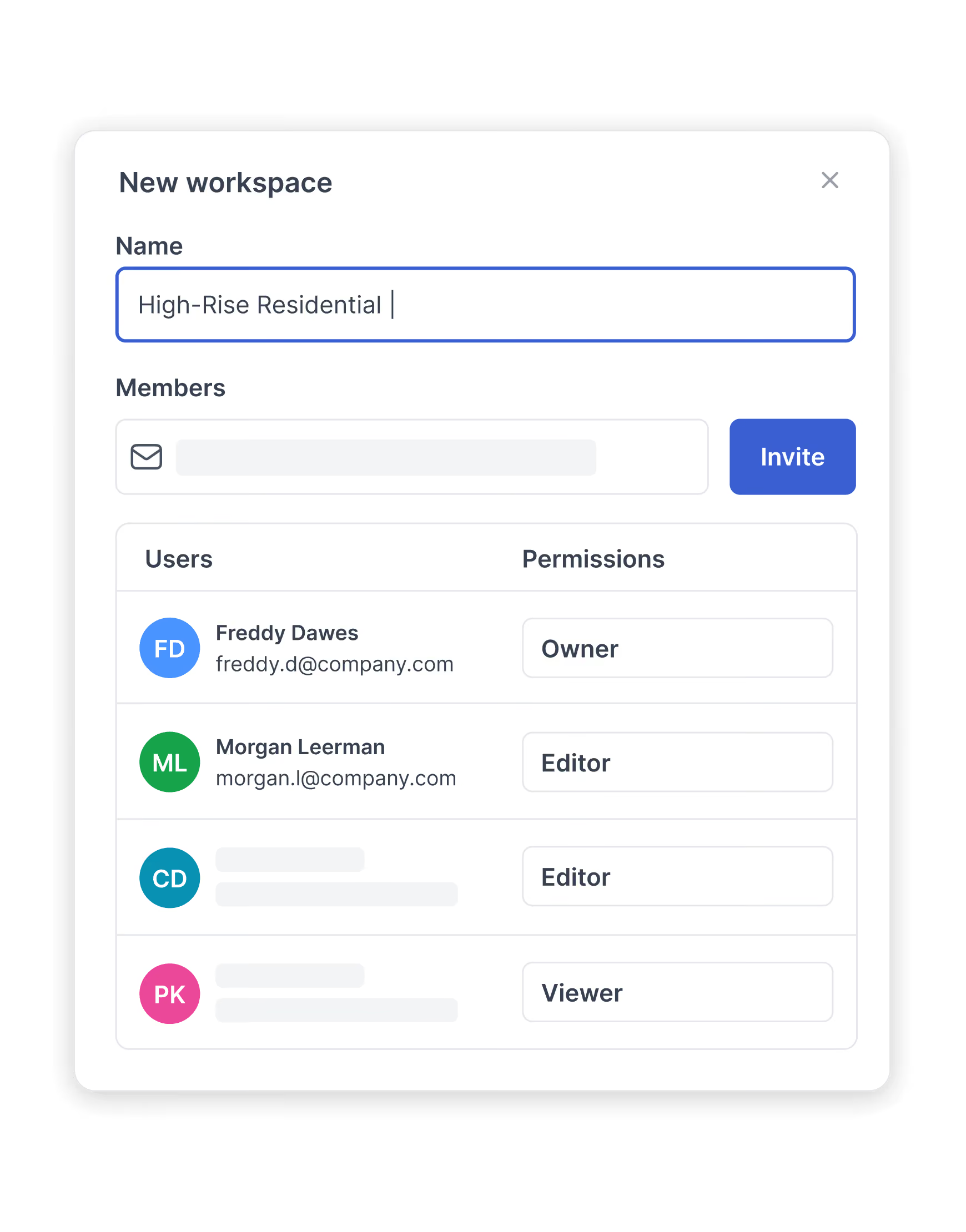
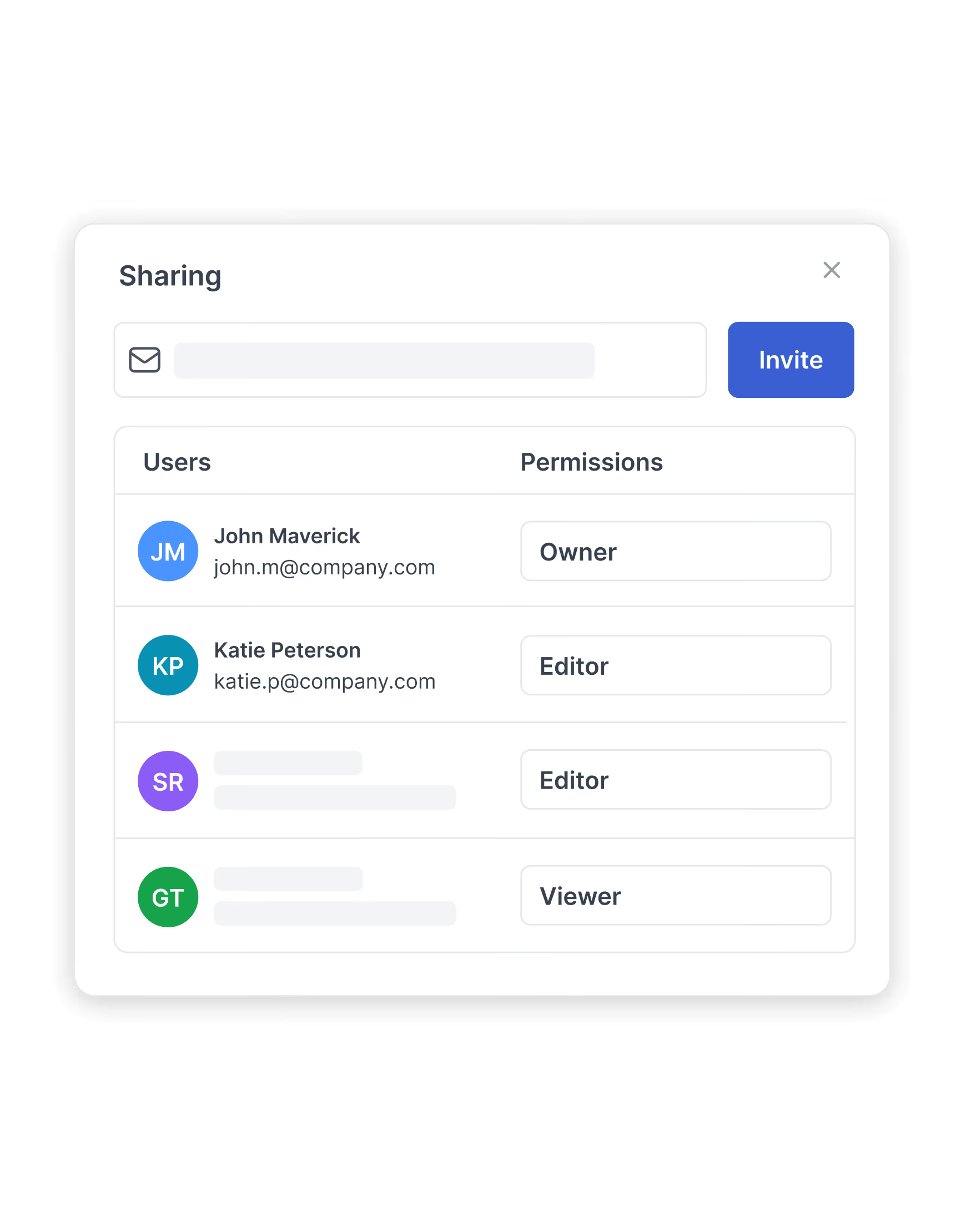
Workspace admins create team workspaces, then add the people who should be working together there. Most firms start by adding principals, project leads, and other decision-makers as editors, then layer in collaborators and viewers over time.

Editors control project creation and management in team workspaces. Collaborators can add bookmarks, comments, and updates inside projects, while viewers can see everything they’re invited to-but can’t change it. This keeps contribution open where it should be, and locked down where it shouldn’t.

Editors can create team projects from any team workspace. Viewers and collaborators can only create projects in their personal workspace, which is ideal for early research or scratch-pad work before it’s ready to move into a shared space.

Once a project exists, editors invite the right mix of collaborators and viewers so each person can work at the right level of control. The result: only a subset of users can spin up or restructure team projects, while the broader team can still contribute research, context, and review without risking accidental changes to the project framework.