



Search that understands how compliance work actually happens
Find the right code sections, assemblies, and products faster - without guessing the right keywords or jumping between tools.

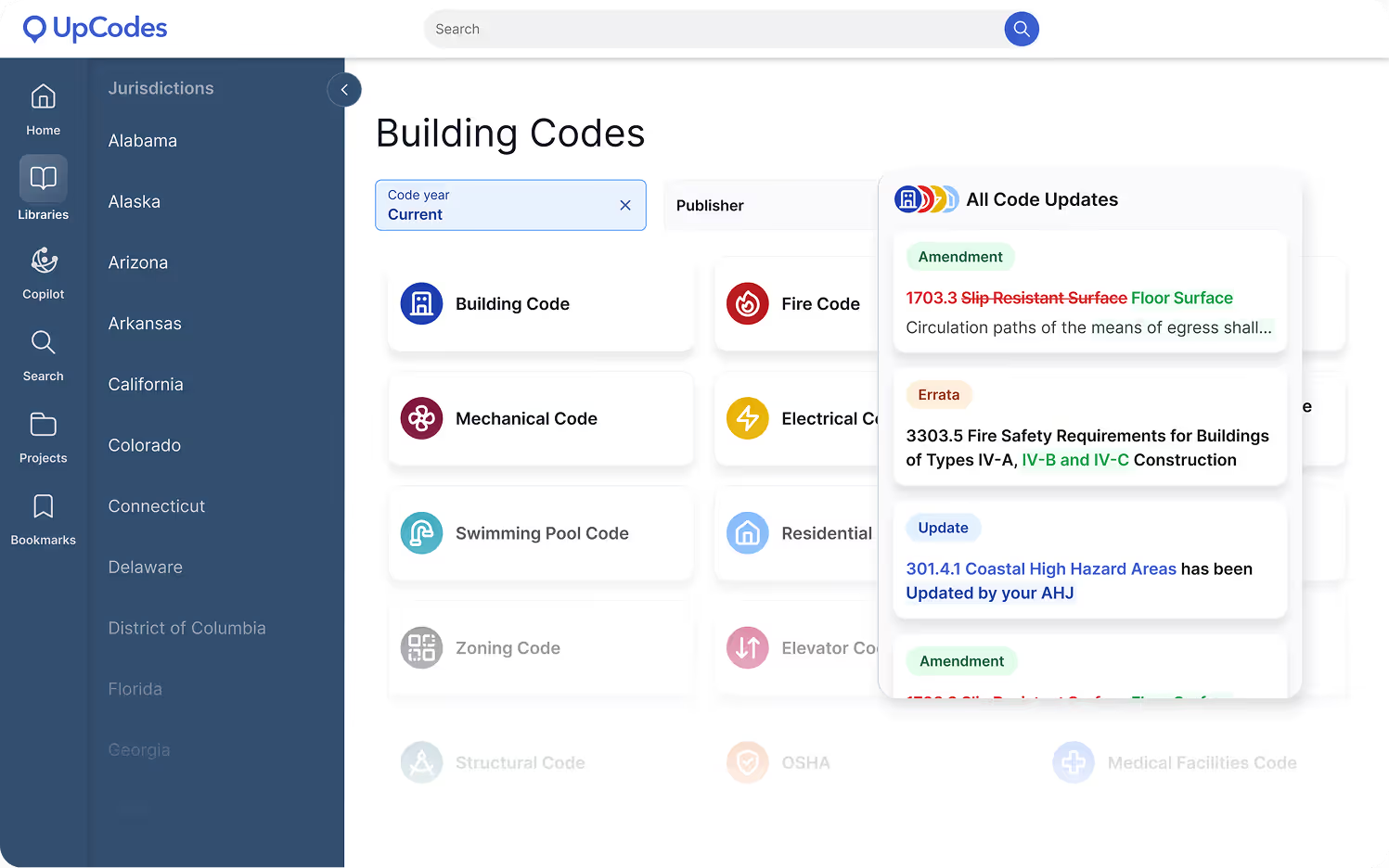
UpCodes Search is built for how AEC teams research: starting with a question, narrowing options, and following requirements through to decisions.
Search once, then move seamlessly into:
- Code sections in the Code Library
- Linked Diagrams for interpretation
- Relevant Assemblies and Products
- Saved research inside Projects
Research that holds up downstream
Search decisions ripple across design, review, and documentation. UpCodes Search is built to reduce risk later by keeping research accurate, enforceable, and connected from the first question through final deliverables.
Research the way work actually starts
Early compliance questions are rarely precise-and that shouldn’t slow teams down. UpCodes Search supports exploratory research so teams can orient quickly, understand what applies, and narrow confidently as requirements become clearer.

Move from options to decisions sooner
As constraints take shape, Search helps teams focus without losing context. Structured filtering across codes, assemblies, and products makes it easier to compare viable paths and settle on solutions that hold up later in review.
Work from what’s actually enforceable
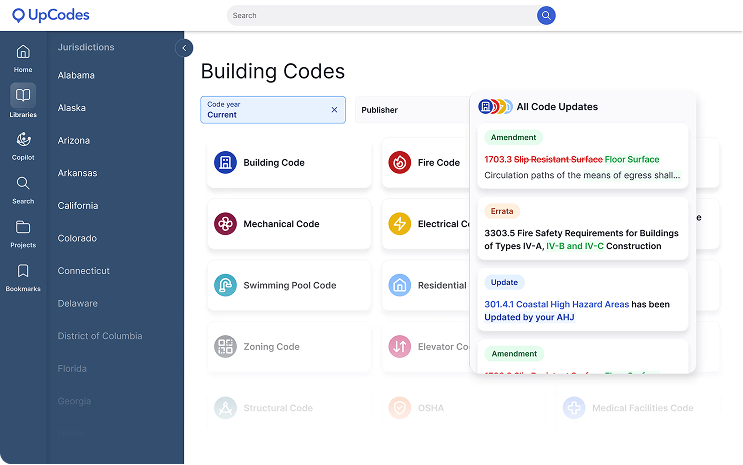
Working from the wrong code creates rework downstream. Search resolves results against locally adopted codes and amendments for the active jurisdiction and code year-so teams can trust what they’re using and move forward with confidence.
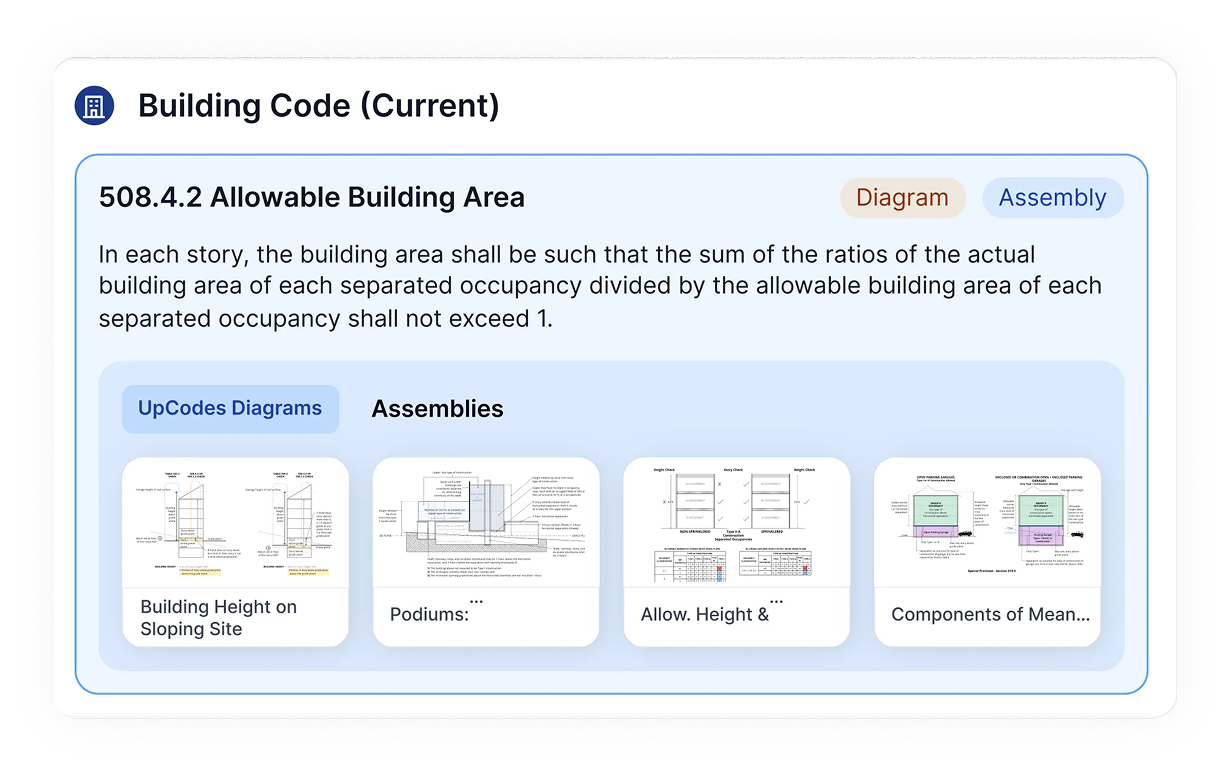
Keep research connected as work evolves
Search feeds the rest of the workflow. Findings carry into diagrams, assemblies, products, and projects so decisions stay traceable and aligned as work moves toward QA/QC, coordination, and documentation.
Search that routes questions to the right intelligence


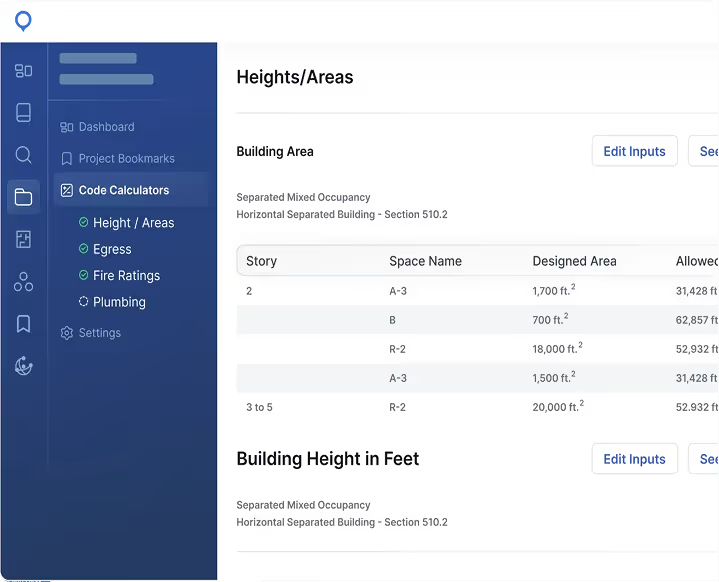
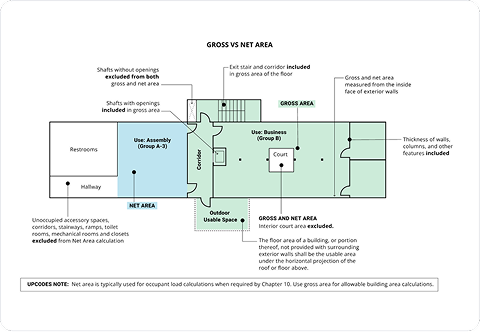
UpCodes Search is designed to handle how compliance questions are actually asked. It recognizes the difference between precise lookups (like section numbers or assembly IDs) and broader, descriptive queries-so teams don’t need to know the exact citation to get started. Straightforward searches resolve instantly, while more complex questions trigger deeper interpretation when needed.
Every search result is resolved against locally adopted codes, including amendments and effective dates for the active jurisdiction and code year, where available. This approach is designed to help users reach enforceable requirements rather than generic references or outdated text. The underlying code library powers Search, Projects, Checklists, and Specs, keeping work consistent as it moves downstream.
Search supports iterative research by allowing teams to progressively narrow results as constraints become clearer. Filters are tailored to each library-codes, assemblies, and products-so refining options feels intentional instead of overwhelming. This makes it easier to move from exploration to confident selection without restarting the search.
When a query requires interpretation rather than retrieval, Copilot responses surface directly within the search experience. These answers draw from the same adopted code library and include clear citations and visual diagrams when helpful. Search stays fast, while deeper guidance appears only when it adds clarity.
