Platform Overview

The AI-native platform for your code-to-spec workflow

UpCodes brings codes, assemblies, products, and spec workflows into one place — so teams can move faster, stay aligned, and trust what they’re building.

Try it for Free
Get a Demo
The AI-native platform for your code-to-spec workflowThe AI-native platform for your code-to-spec workflow

Trusted by 800,000 AEC professionals and teams who rely on accurate, current codes.

The UpCode Difference

Compliance works better when everything talks to each other

UpCodes keeps requirements, selections, and institutional knowledge connected — reducing handoffs, guesswork, and rework across the project lifecycle.

Faster, smarter workflows
Codes

Faster, smarter workflows

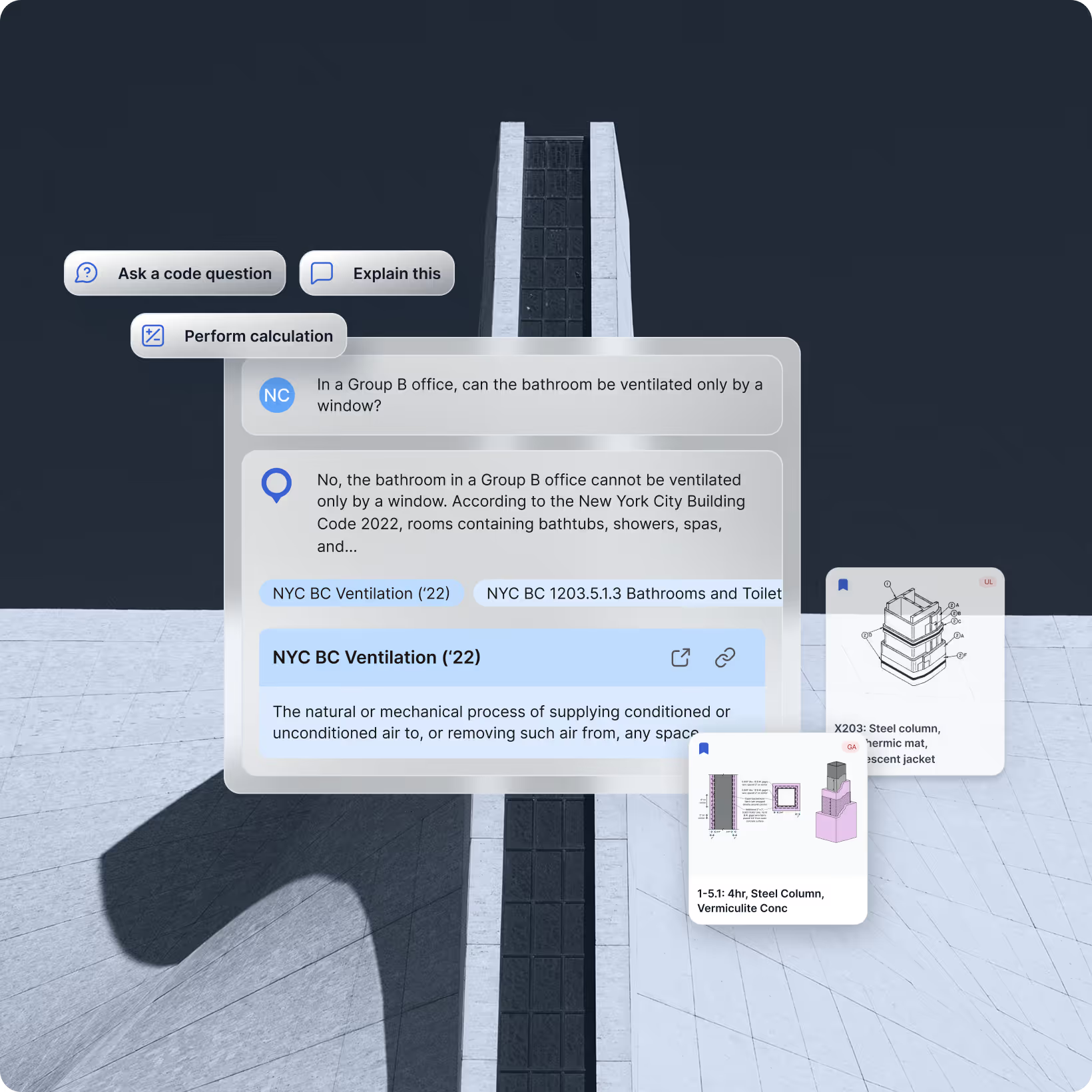
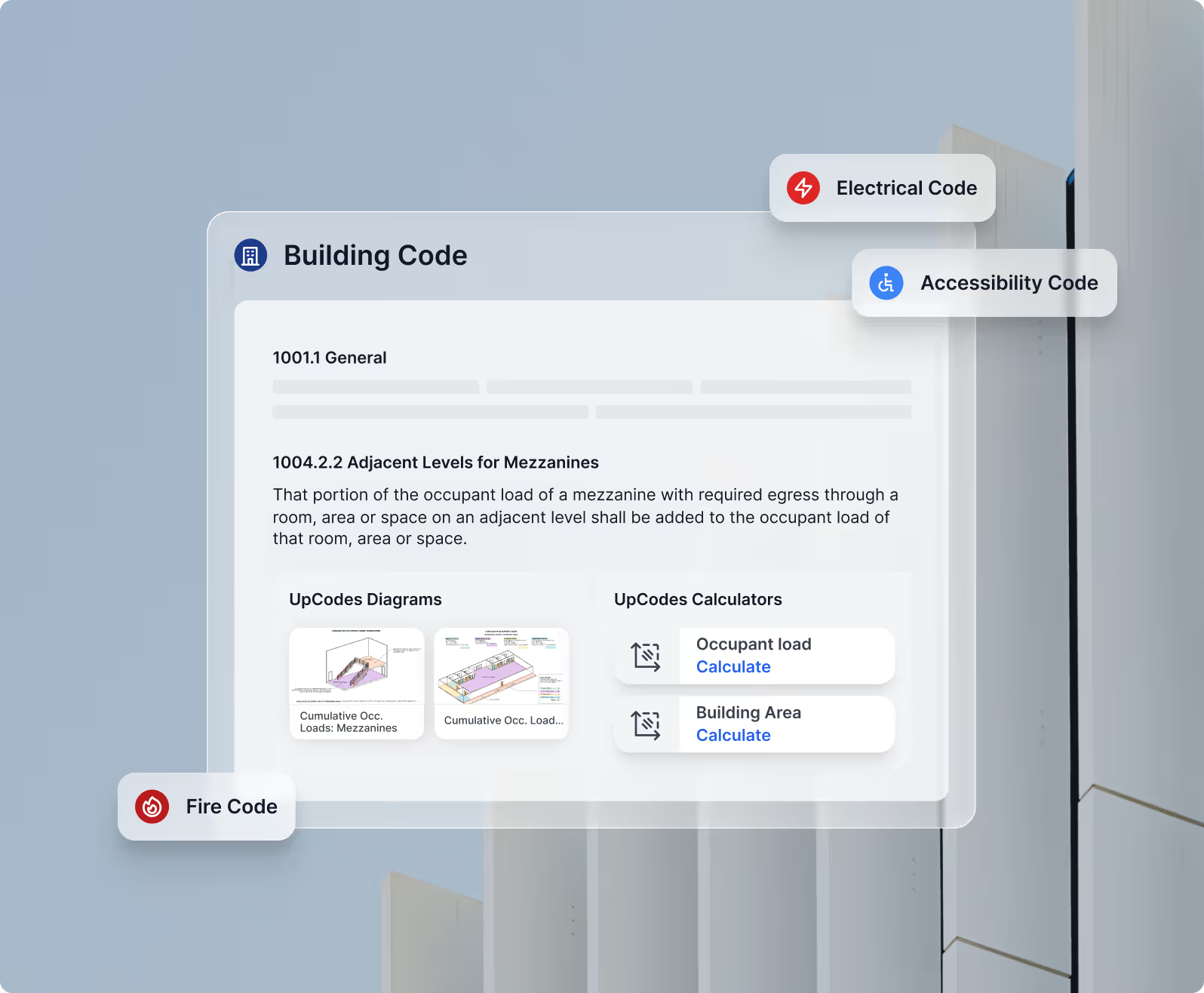
Access the most comprehensive, continuously updated code library across 6M+ sections, jurisdictions, and amendments. Search instantly, compare versions, and review accurate information without flipping through PDFs.
See the code in visual form
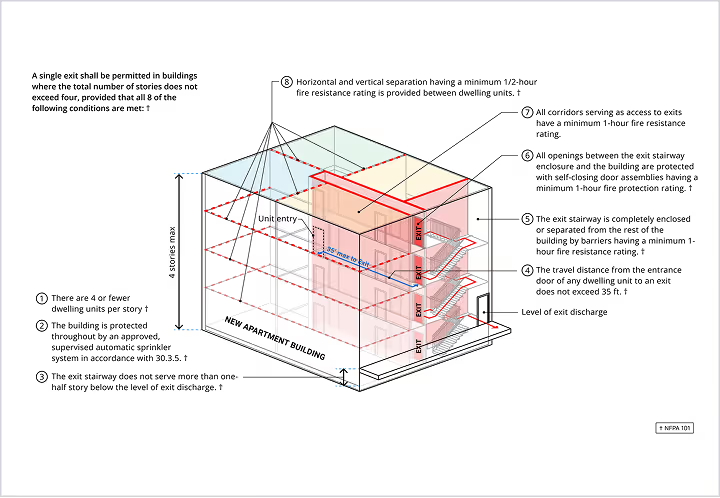
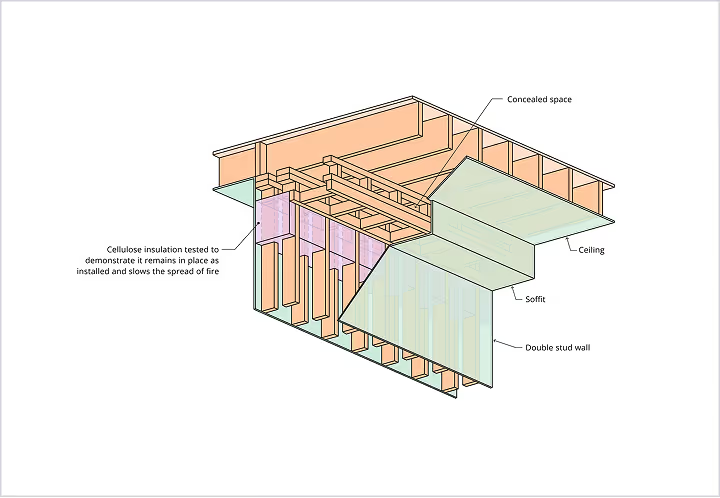
Diagrams

See the code in visual form

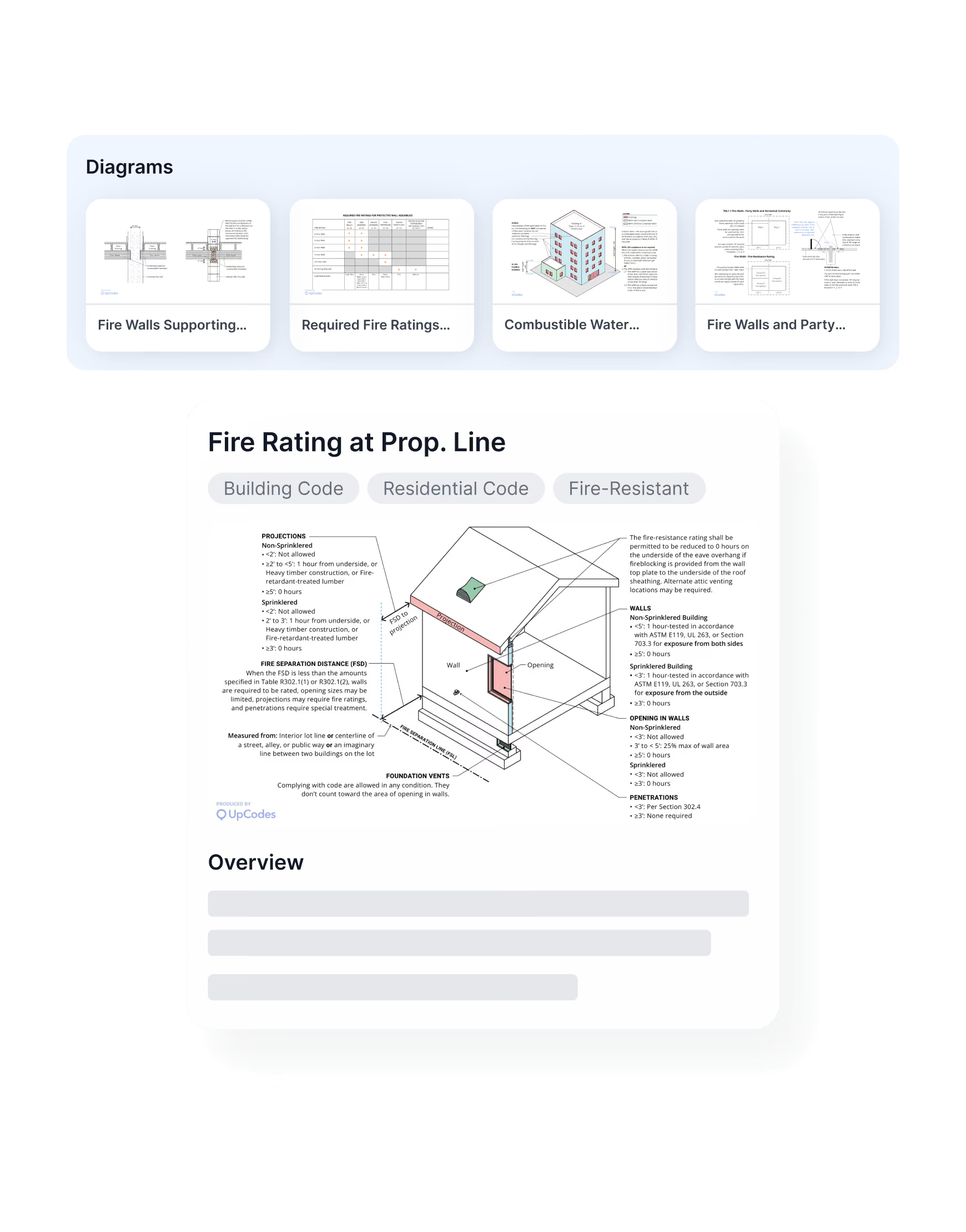
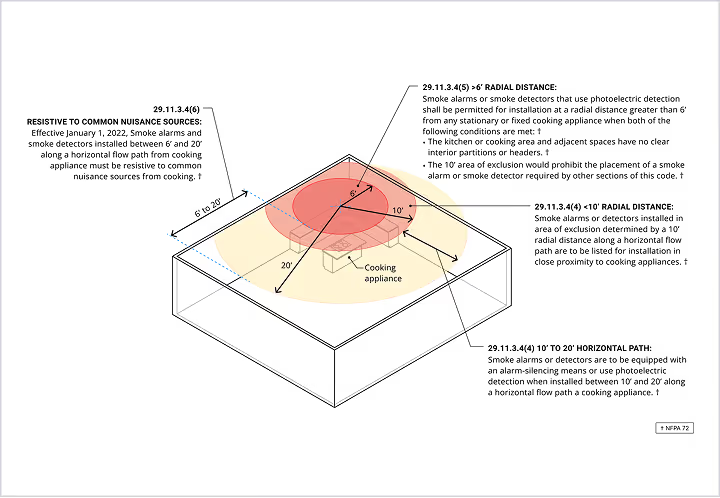
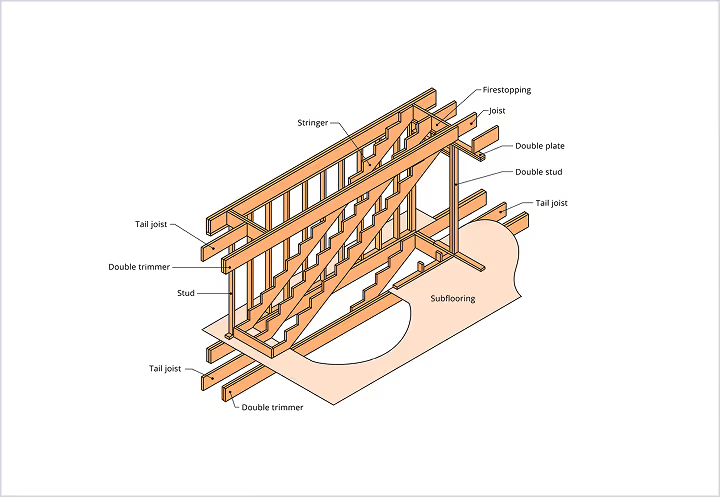
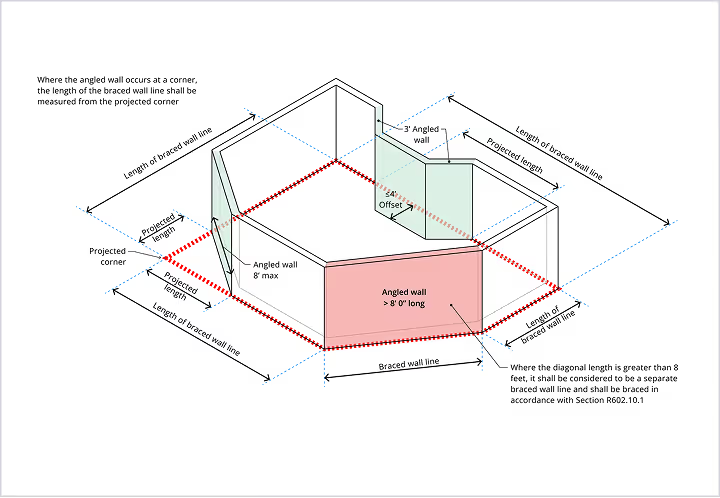
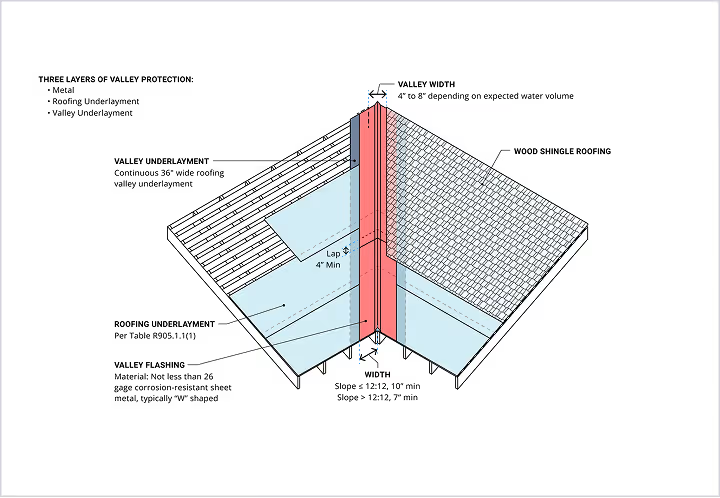
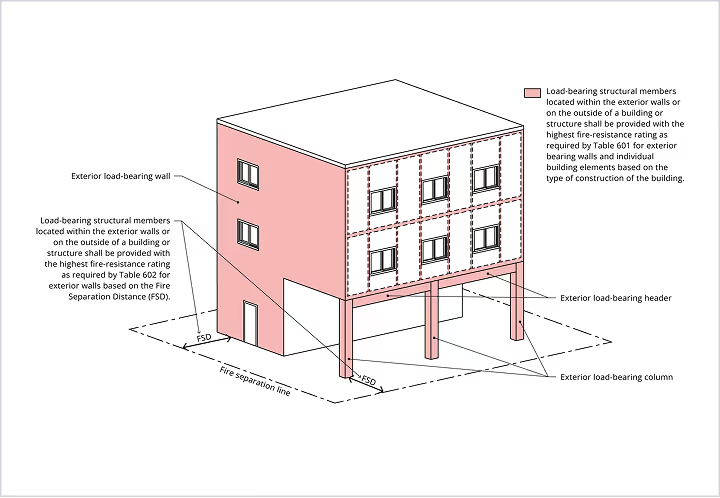
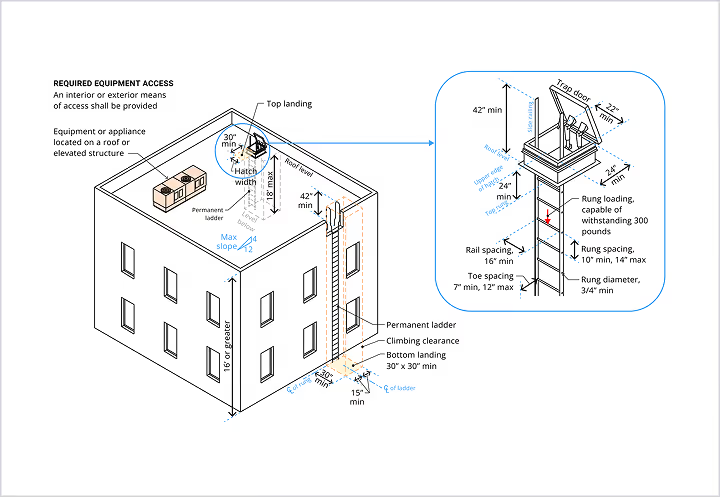
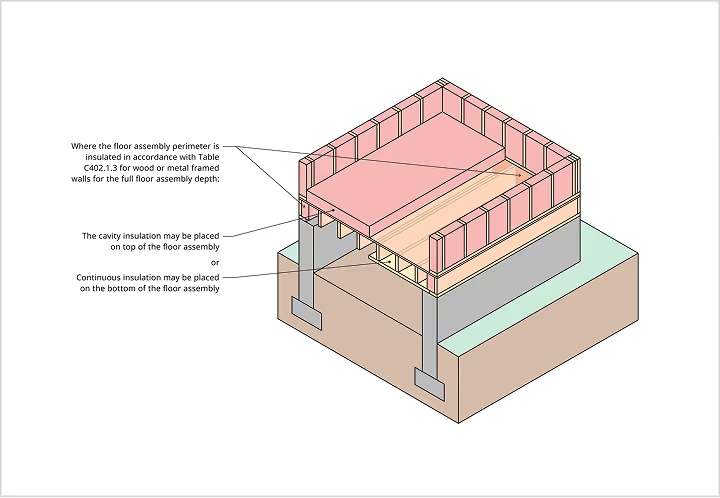
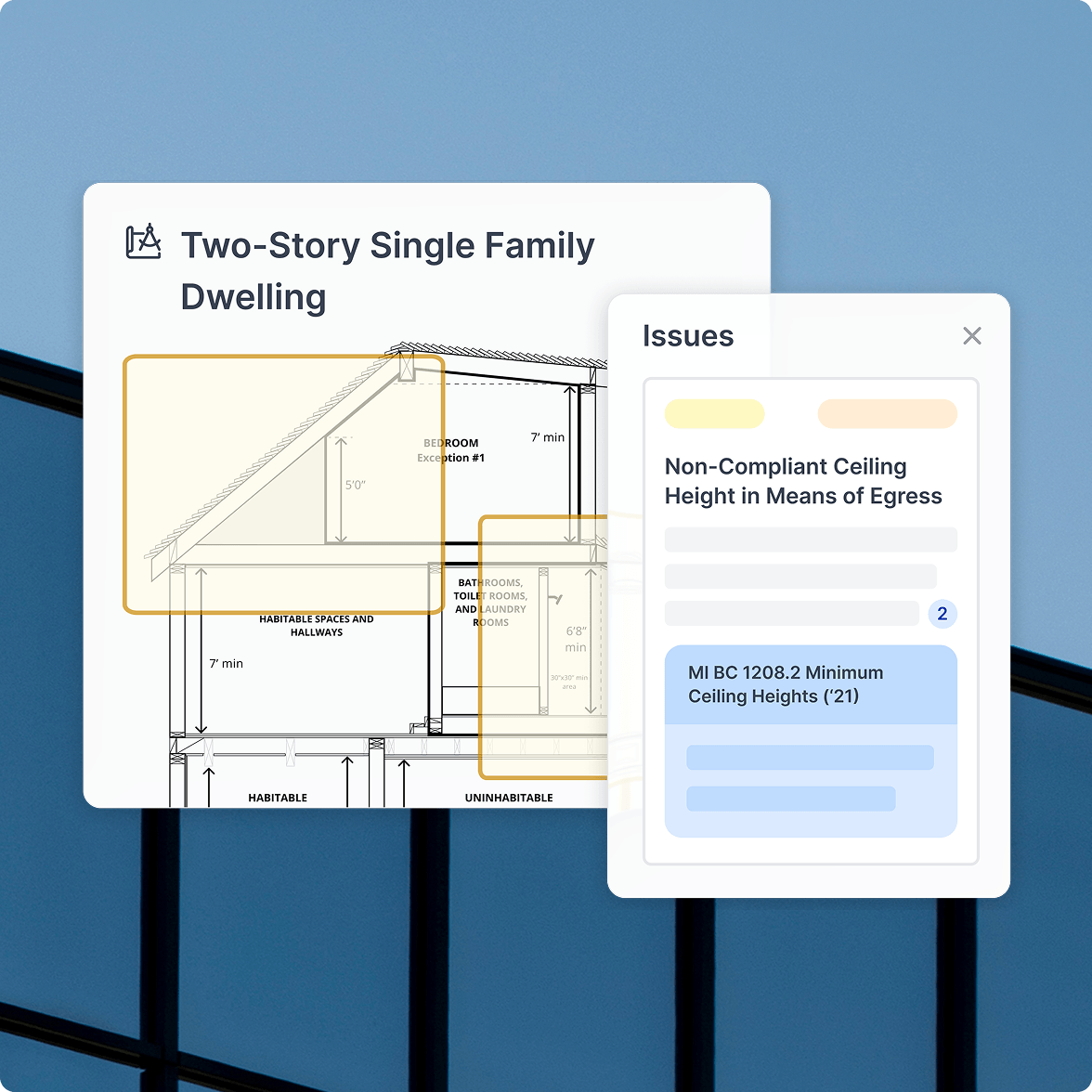
Understand complex requirements with clear, high-fidelity diagrams. Each visual connects directly to the governed code, helping teams interpret conditions, edge cases, and compliance rules with confidence.
Bring compliant systems together
Assemblies

Bring compliant systems together

Explore assemblies linked directly to their governing code requirements. Evaluate alternatives, understand the logic behind approvals, and streamline coordination across architecture, engineering, and construction.
Find products built for compliance
Products

Find products built for compliance

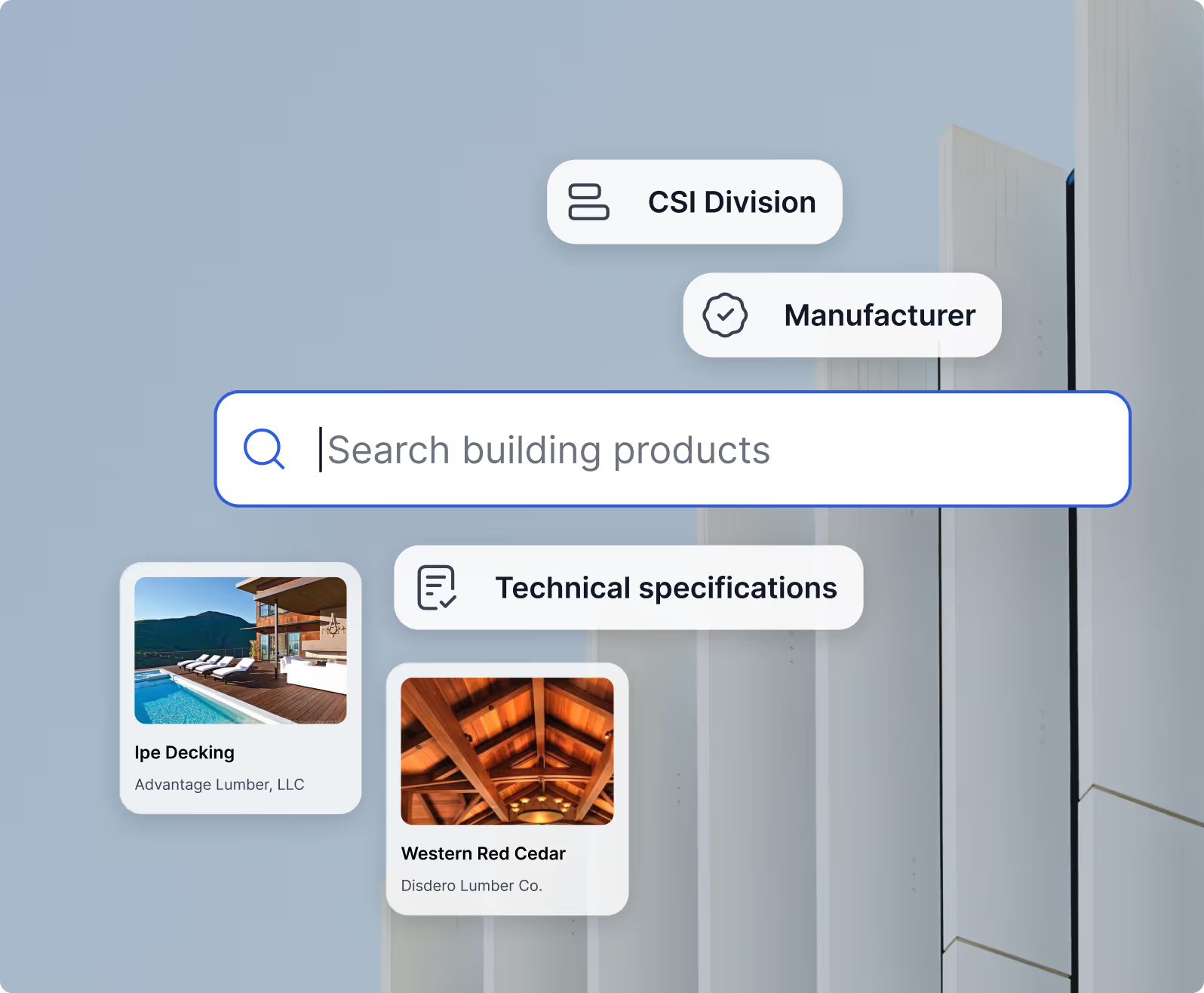
Discover products that match your design intent and align with code-based requirements. Each product listing is connected to assemblies and diagrams, helping you choose safely, quickly, and with full clarity.
Code Library

The adopted, amended, jurisdiction-specific code source.

UpCodes brings together adopted codes, amendments, errata, and local requirements from thousands of jurisdictions into a single, reliable source. Designed for clarity and speed, the Code Library helps your team find accurate information without switching between PDFs, books, or scattered online resources.

Comprehensive Code Libraries
Advanced Search
Code Filtering
Visual clarity for complex code
Comprehensive Code Libraries

Visual clarity for complex code

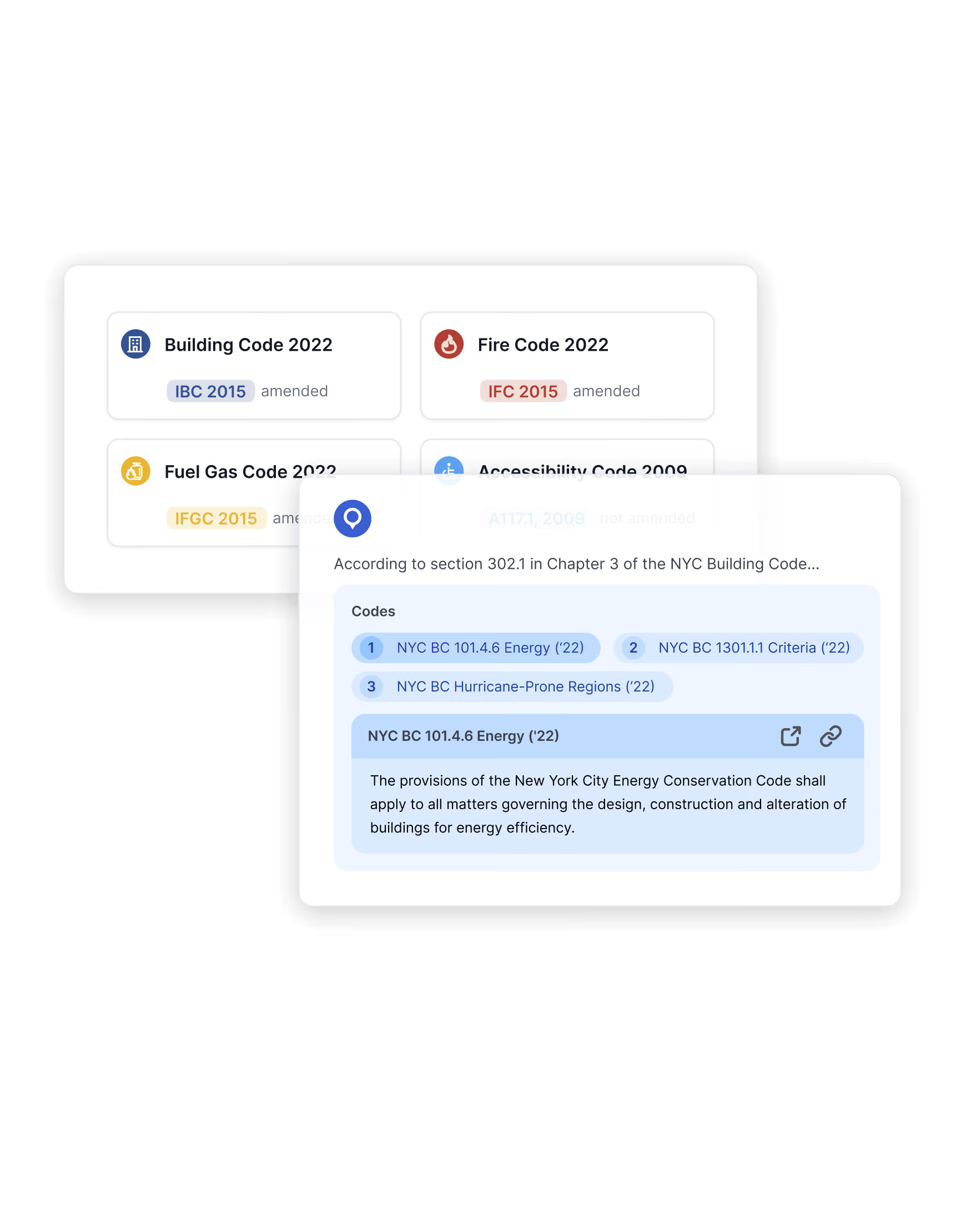
See the codes that actually govern your project, including amendments, errata, and effective dates.

1/4
Learn more
Built for how teams research
Advanced Search

Built for how teams research

Search across books or within a jurisdiction, then jump straight to related requirements and context.

1/4
Learn more
Track changes, including timelines and sources
Code Filtering

Track changes, including timelines and sources

Compare versions and view history so you understand exactly what changed and when.

1/4
Learn more
Diagrams Library

See the code with our detailed diagrams

Access a growing library of high-fidelity diagrams that clearly illustrate complex code requirements and help your team visualize how they apply in real projects.
Learn More
Streamline Compliance

Real results. Measurable impact.

Projects don’t just store information — they make it reusable. Quickly migrate insights, standardize documentation, and control project settings to save hours across teams and jurisdictions.

View Pricing
Diagrams Library

Understand the requirement at a glance.

UpCodes brings together adopted codes, amendments, errata, and local requirements from thousands of jurisdictions into a single, reliable source. Designed for clarity and speed, the Code Library helps your team find accurate information without switching between PDFs, books, or scattered online resources.
Visual clarity
Onboarding
Code Filtering
Visual clarity for complex code
Comprehensive Code Libraries

Visual clarity for complex code

Thousands of diagrams unpack tough concepts so teams interpret requirements consistently.

1/4
Learn more
Better onboarding, fewer review cycles
Onboarding

Better onboarding, fewer review cycles

Junior staff get up to speed faster; senior staff spend less time re-explaining basics.

1/4
Learn more
Connected to the exact sections they explain
Code Filtering

Connected to the exact sections they explain

Every diagram lives alongside its governing code for instant verification.

1/4
Learn more
Assemblies Library

Move from requirement to compliant system faster.

UpCodes brings together adopted codes, amendments, errata, and local requirements from thousands of jurisdictions into a single, reliable source. Designed for clarity and speed, the Code Library helps your team find accurate information without switching between PDFs, books, or scattered online resources.
Match Contraints
Readability
Comprehensive Library
Assemblies that match real project constraints
Comprehensive Code Libraries

Assemblies that match real project constraints

Structured data makes filtering quick and easy

1/4
Learn more
Readable titles for all assemblies
Readable titles

Readable titles for all assemblies

Quick summaries reduce time spent searching

1/4
Learn more
A carefully maintained, comprehensive assembly library
Comprehensive Library

A carefully maintained, comprehensive assembly library

UL, GA, and code assemblies are all included

1/4
Learn more
Products Library

Unbiased product research, built into the workflow.

Find products
Contextualized selection
Share across teams
Find products with the data that matters
Find products

Find products with the data that matters

Compare physical performance, sustainability metrics, certifications, and documentation in one view.

1/4
Learn more
Selection in context
Contextualized selection

Selection in context

Products connect directly to relevant code requirements and assemblies, so choices stay compliant.

1/4
Learn more
Organize and share across teams
Share across teams

Organize and share across teams

Schedules keep your notes, relevant requirements, and approvals tied to your project.

1/4
Learn more
Products Library

Simplify product 
discovery and selection

Browse compliant product options aligned with your project’s code requirements. Compare specifications, explore alternatives, and connect products directly to assemblies and diagrams for better decision-making.

Learn More
Thermal & Moisture Protection
30,820 Products
Windows, Doors & Skylights
97,727 Products
Finishes
Finishes
241,924 Products
Masonary
Masonary
17,576 Products
Woods, Plastics & Composites
61,247 Products
View Products
1/4
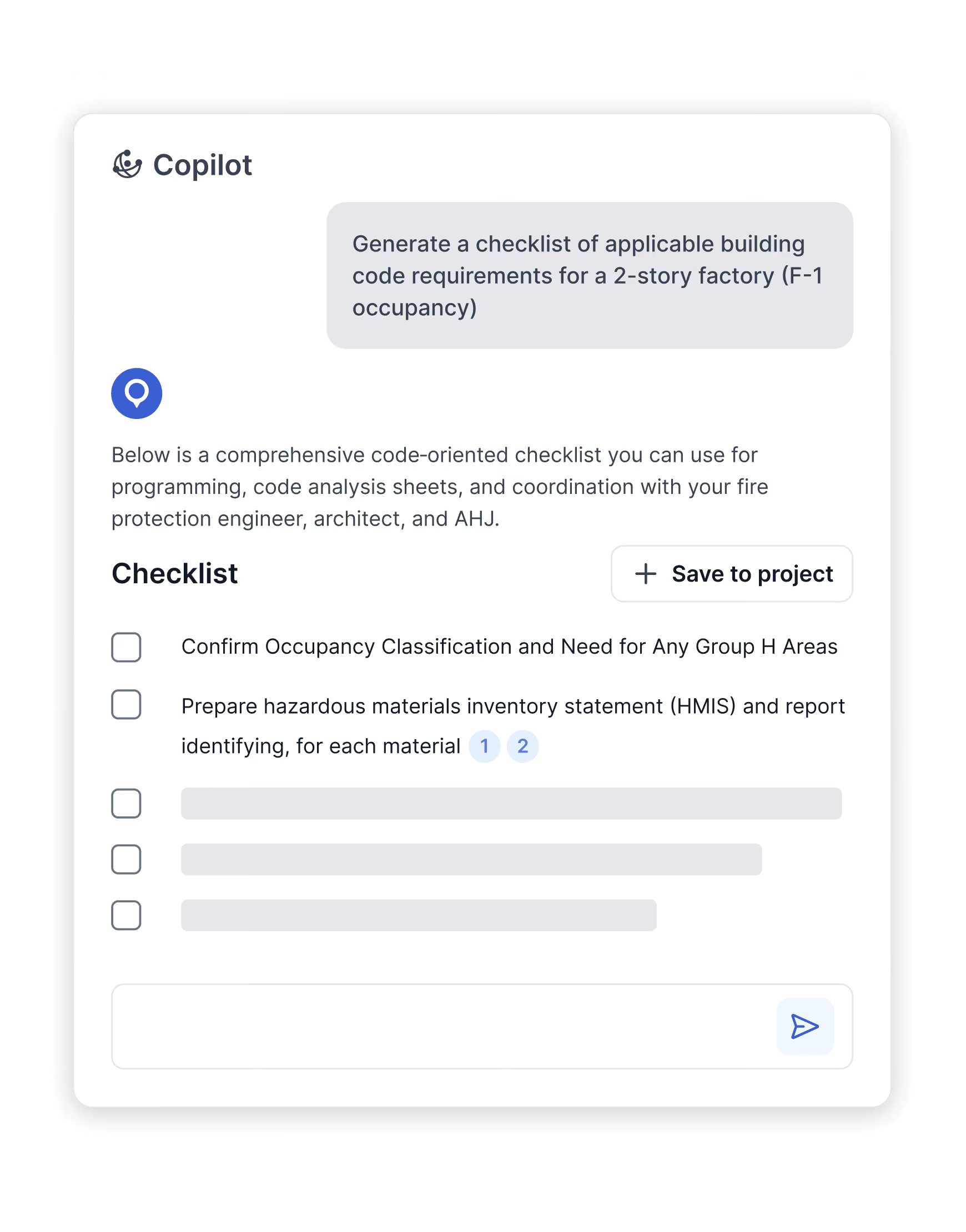
UpCodes Copilot

Purpose-built AI that powers your code-to-spec workflow.

Citations
Answers
Orchestration
Grounded in adopted codes, with citations you can trust
Citations

Grounded in adopted codes, with citations you can trust

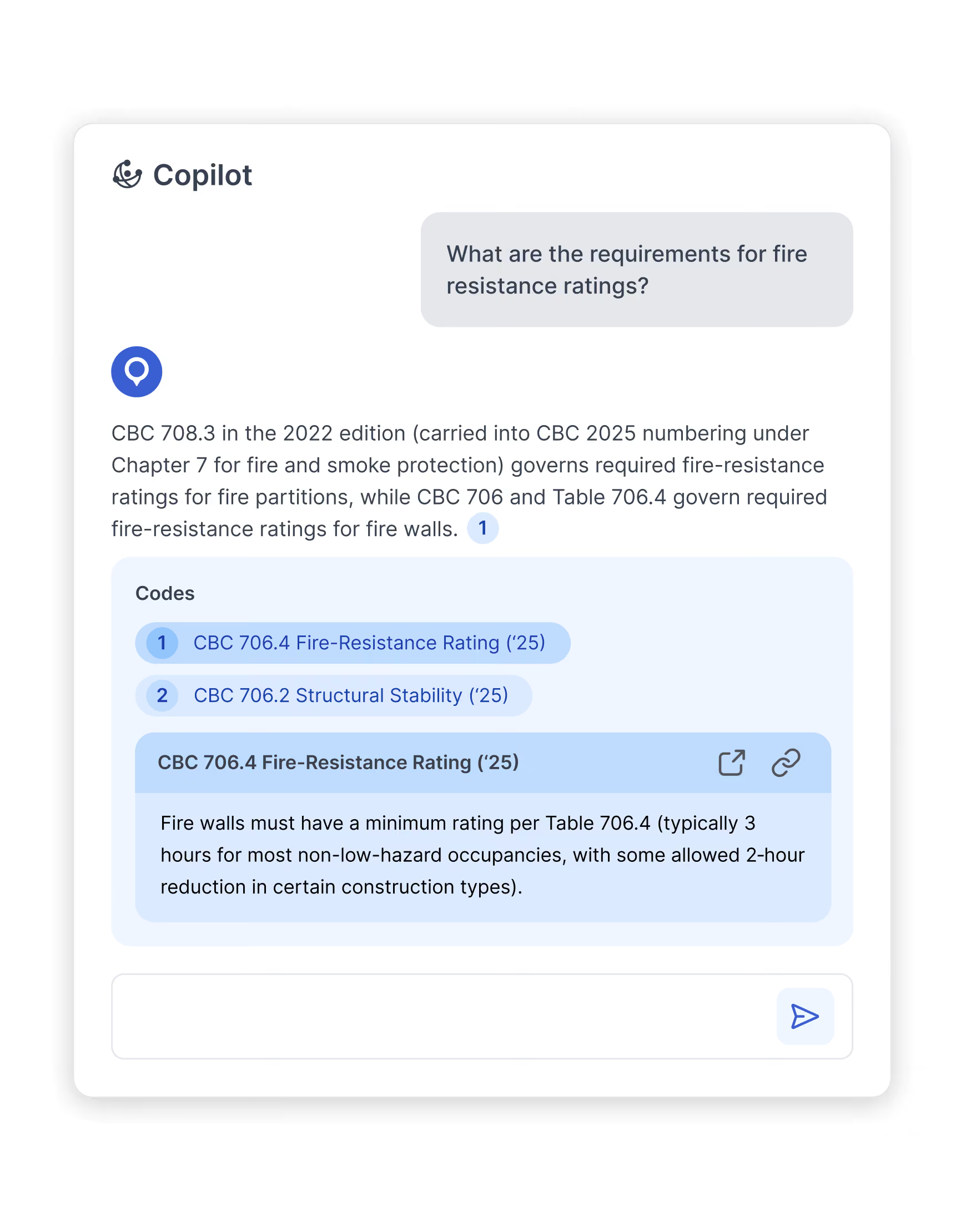
Copilot is trained on UpCodes’ continuously maintained code library and cites the exact sections it uses-so answers are reliable, reviewable, and defensible.

1/4
Learn more
Project-aware answers
Answers

Project-aware answers

Bring your brief or documents once - Copilot keeps the context so you don’t repeat yourself.

1/4
Learn more
Orchestrates the next step, not just the answer
Orchestration

Orchestrates the next step, not just the answer

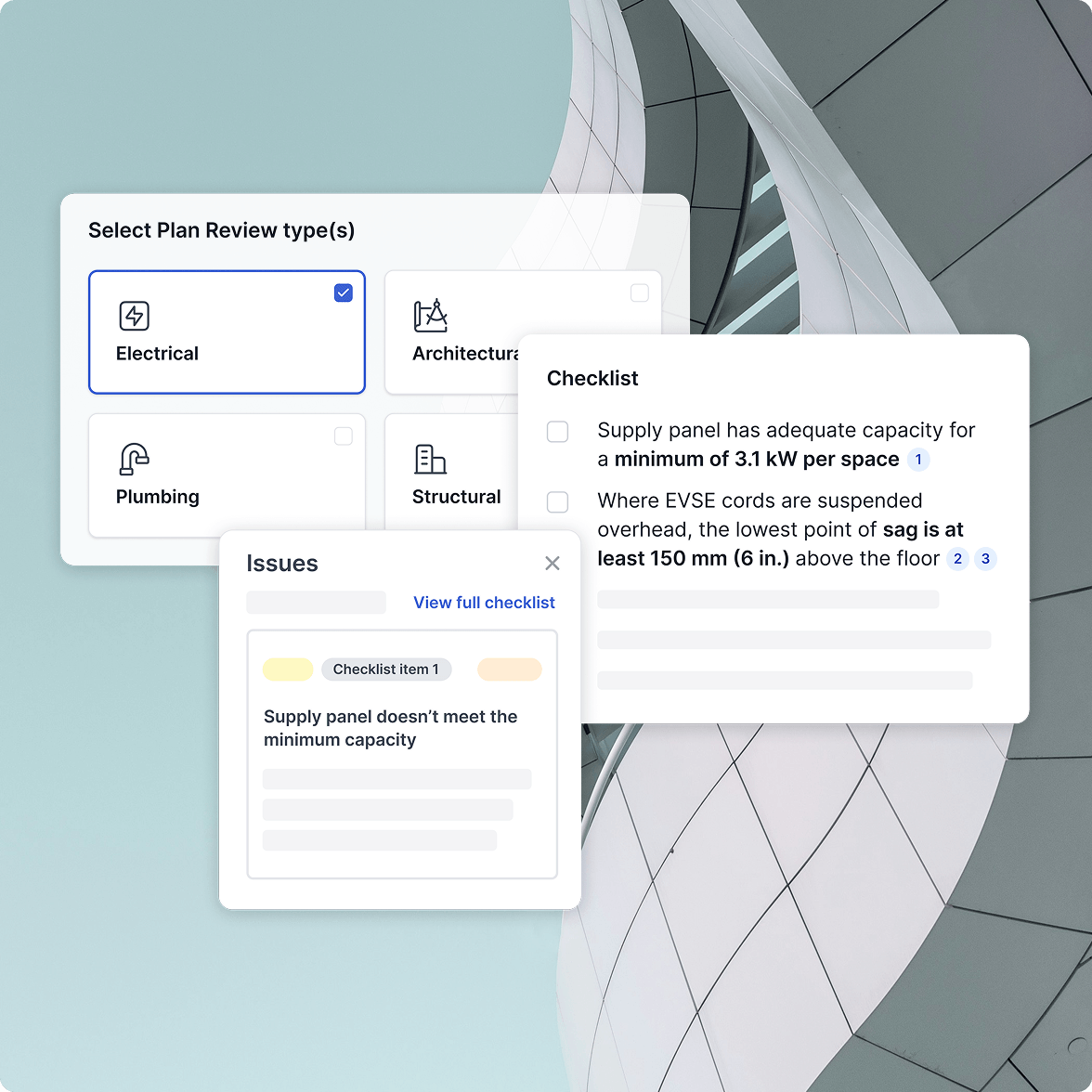
Generate checklists, QA specs, surface relevant assemblies, and pull supporting documentation as you work.

1/4
Learn more
UpCodes Search

Find exactly what you need, across millions of code sections, assemblies, and products.

Keyword search
Filter search
Global search
Search by keyword, topic, or intent
Keyword search

Search by keyword, topic, or intent

Describe a requirement, assembly, or product in plain language and surface matches instantly.

1/4
Learn more
Filter searches by libraries or relevant properties
Filter search

Filter searches by libraries or relevant properties

Refine results quickly with filters tailored to each library: - Codes: jurisdiction, code book, adoption yea - Assemblies: fire rating, STC, construction type - Products: performance criteria, CSI division, manufacturer, certifications

1/4
Learn more
One search across the entire workflow
Global search

One search across the entire workflow

Move seamlessly between codes, diagrams, assemblies, and products without starting over or switching tools.

1/4
Learn more
UpCodes Projects

Keep your projects organized, reusable, and collaborative.

One home
Collaborate
Templates
One home for your project research
One home

One home for your project research

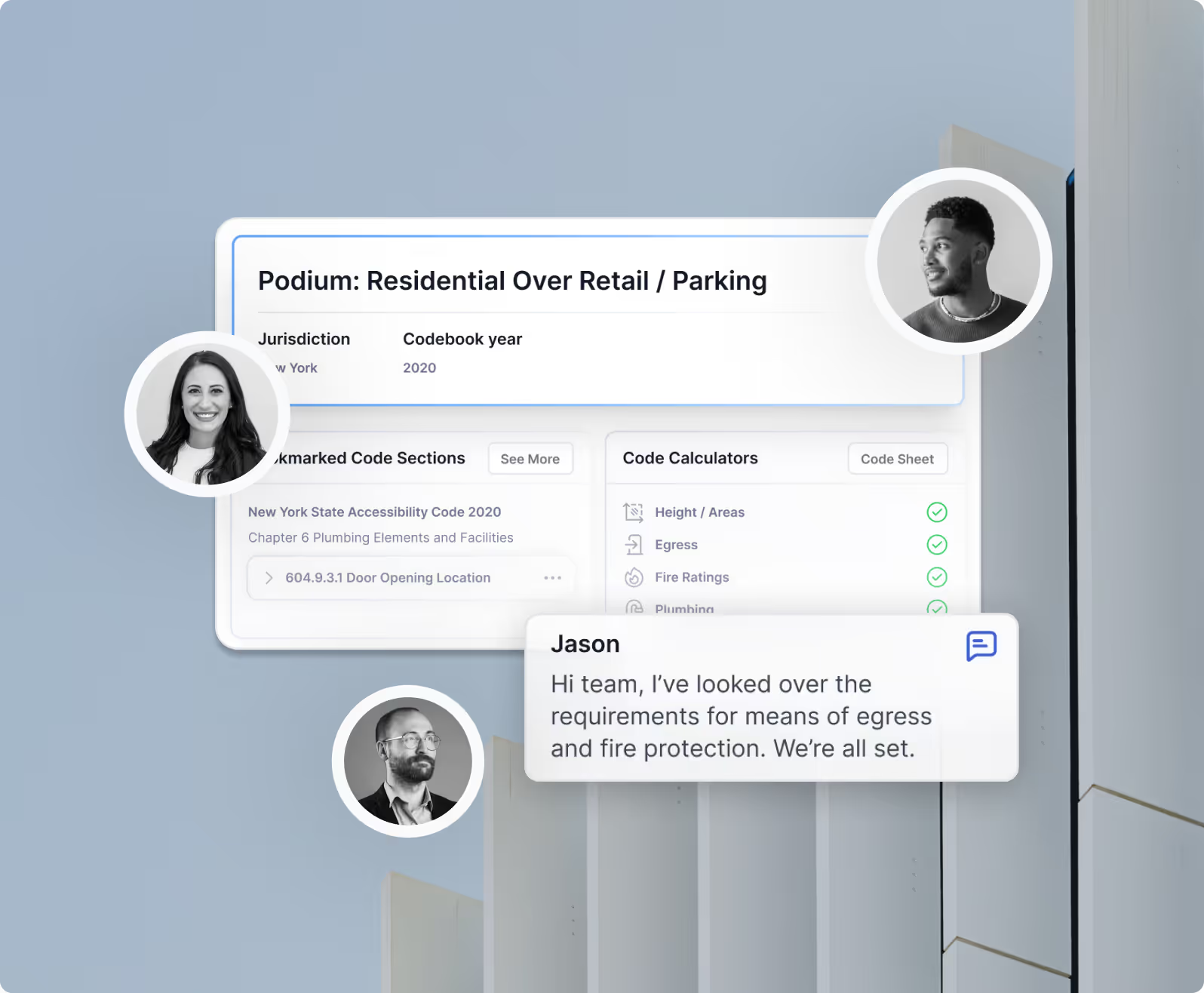
Save codes, diagrams, assemblies, products, specs, and checklists to the project record.

1/4
Learn more
Collaboration without loose threads
Contextualized selection

Collaboration without loose threads

Share research with teammates and keep decisions tied to the source.

1/4
Learn more
Templates that scale your standards
Share across teams

Templates that scale your standards

Turn repeatable workflows into playbooks for future projects.

1/4
Learn more
Tools that keep your team moving

Tools that keep research moving - without switching systems

UpCodes pairs comprehensive, up-to-date libraries with purpose-built AI and project workflows, so teams don’t lose momentum between research and documentation.

View Pricing
How It Works

Our most frequently asked questions

Got more questions? Read our full FAQ or contact us with your enquiry.

Contact Us

Copilot is included in the UpCodes Professional plan. Essentials users can try Copilot with limited access, but full capabilities are reserved for Professional subscribers.

Generic AI tools are trained on broad internet data and aren’t designed to handle the complexity of AEC compliance. UpCodes Copilot is purpose-built on a continuously maintained library of locally adopted codes, amendments, assemblies, and products, with clear citations back to the exact sections used.

That difference shows up in practice: in a recent expert-reviewed study, Copilot was 57% more accurate than leading generic AI tools when answering real-world code questions.

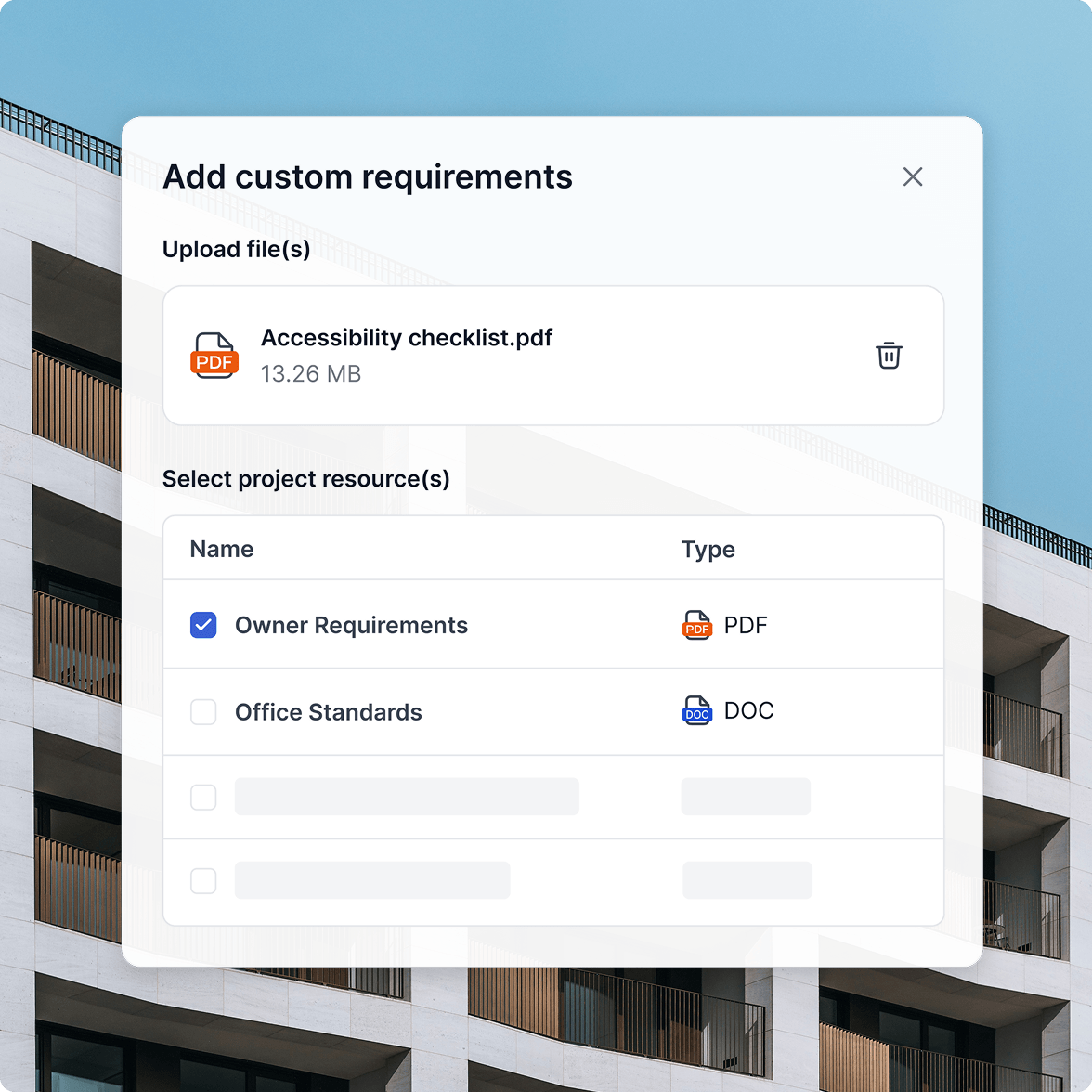
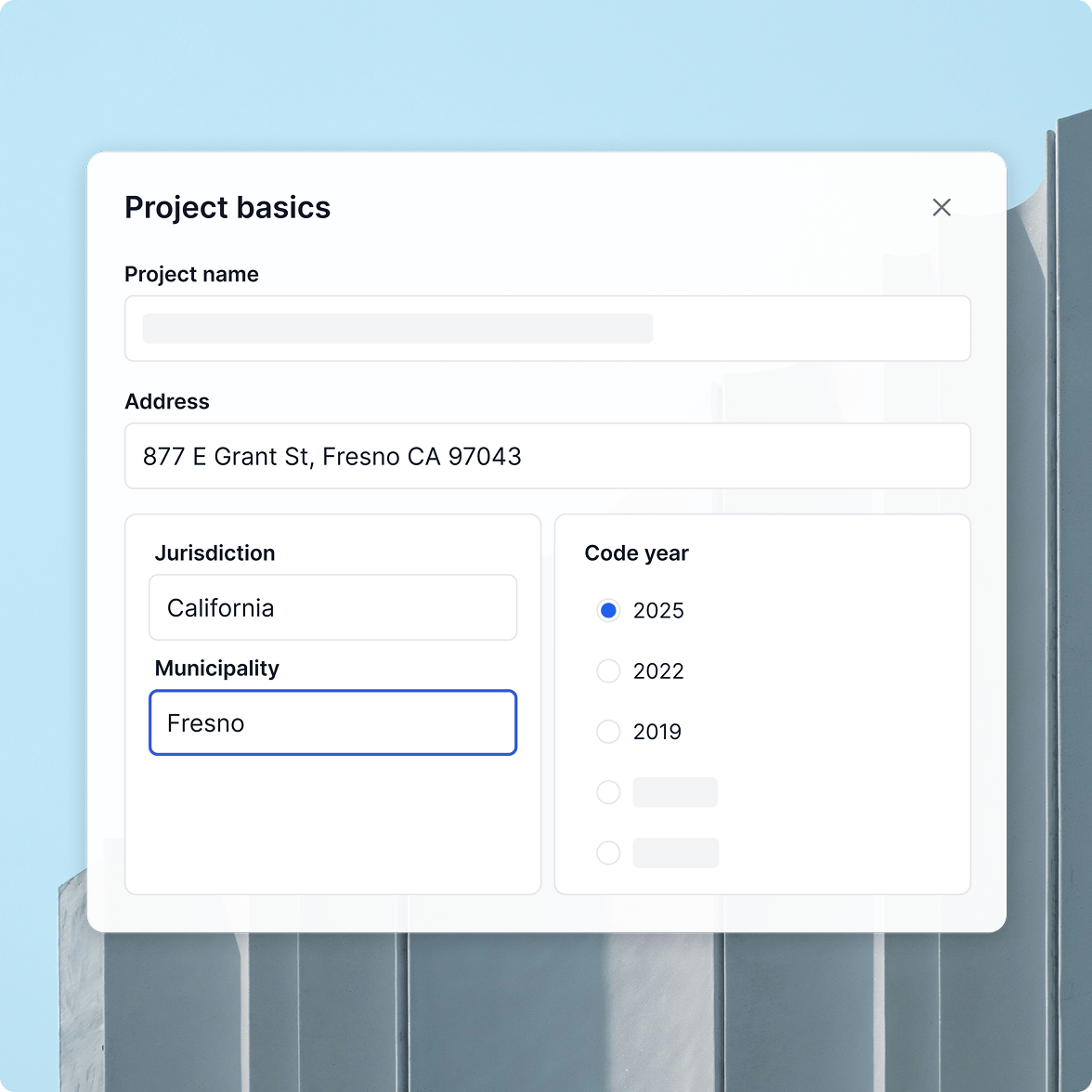
Yes. Copilot remembers your jurisdiction, building type and size, and code year - so you don’t have to start over every time. You can also upload project documents like AHJ comments or spec drafts for more tailored, project-aware answers.

Accuracy is where purpose-built AI matters most. In an independent study of 43 real-world code questions, responses from Copilot and several generic AI tools were evaluated by industry subject matter experts.

UpCodes Copilot earned a 93% weighted accuracy score across major code families-more than 2× the accuracy of generic AI tested. Every answer is grounded in adopted codes, includes verifiable citations, and often surfaces diagrams to support interpretation.

Yes. Copilot doesn’t stop at Q&A. It can generate project-specific checklists, and soon, full specifications - all tied directly to your projects. This enables collaboration across teams, centralizes compliance tracking, and replaces hours of manual QA/QC with automated, reliable workflows.

Your data is your data. Copilot does not train on your conversations or documents, and we use secure, enterprise-grade infrastructure to protect sensitive information. Conversations are private by default and cannot be seen by teammates unless you explicitly share them.

Specifications

Specifications

A modern spec workflow that stays aligned with the rest of your compliance work.
Specs
Automated QA/QC
Spec Import
Write specs where the requirements live
Comprehensive Code Libraries

Write specs where the requirements live

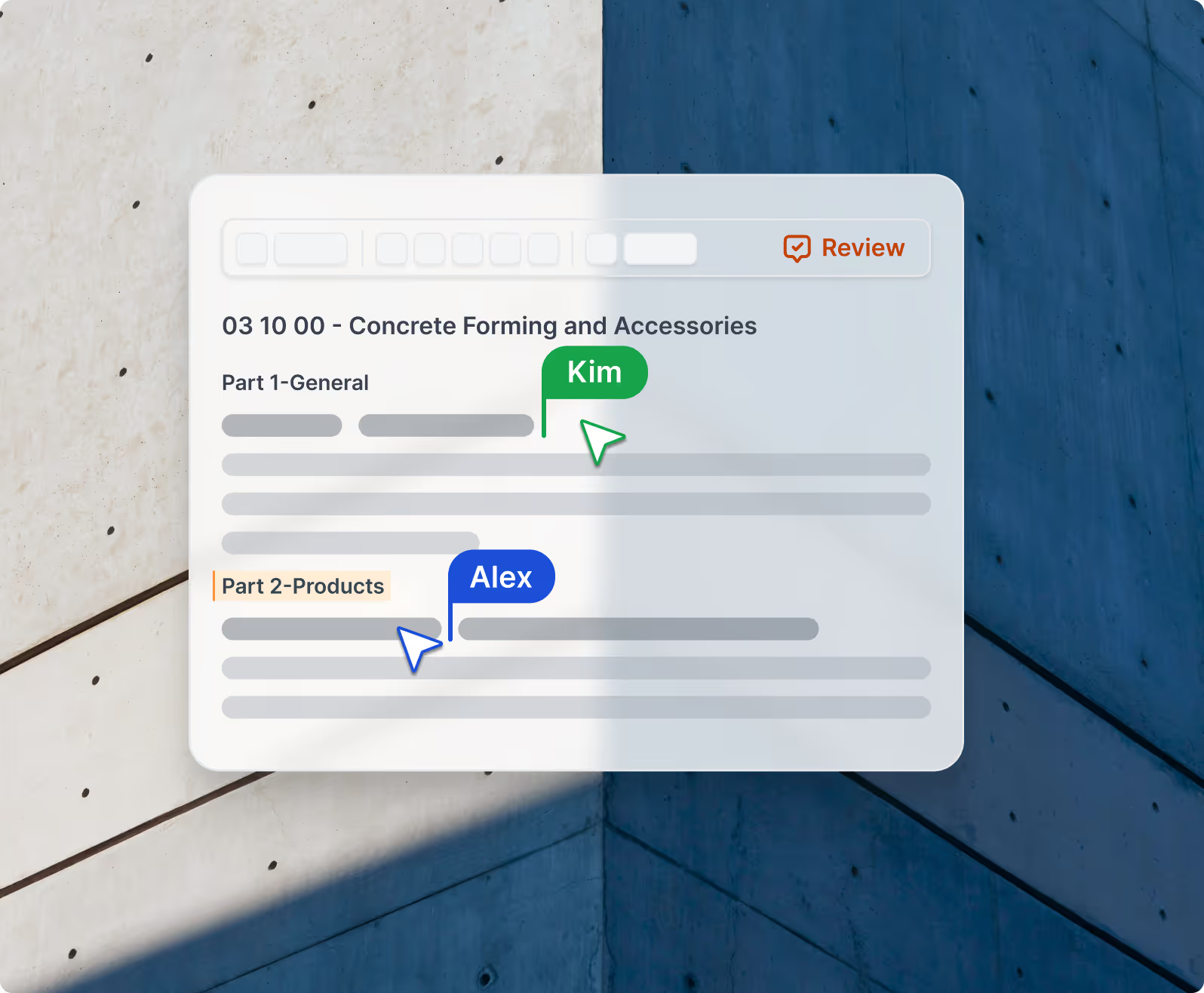
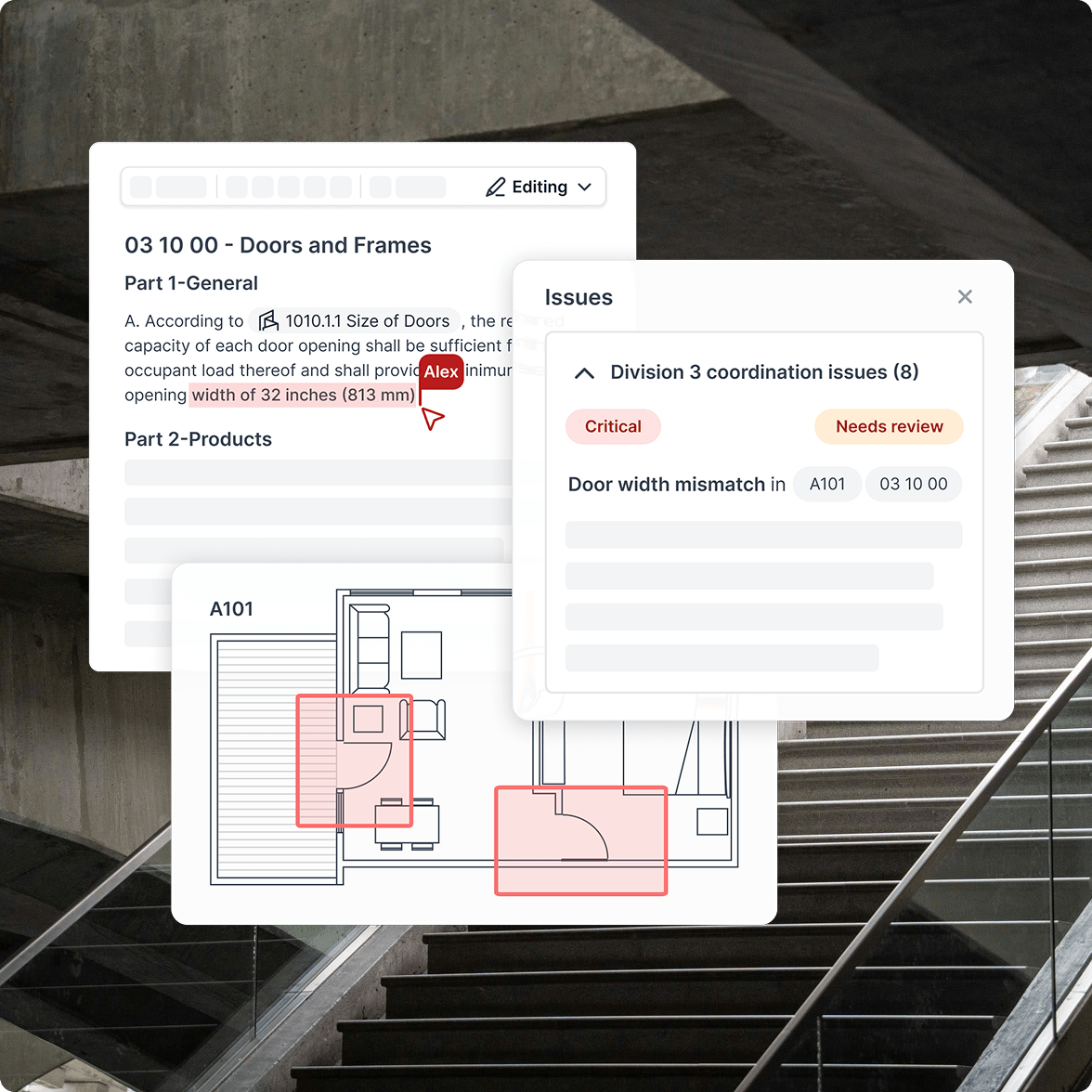
Create and edit project specs alongside the governing codes, diagrams, assemblies, and products - so decisions stay connected and up to date from start to finish.

1/4
Learn more
Automated QA/QC before issues surface downstream
Automated QA/QC

Automated QA/QC before issues surface downstream

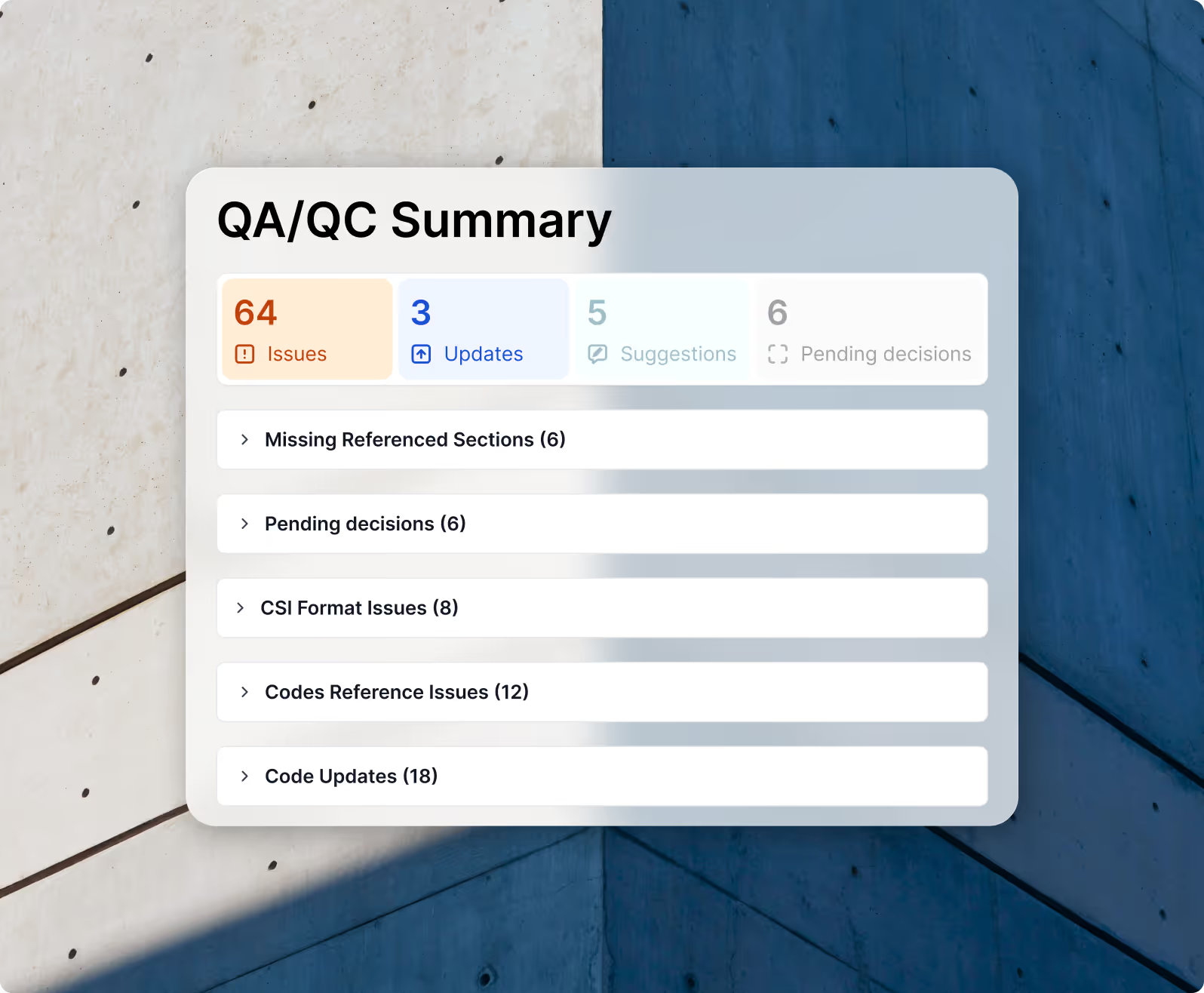
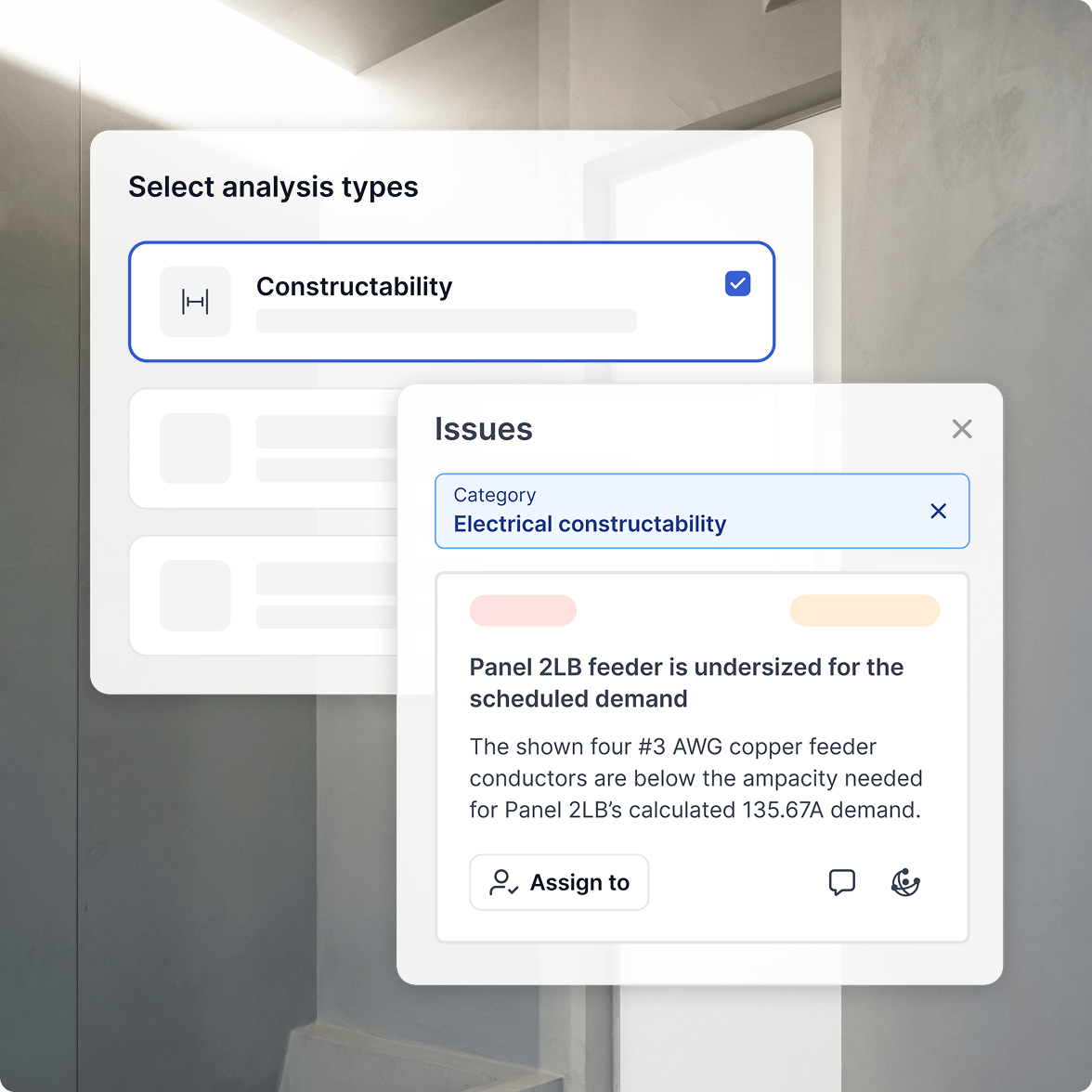
Catch outdated references, discontinued products, unresolved decisions, and misaligned requirements early-before they turn into RFIs, rework, or delays.

1/4
Learn more
Bring your office masters with you-and keep them current
Spec Import

Bring your office masters with you-and keep them current

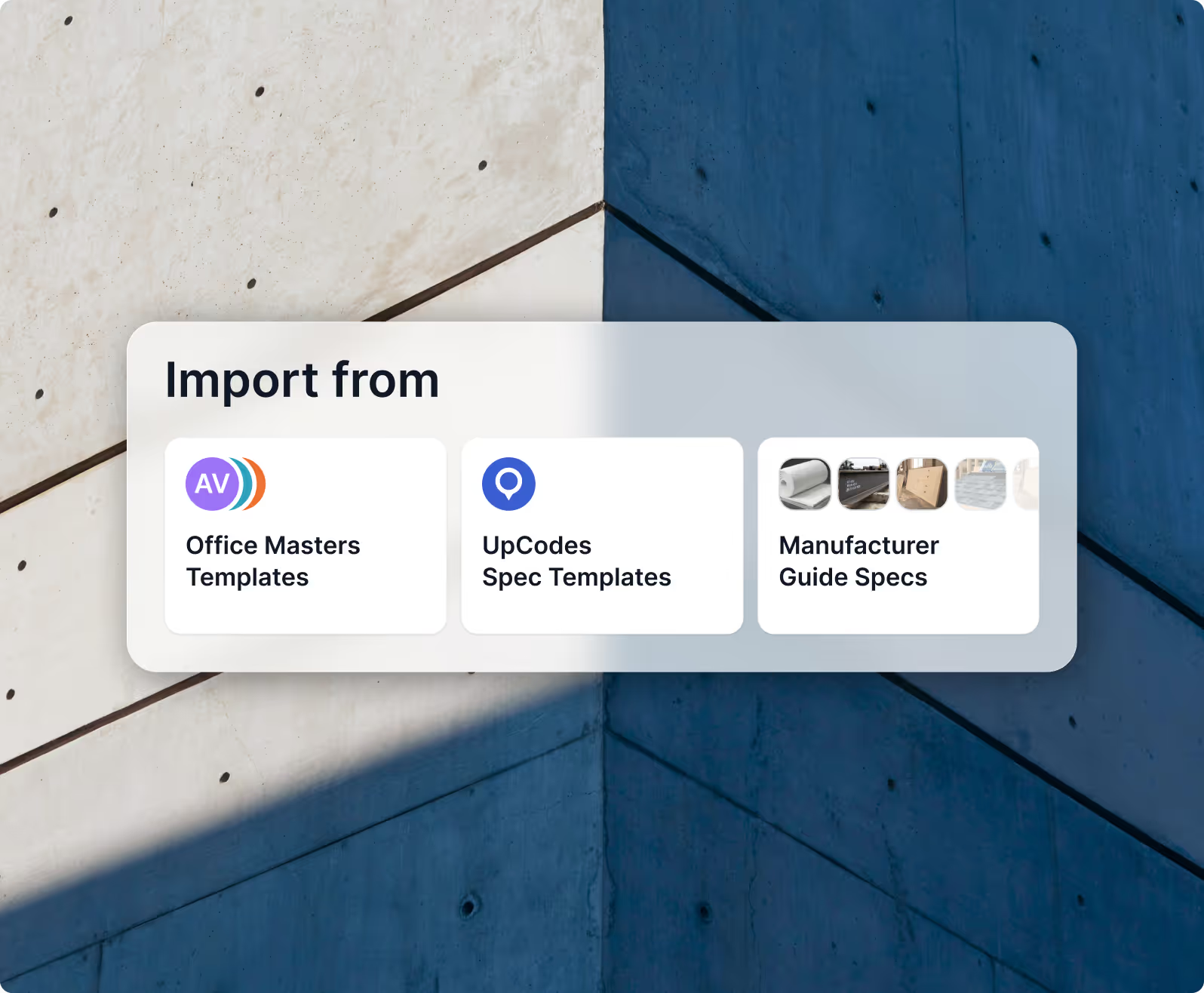
Import existing spec templates once, then automatically keep codes and product references aligned as projects, jurisdictions, and code years change.

1/4
Learn more
Client Outcomes

A/E firms are reaping big benefits with UpCodeTime Saved

View Pricing
payback period

Under 2 month

payback period

based on hours saved alone

in monthly savings per user

Nearly $1,400

in monthly savings per user

by replacing ad-hoc spend (25+ users)

saved per month

15+ hours

saved per month

for each UpCodes user on average

ROI on time + revenue

Over 1200%

ROI on time + revenue

for each UpCodes user on average

View Pricing
1/4