The AI plan reviewer built on 6K+ local building codes
Automatically analyze drawings and specs against locally adopted codes. Plan Review flags issues before they become RFIs, change orders, and rework.
We're currently offering early access to Plan Review and rolling it out to select customers. Be among the first to experience UpCodes’ AI-native QA/QC platform.

QA/QC made accessible for your whole team
Plan Review gives you a first-pass analysis so you can catch costly issues before you break ground.
It cross-checks drawings against related specifications, project requirements, and code references, all within the same workflow.

Standardize QA/QC
Protect your margins & reputation

Reduce review bottlenecks
Choose the right analysis for the job
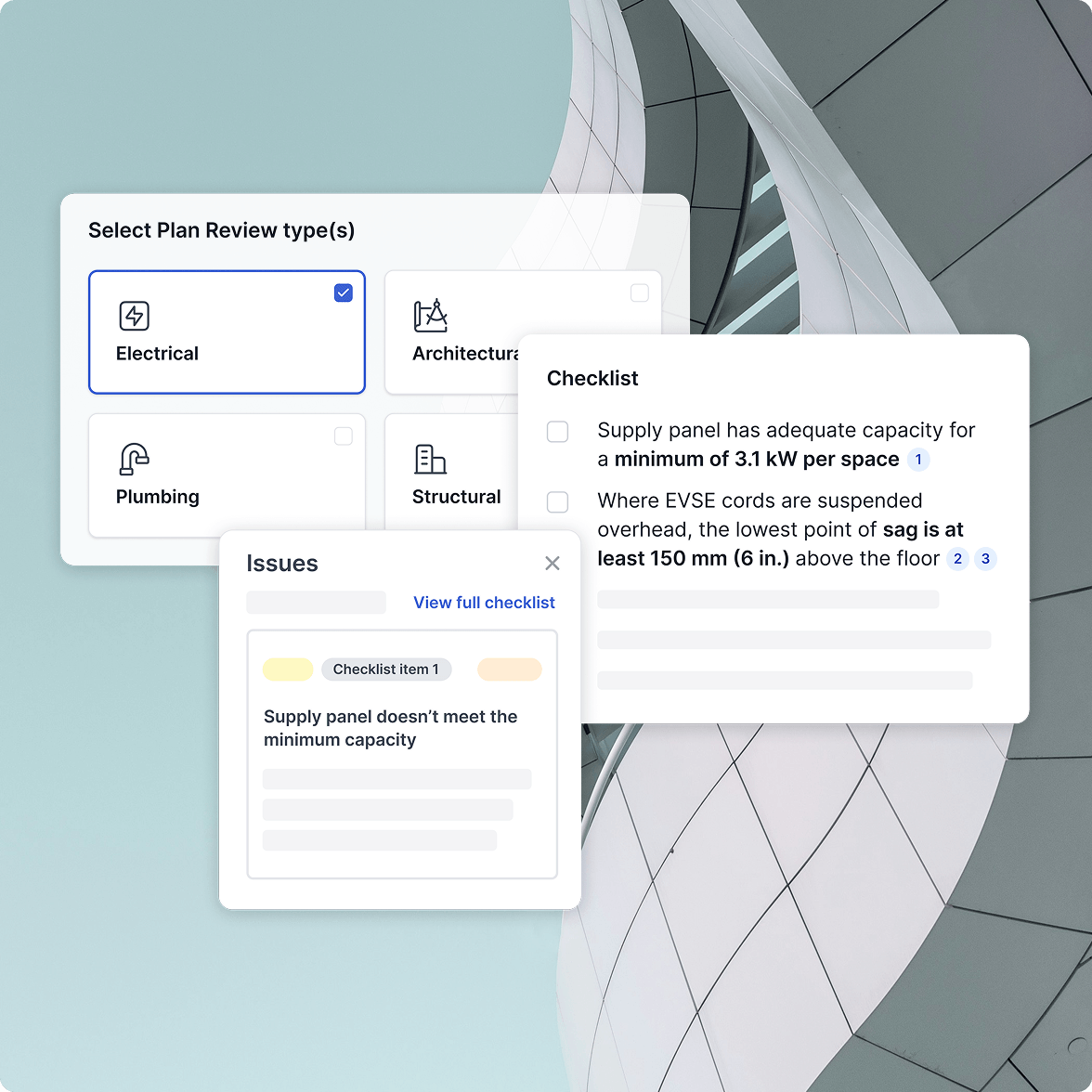
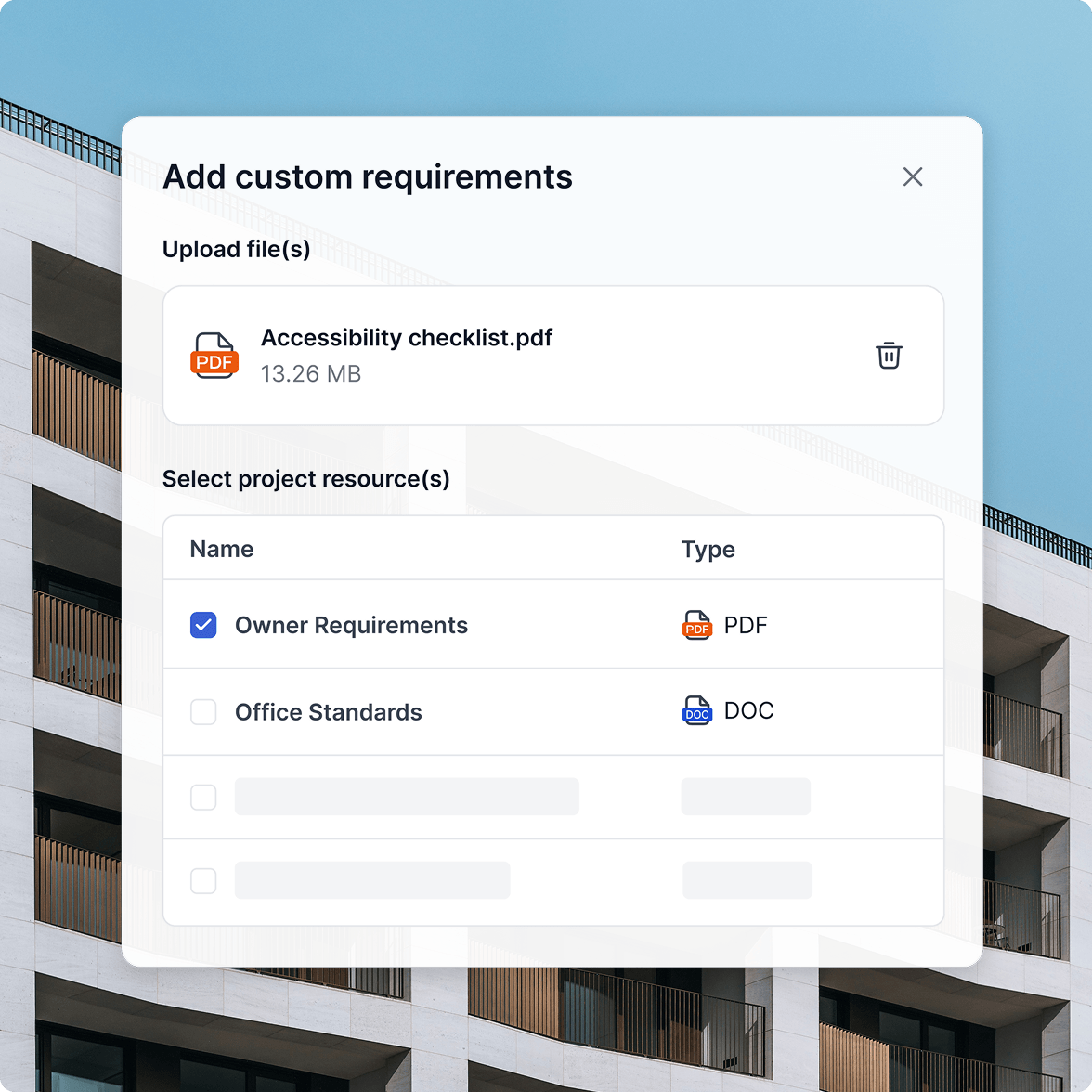
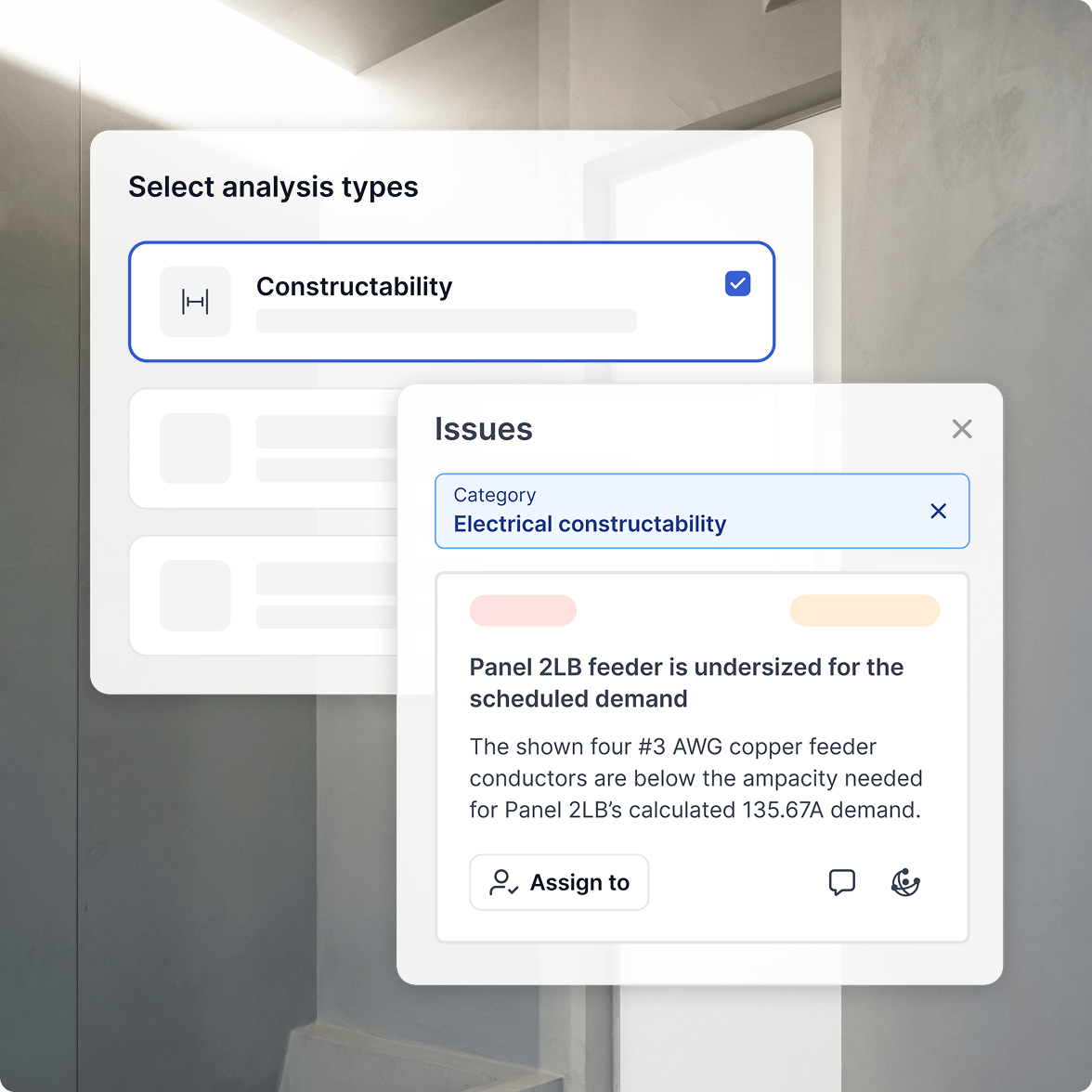
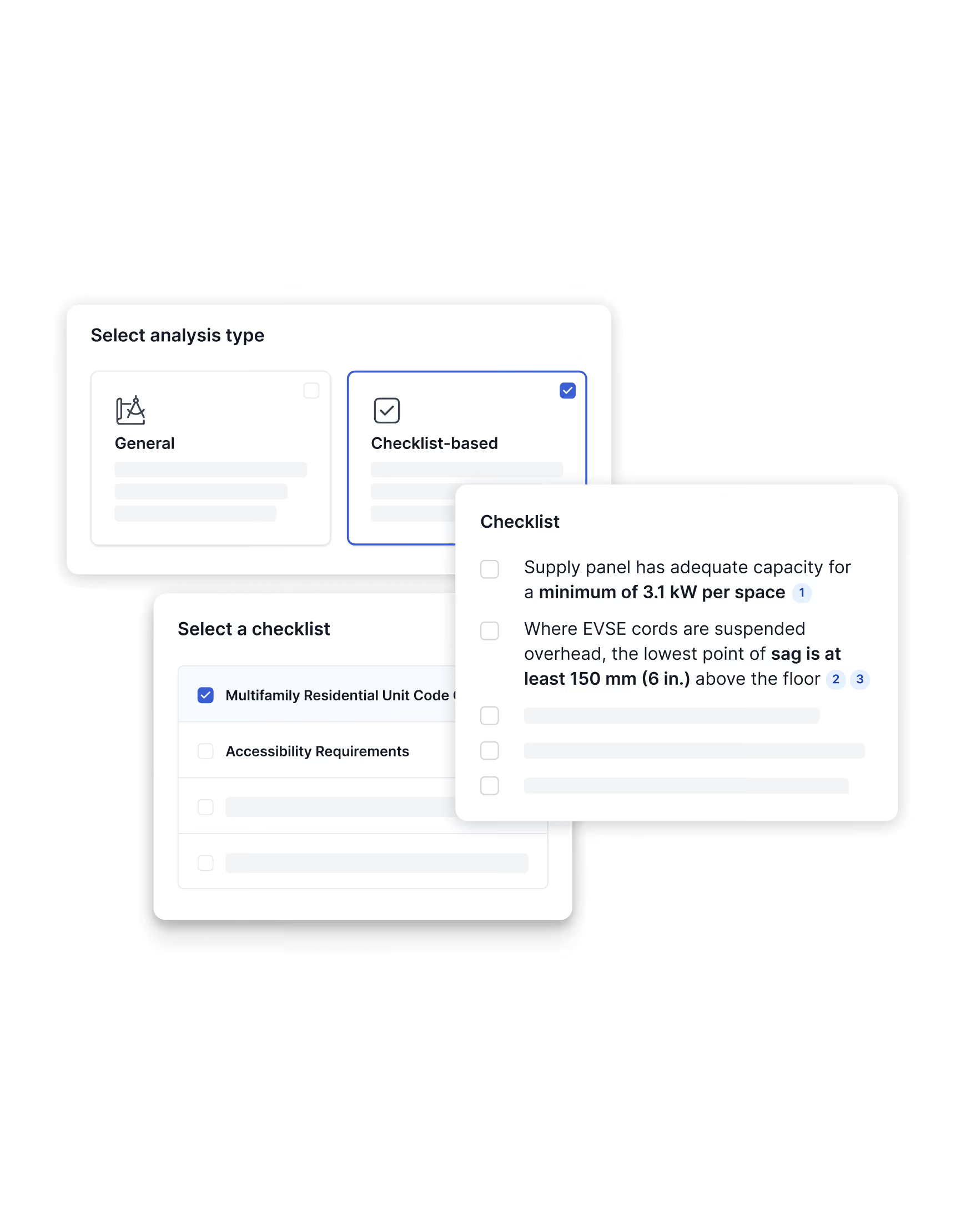
Run your plans against the checks that matter: codes, specs, firm standards, and other disciplines. Combine them into a single review, or run each analysis on its own.
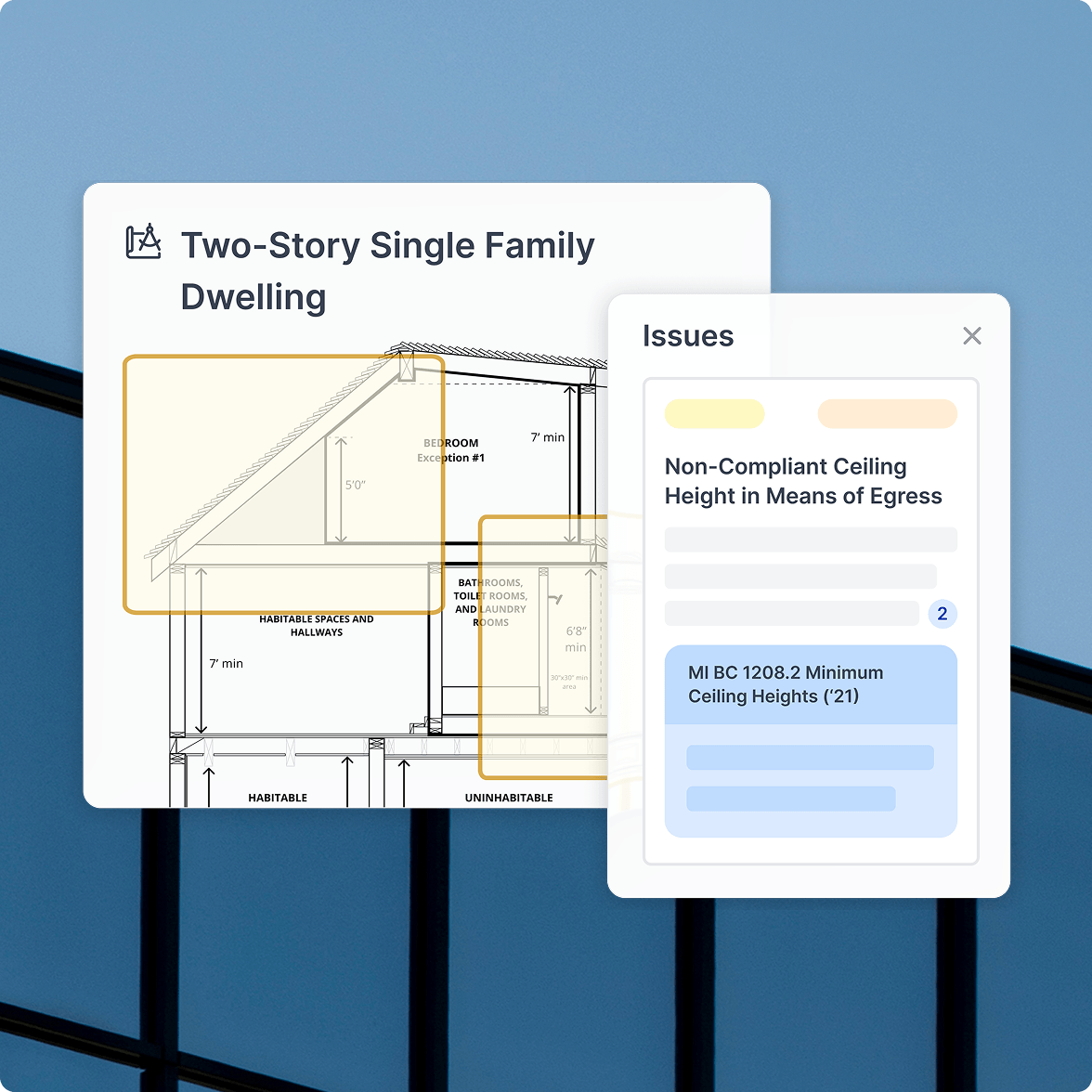
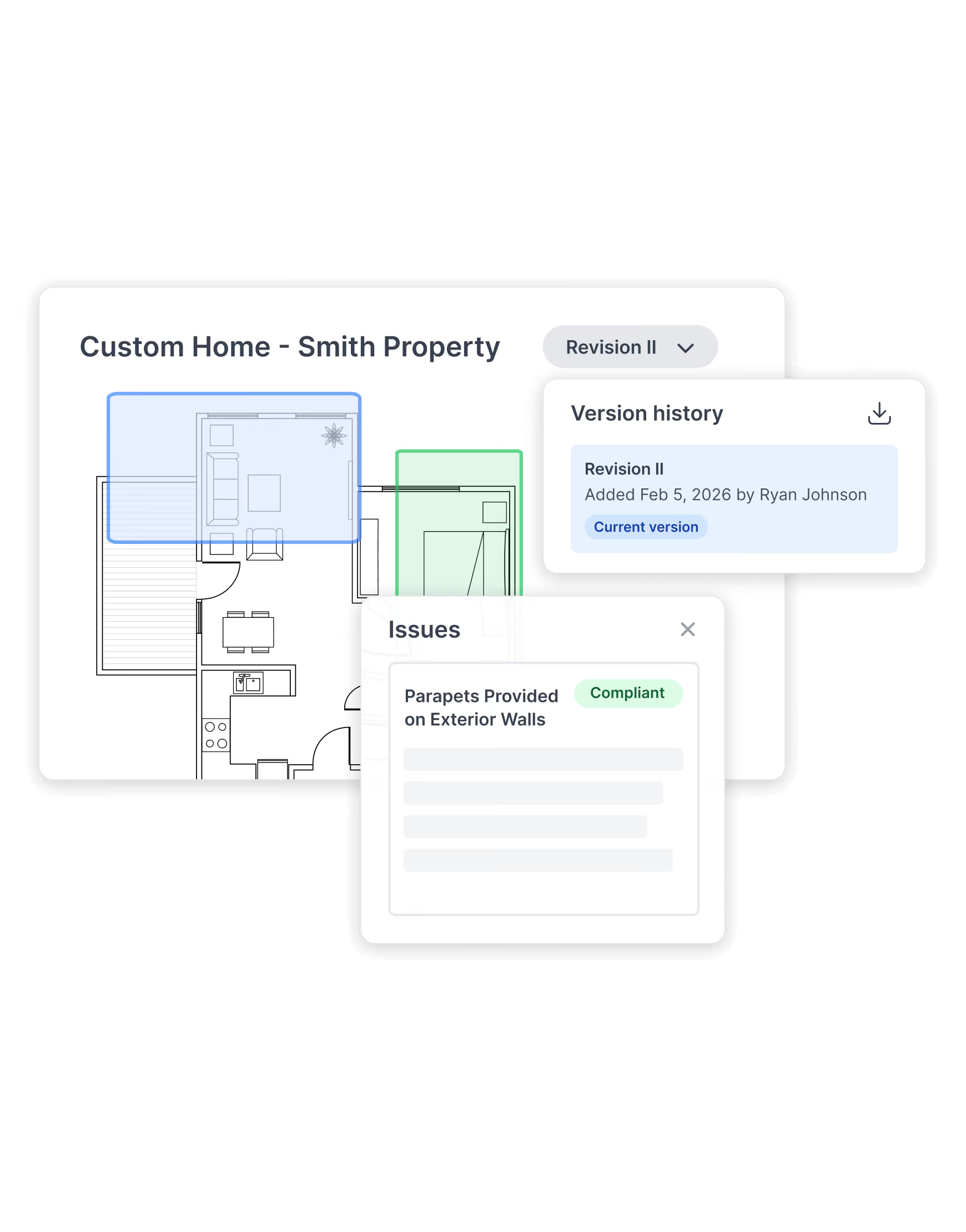
Plan Review reads and interprets the drawings, including geometry, scale, clearances, and spatial relationships. It's how you catch design issues, not just documentation errors, while the cheapest fixes are still on the table.





















































How Plan Review moves drawings from upload to verified

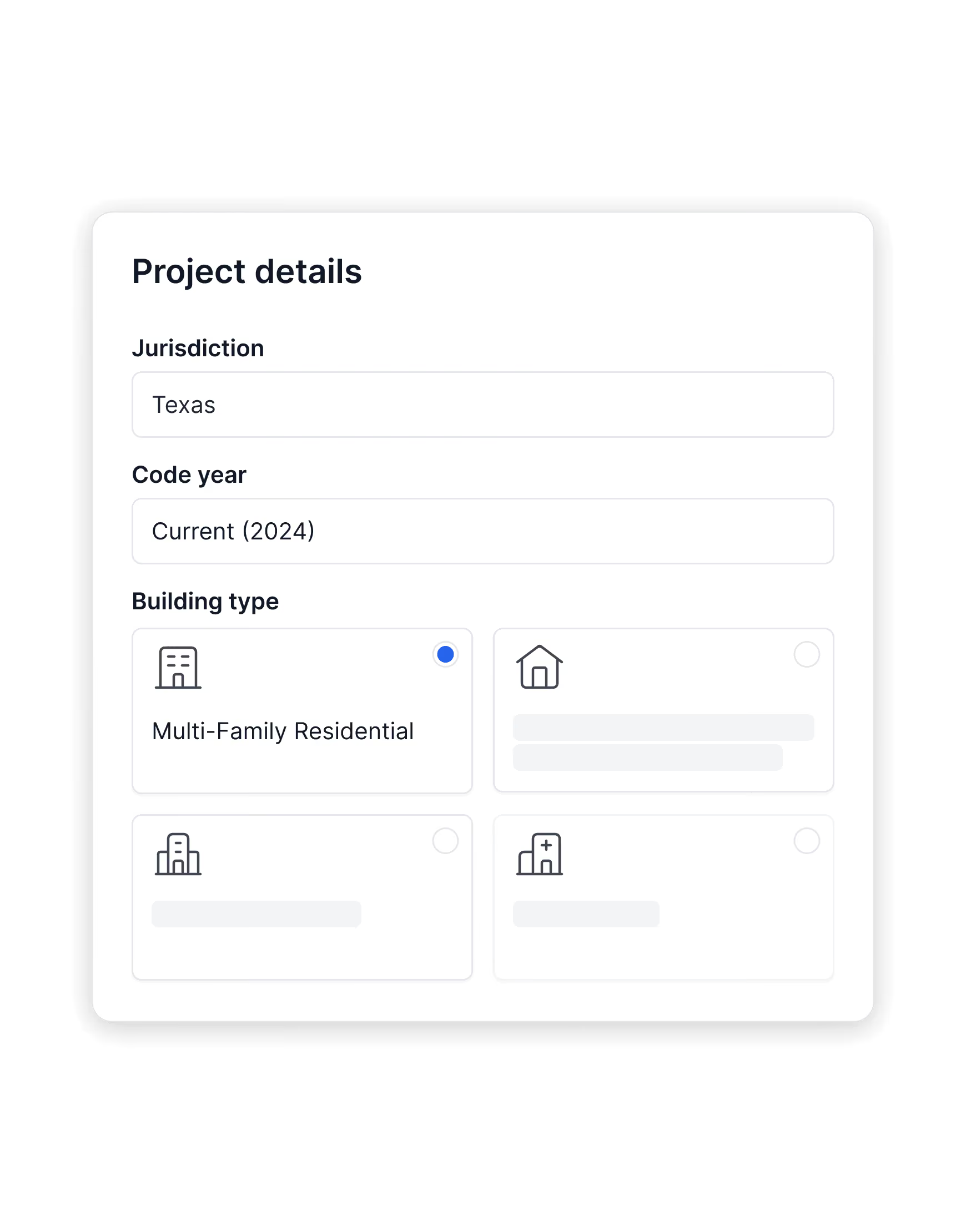
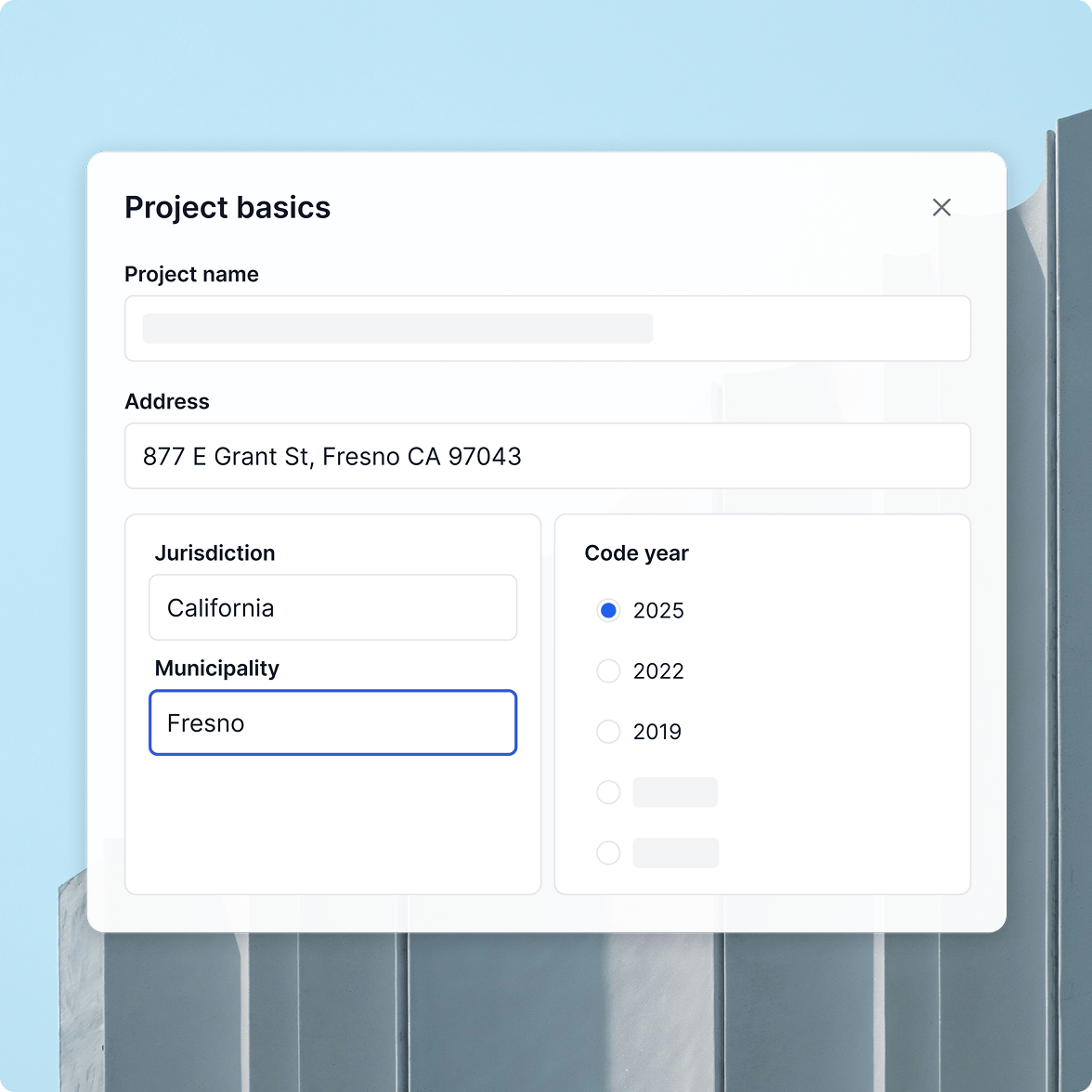
Plan Review runs inside UpCodes Projects. Each review inherits the project's jurisdiction, code year, and building type, so every check runs against the same locally adopted codes your team is already using.
Upload your drawings and choose how to run the analysis: a general code review, or a checklist-based review using your firm's QA/QC templates. Plan Review uses your project parameters to focus on the requirements that apply, narrowing the review to what matters.
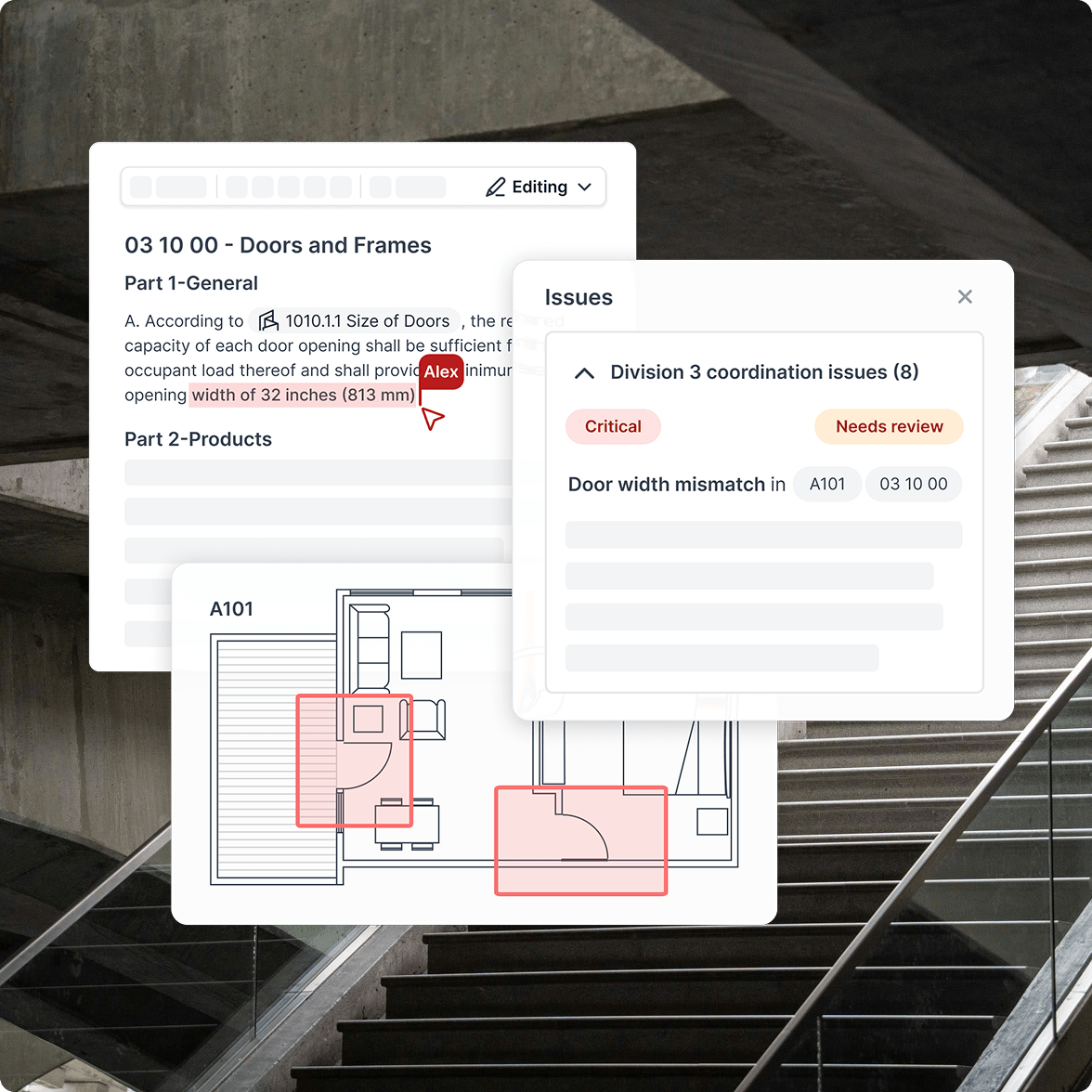
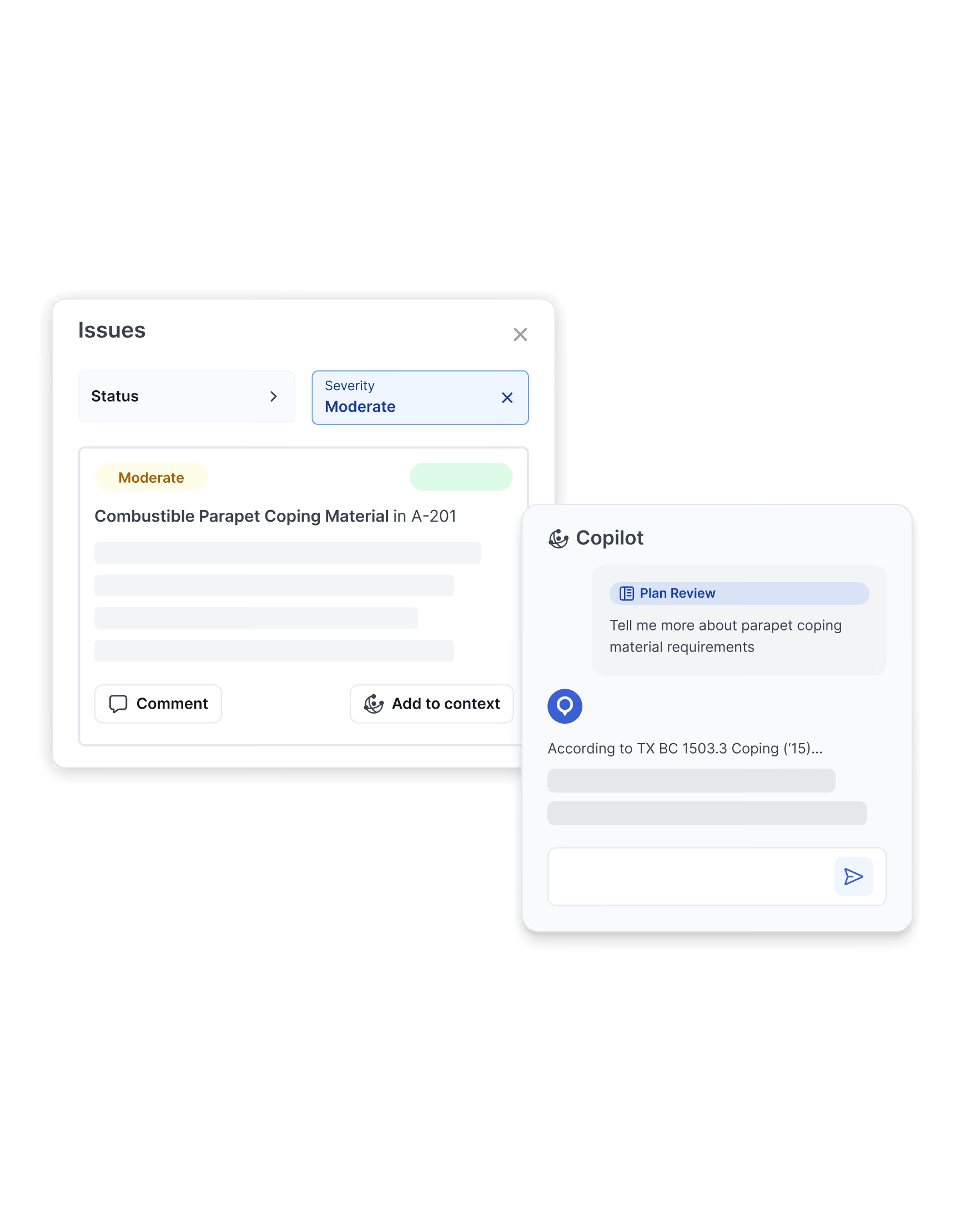
Plan Review returns issues organized by severity and category, each linked to the relevant page in the drawings and the governing code section. Discrepancies between plans and specifications are also flagged, allowing you to filter, comment, assign owners, change status, and ask UpCodes Copilot for clarification, all inside your project. Discussion and decisions stay tied to the issue they came from.
Upload a new revision to confirm fixes and track outstanding items across versions. Export a report when you're ready to share findings internally, with consultants, or with the AHJ. The history of what's been resolved and verified stays intact.
If your team is interested in Plan Review, please contact our sales team to learn more.
Plan Review analyzes your plans against your specs and against 11M+ sections of locally adopted codes. When issues arise, they are tied to enforceable requirements for your project's jurisdiction and code year, with direct citations to the governing sections. This helps reviewers verify compliance against the codes that actually apply, with a clear audit trail back to the source.
Plan Review reviews architectural, electrical, mechanical, plumbing, structural, fire protection, life safety, accessibility, and energy/sustainability drawings within a single project, so coordination issues across specialties surface in one place.
No. UpCodes does not use your drawings, specs, conversations, or any uploaded content to train models. Your project content stays yours.
Plan Review catches building code errors that can be verified directly from the drawings and specs, including egress widths, fire-resistance ratings, accessibility dimensions, and items covered by your firm's checklists.
Absolutely. Upload your existing checklist and run reviews against it. Plan Review returns issues tied to your checklist items, so the review reflects the standards your firm has developed.
Yes. Export a report of issues, statuses, and comments to share outside UpCodes. For internal collaboration within the UpCodes platform (e.g., assigning issues, creating and resolving comments, etc.), an audit trail keeps everything organized.
Every plan, every spec, cross-checked against the code
See how Plan Review systematizes QA/QC across your projects, helping your team reduce rework, protect project margins, and ship cleaner documentation.