Build confidence into every project with smarter checklists.
UpCodes turns complex requirements into actionable checklists, auto-generated from the codes that matter to your project.
Save hours of manual setup and eliminate blind spots. Generate, customize, and collaborate on compliance checklists that stay aligned with your code and project data.
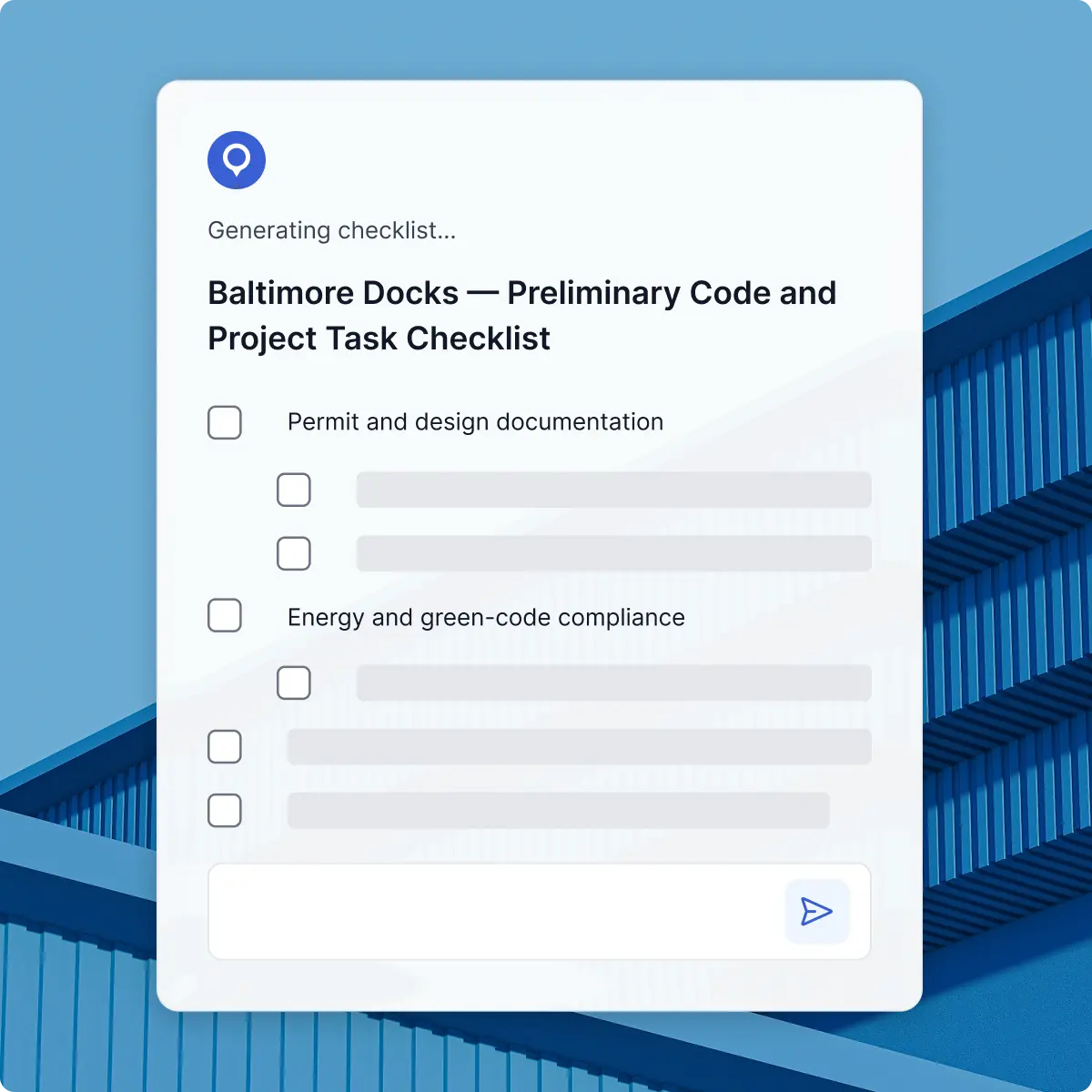





















































Turn requirements into trackable,
project-ready checklists
UpCodes Checklists start from your actual project context—jurisdiction, code year, building type, and phase — so you’re not rebuilding lists from scratch or copying from old spreadsheets. Each checklist stays tied to the governing code sections, making it easier to track what’s been reviewed, what’s outstanding, and why decisions were made.
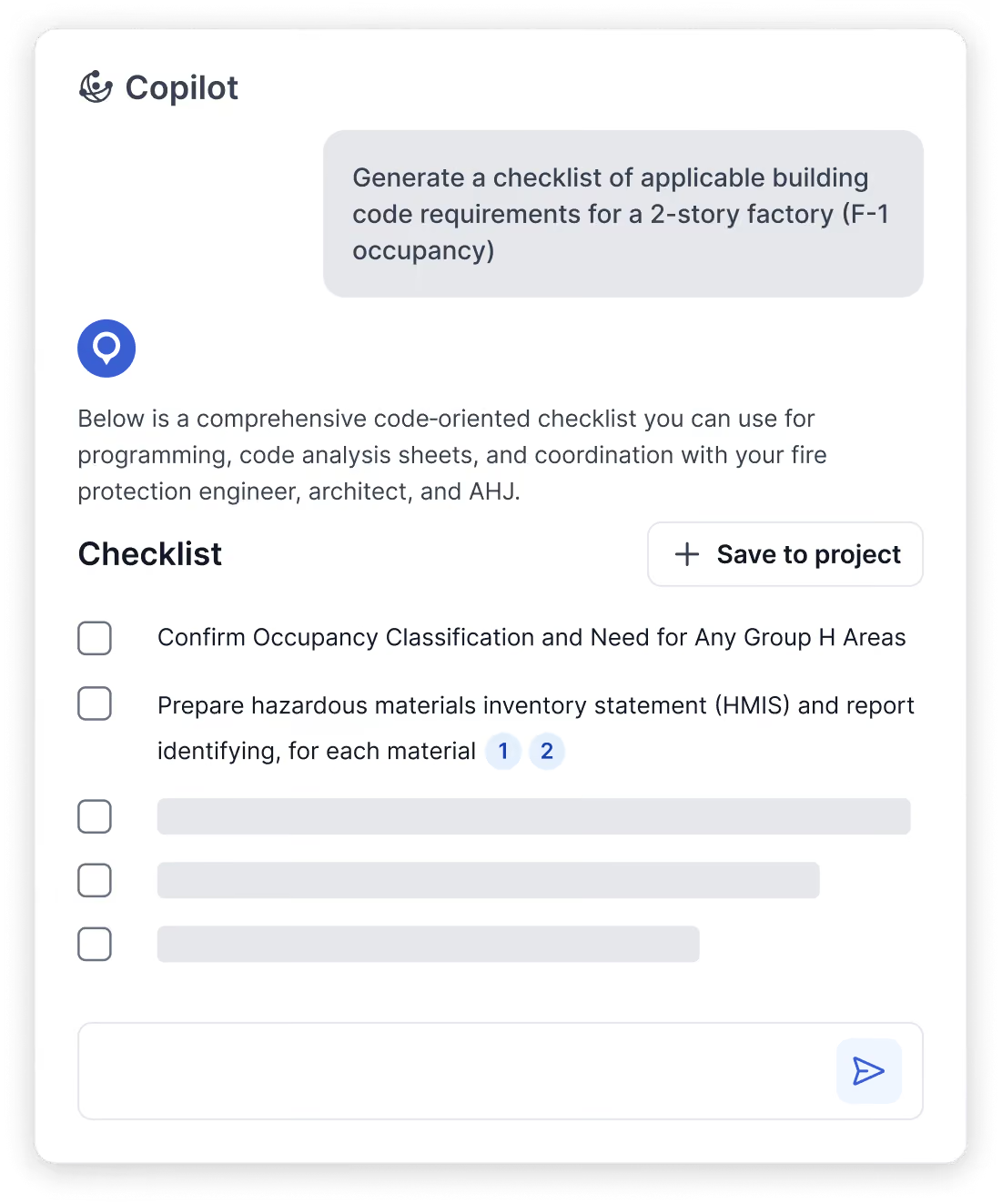
One click to a code-backed checklist
UpCodes Copiplot can generate project-specific checklists in a single step, using your project’s jurisdiction, code year, and key parameters. Each item links directly to the applicable code section, so you’re reviewing requirements, not hunting for citations or wondering if something changed.
Turn good checklists into firm playbooks
Turn high-performing checklists into reusable templates by discipline, building type, or project phase. Teams start from a consistent baseline and adapt as needed, so standards stay coherent across offices and projects instead of being reinvented on every job.
Review and resolve in one place
Checklists live inside UpCodes Projects, so teams can assign items, leave comments, and track what’s verified without scattered email threads. Everyone sees the same list, the same references, and the same status, reducing duplicate work and missed follow-ups.
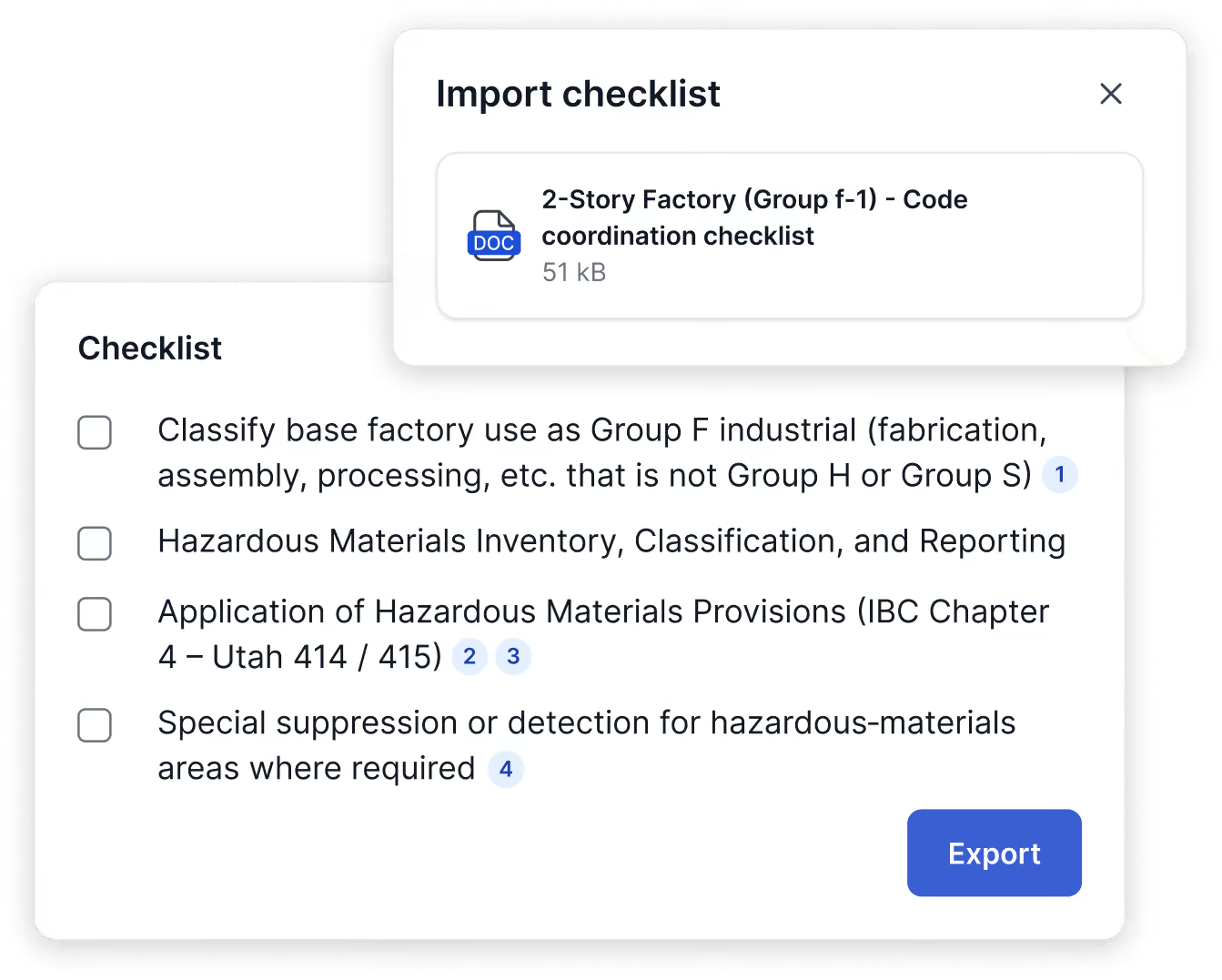
Bring old lists in, share new ones out
Existing checklist PDFs and documents can be brought into UpCodes so you’re not rebuilding years of work. Updated checklists can be exported to .docx for coordination, record-keeping, or submission, while the live version stays connected to your project and underlying code.
Checklists that keep projects on track
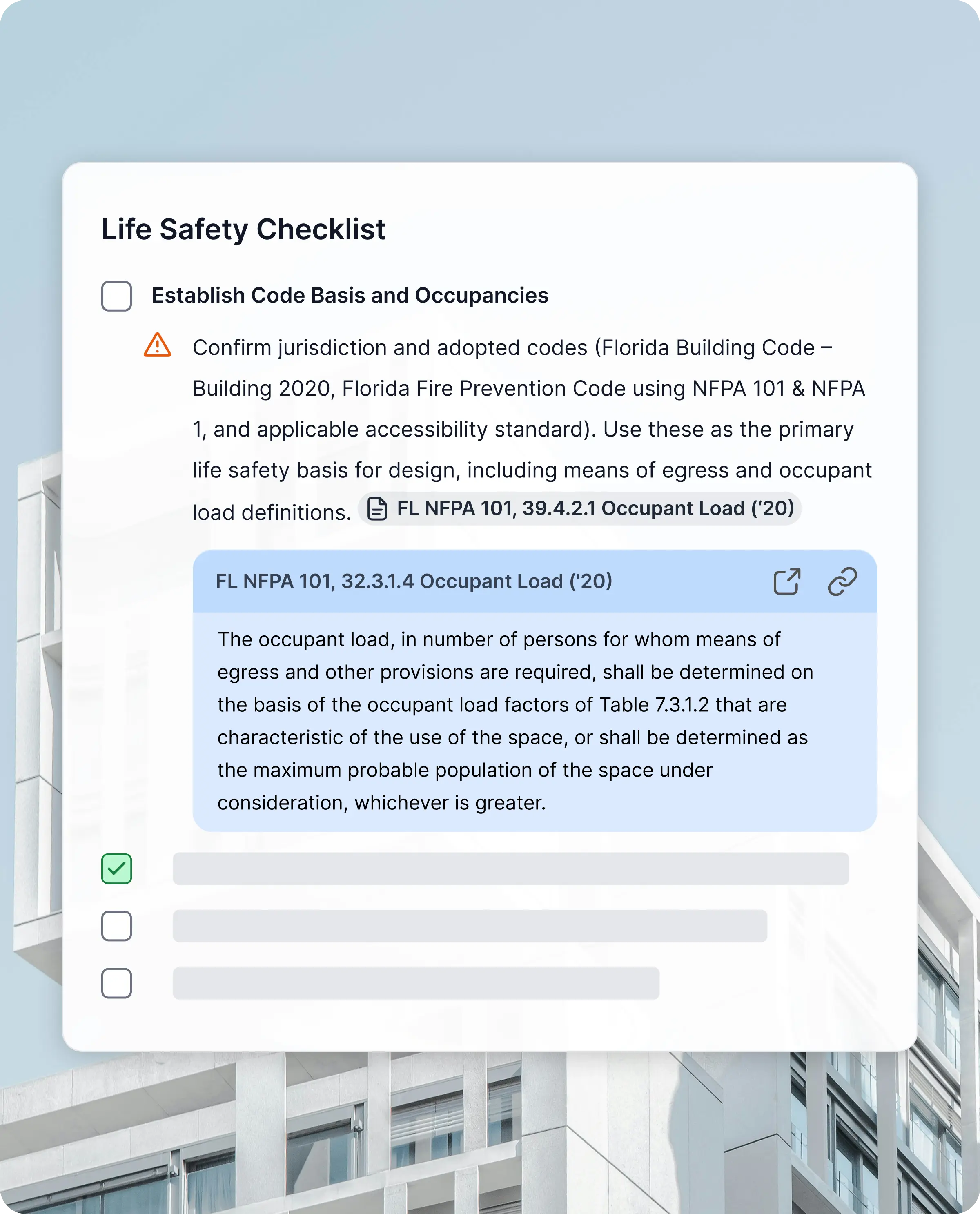
Open Copilot, link it to your project, and (optionally) upload documents like AHJ comments, briefs, or spec drafts. Copilot uses your jurisdiction, code year, building details, and uploaded context to generate checklists that are specific to the actual project, not generic templates.
Copilot returns a checklist organized by themes (like life safety, egress, or accessibility), with each item tied directly to adopted code sections. Instead of building lists from scratch in a spreadsheet, you start from a structured, citation-backed set of requirements that helps teams catch issues earlier, reduce rework, and feel more confident going into review.
With one click, you can save the checklist into your relevant UpCodes Project. From there, it sits alongside bookmarks, calculators, and product schedules, so QA/QC is driven by the same project data and code sources you’re already using.
Inside Projects, you can edit checklist items, track status, attach files, and tag teammates in comments, always with inline links back to the governing sections. When you start a similar project in a new jurisdiction or code year, you can duplicate an existing checklist and let UpCodes update the citations, turning one good workflow into a reusable QA/QC asset.
